
React Flow vs Workflow Builder: When to Use Each SDK

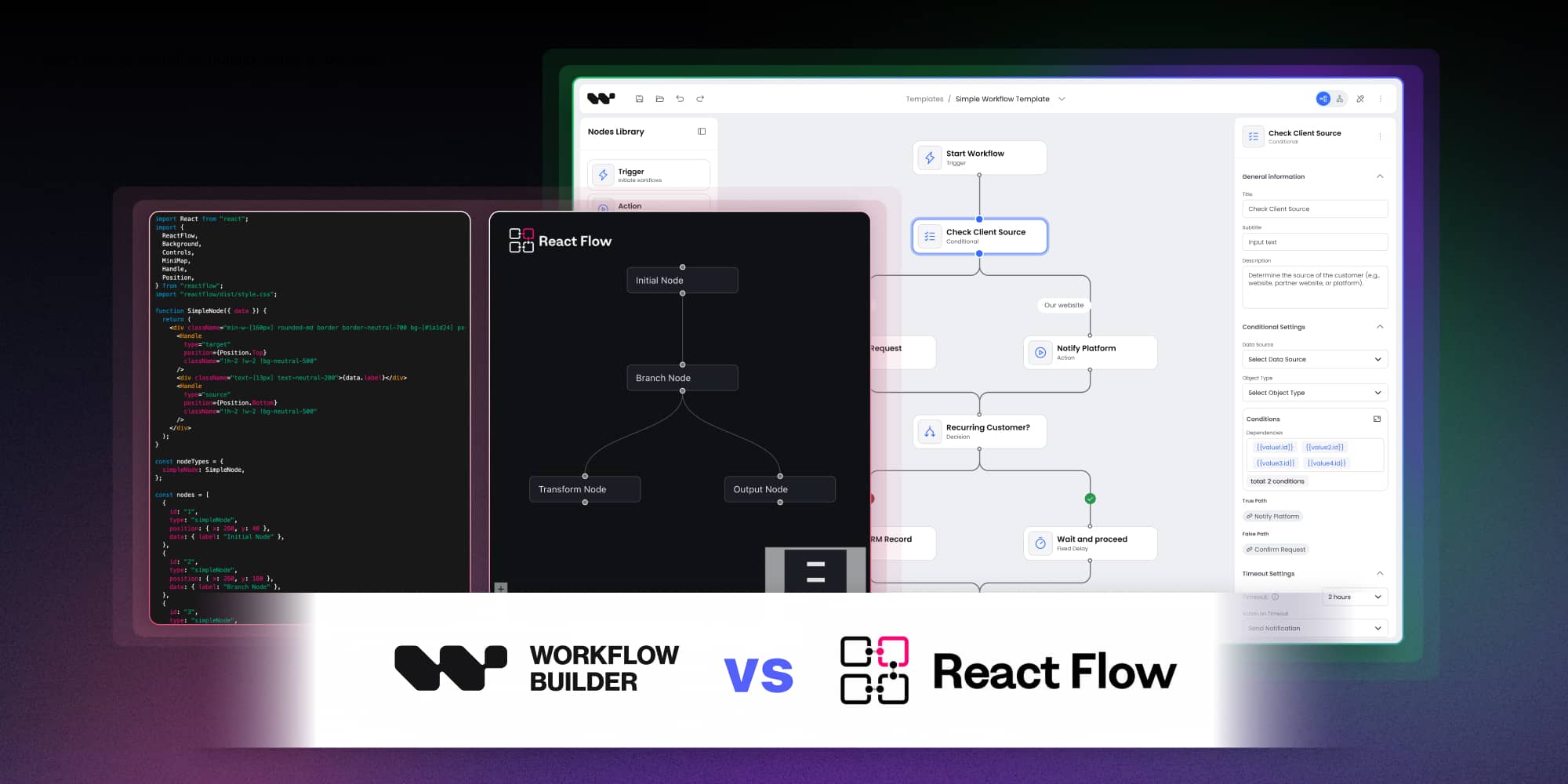
React Flow is the most popular open-source library for building node-based UIs in React. It has 35,000+ GitHub stars, a strong community, and a well-maintained API. It's also the foundation that Workflow Builder is built on.
That relationship — SDK built on top of the library — is the key to understanding when to use which. React Flow gives you a canvas and the primitives to put things on it. Workflow Builder gives you a production-grade workflow editor that's ready to embed in your product, built on top of React Flow, with years of decisions already made for you. The question is which layer you want to start from.
What React Flow actually gives you
React Flow is a library for building interactive node-based UIs: flow charts, diagrams, pipelines, visual editors of all kinds. Out of the box, it provides a pan-and-zoom canvas, node and edge rendering, drag-to-connect interaction, and a selection model. It's genuinely well-built for what it is.
What React Flow does not give you – by design – is everything that turns a canvas into a workflow editor that users can trust in production.
- There's no built-in obstacle-avoiding edge routing. Edges take the path React Flow calculates by default, which in dense graphs means edges that cross through nodes, overlap each other, and become unreadable. Implementing collision-free routing from scratch is a multi-week engineering investment.
- There's no schema-driven node configuration system. Each node type you create needs its own configuration panel – built as a React component, maintained as node types evolve, and styled to match your product's design system.
- There's no auto-layout. When users import a workflow from an API or build a complex flow, the canvas doesn't organize itself. ELK and Dagre integrations exist but are notoriously fragile – the React Flow Developer Survey found nearly 50% of teams had to implement custom auto-layout, and most described the process as more work than expected.
- There's no structural validation. React Flow won't stop a user from creating a workflow with a disconnected branch, a condition node with no false path, or a required field left empty.
- There's no design system. React Flow's visual defaults are a starting point, not a finished product. Matching the editor to your product's brand requires significant styling work.
None of this is a criticism of React Flow. These are deliberate scope decisions by a library that correctly focuses on doing the canvas layer well and leaving everything else to you. The question is how much of "everything else" you want to build.
What Workflow Builder adds
Workflow Builder is an embeddable workflow editor SDK built on React Flow. It ships with the layer that sits between React Flow's primitives and a production-ready workflow editor that you can put in front of users.
- Edge routing. Workflow Builder uses libavoid for obstacle-avoiding, collision-free edge routing. Edges route around nodes automatically, don't overlap, and remain readable in dense graphs. This is one of the hardest problems in workflow editor UI, and it's solved at the SDK level.
- Auto-layout. ELK-based auto-layout is included and integrated with React Flow's state model. Imported workflows and generated pipelines are automatically arranged into readable layouts without manual repositioning.
- Schema-driven node configuration. Node properties are defined in JSON Schema. Workflow Builder generates fully functional configuration panels — with validation, conditional fields, and proper UI controls — from the schema definition. You don't write a React component for each node type's property panel.
- Design system. Workflow Builder ships with Axioma, a design token-based system that lets you apply your brand's colors, typography, and visual language across the entire editor. Vercom, a CPaaS company that used Workflow Builder to build RCS Flow Studio, described the result as an editor that looked built by their own internal team rather than a third-party tool.
- Structural validation. Canvas-level validation primitives allow you to surface errors before workflows are published — disconnected nodes, missing required edges, invalid configurations.
- Execution state visualization. The Flow Runner plugin provides hooks for reflecting execution state on the canvas: nodes in running, succeeded, failed, or skipped states, without building the visualization layer from scratch.
- Framework reach. Beyond React, Workflow Builder exposes a web component that works in Angular, Vue, or vanilla JavaScript applications.
For the full feature-by-feature side-by-side with annotated decision criteria, see the React Flow comparison.
The decision framework
The right tool depends on what you're building and how much of the editor layer you want to own.
Use React Flow directly when:
- You're building something other than a workflow editor – a diagram tool, a mind map, a custom visual interface where "workflow editor" semantics don't apply. React Flow is the right foundation for any interactive node-based UI. If you need a very specialized interaction model that a workflow editor SDK wouldn't support, starting from React Flow gives you the flexibility to build it.
- You have a team with deep React Flow experience and existing canvas infrastructure. If someone on your team has built multiple workflow editors on React Flow before, the marginal cost of building the abstraction layer yourself is lower. If you have internal tooling and established patterns for canvas components, integrating an SDK may create more friction than it saves.
The workflow editor is an internal prototype or a narrow internal tool. If the editor never needs to look polished, scale to enterprise users, or survive multiple product iterations, the investment in production-grade components isn't necessary.
Use Workflow Builder when:
You're building an embedded workflow editor for your SaaS product — one that needs to look like part of your product, handle real user workflows at scale, and be maintainable over time. This is where the SDK's pre-built components translate directly into weeks of saved engineering time.
"We searched the market, looked at React Flow, N8N, Make, Zapier – you stood out because you're self-hosted and highly customizable."
Engineering team - HR & payroll SaaS platform
You have a deadline. Building the abstraction layer between React Flow and a production workflow editor takes 14–25 weeks for a senior developer. An SDK that ships that layer gets you from integration to user-ready in 1–4 weeks.
You need design system integration. If the editor needs to match your product's visual language – your colors, your component styles, your typography – Workflow Builder's token-based system handles that at the SDK level rather than requiring custom styling of every React Flow component.
Your team doesn't have canvas engineering experience. React Flow is accessible for React developers, but the edge cases in workflow editor UI (routing, layout, state management at scale, validation) require specialized knowledge. The React Flow ecosystem is well-documented for common use cases and significantly less so for production-grade workflow editors. Workflow Builder encodes the answers to those harder problems.
The cost comparison
The licensing cost comparison is straightforward: React Flow is MIT-licensed and free. Workflow Builder has a one-time license starting at €6,990, with an Apache 2.0 community edition.
The more complete comparison is total cost, including developer time.
.wb-cost-table{width:100%;border-collapse:collapse;margin:24px 0;font-family:inherit;font-size:15px;line-height:1.5}.wb-cost-table th,.wb-cost-table td{padding:14px 16px;text-align:left;border-bottom:1px solid #e5e7eb;vertical-align:top}.wb-cost-table thead th{background:#1a1a2e;color:#fff;font-weight:600;font-size:14px;text-transform:uppercase;letter-spacing:.04em;border-bottom:none}.wb-cost-table thead th:first-child{border-radius:6px 0 0 0}.wb-cost-table thead th:last-child{border-radius:0 6px 0 0}.wb-cost-table tbody tr:hover{background:#f9fafb}.wb-cost-table .row-label{font-weight:600;color:#1a1a2e;width:32%}.wb-cost-table .cost-cell{color:#4b5563}.wb-cost-table .highlight{background:#f3f0ff;color:#1a1a2e;font-weight:600}.wb-cost-table caption{caption-side:bottom;padding-top:12px;font-size:13px;color:#6b7280;text-align:left;font-style:italic}@media (max-width:640px){.wb-cost-table{font-size:13px}.wb-cost-table th,.wb-cost-table td{padding:10px 8px}}Cost dimensionReact Flow + custom buildWorkflow Builder EnterpriseLicense cost€0 (MIT)€6,990 one-time, perpetualInitial build - engineering700+ hours senior frontend (~€42,000-€56,000 at €60-80/h)Included (canvas, edge routing, auto-layout, properties panel, validation)Initial build - design300+ hours (~€12,000-€18,000)Included (Axioma design tokens, Figma Kit on Enterprise)Initial timeline14-25 weeks calendar timeDays to weeks (integration only)Annual maintenance~20-30% of initial build, compounding€0 (covered by Enterprise license + roadmap)React Flow API drift handlingYour team owns itCovered (we track upstream changes)3-year total cost of ownership~€70,000-€100,000+ (engineering + opportunity cost)€6,990 (one-time) + your team integration timeMid-market developer rates assumed (€60-80/h senior, €40-60/h designer). Workflow Builder Community Edition (Apache 2.0) is €0 forever - the Enterprise license adds Flow Runner plugin, Figma Kit, and source-code access to advanced components.
React Flow wins on licensing cost. Workflow Builder wins on total cost of ownership for any team that values developer time.
The full math - including opportunity cost and 12-month maintenance compounding - is in the build vs buy breakdown.
How they relate
It's worth being explicit: Workflow Builder is built on React Flow. Choosing Workflow Builder is not choosing against React Flow; it's choosing a layer of production tooling built on top of it.
Synergy Codes, the company behind Workflow Builder, has over a decade and more than 100 commercial diagramming projects built on React Flow for clients including Siemens, BMW, and Canon. Workflow Builder is the accumulated product of those projects: the patterns, the edge cases, the production decisions that only emerge when you've built and maintained real workflow editors for real enterprise customers.
When you use Workflow Builder, React Flow is still doing the canvas work. You get the full React Flow ecosystem – its documentation, its community, its plugins – along with an additional layer that handles the workflow-specific problems React Flow intentionally leaves open.
For the production architecture in depth - four layers, two adoption paths, and how the visual editor pairs with durable execution - see code-first AI workflows.
The summary
React Flow is the right starting point for interactive node-based UIs that need full architectural flexibility, or for teams that have already built the abstraction layer and are maintaining it. It's a library, not an editor – and it's excellent at being that.
Workflow Builder is the right starting point for teams embedding a workflow editor in a SaaS product, working against a real deadline, without prior canvas engineering infrastructure. It's what you get when you don't want to spend a quarter building what someone else has already built and tested across 100+ production projects.
The question is where you want to start: at the canvas primitives, or at the production workflow editor.
Workflow Builder is an embeddable workflow editor SDK by Synergy Codes. Open-source available or one-time license €6,990 for Enterprise Edition, Built on React Flow. https://www.workflowbuilder.io/compare/react-flow
An entrepreneur and tech enthusiast, with over 14 years of experience building innovative diagramming solutions and tools across industries. Our interfaces help technical and non-technical users make informed business decisions.
Articles you might be interested in
.jpg)
Building a visual call flow editor for cloud telephony – and how to get it right
Every cloud telephony platform eventually hears the same request from partners: make call flow configuration visual. Here is what a good call flow editor looks like – and how to build one on Workflow Builder.
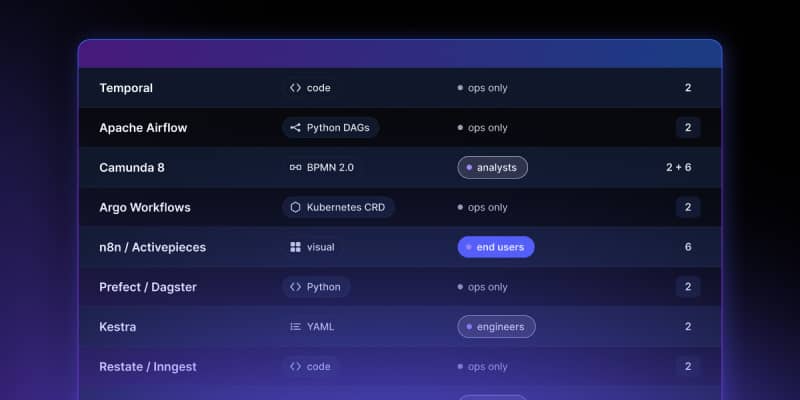
Open Source Workflow Engine Comparison: Licences, Layers and Gaps | Workflow Builder
Every automated workflow runs on a stack. Most conversations about choosing an open source workflow engine collapse that stack into one question – "which workflow tool should we use" – and then stall, because the tools being compared occupy different layers and solve different problems. Apache Airflow and Camunda are both called a workflow engine. They have almost nothing in common.

Temporal Human-in-the-Loop: What the Engine Gives You, What You Build | Workflow Builder
If you're implementing human-in-the-loop (HITL) approval on Temporal, the engine gives you more than expected on the waiting problem and less than expected on the accountability problem. This article is that split, with the documentation behind each claim.