Workflow Builder for developers – React SDK, NPM package, reference back-end
Build a production workflow editor without rebuilding the canvas.
npm install @workflowbuilder/sdk to embed the editor, clone the repo for the full reference stack with Temporal integration.





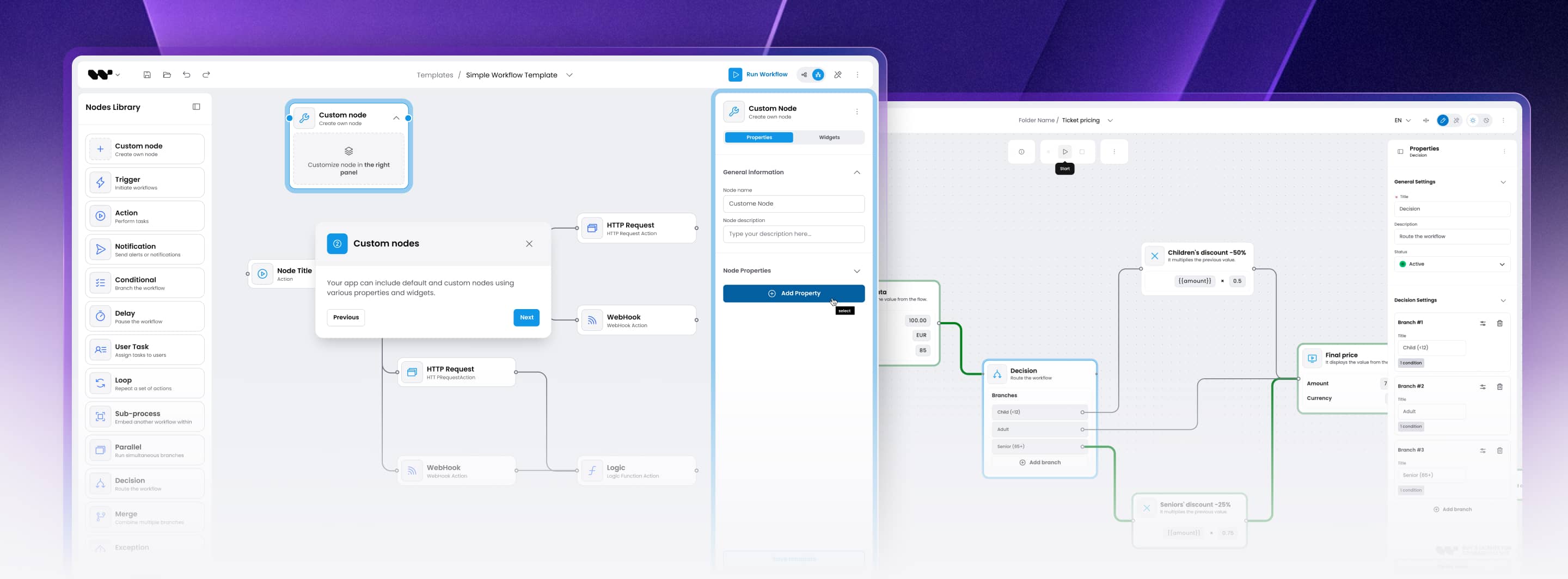
Two ways to ship
Pick the level of integration that fits your team
Embed only the editor via NPM, or clone the full reference stack with editor + back-end + Temporal worker. Same React SDK, same JSON, same custom node API.
A: Just the editor (NPM)
npm install @workflowbuilder/sdkDrop the visual workflow editor into your existing React app. You have your own back-end and execution engine? Wire the editor to your APIs over HTTP. The canvas does not assume anything about your runtime.
B: Full reference stack
git clone https://github.com/synergycodes/workflowbuilder
cd workflowbuilder
pnpm install && pnpm dev:ai-studio
Frontend + reference back-end + Temporal worker running end-to-end in minutes. Same code powers the AI Studio demo. Fork the back-end if you want; swap the Temporal worker for another engine through the three port interfaces - swappable by design, proven with Temporal.
Code examples
From install to a running editor
The essentials to get the editor rendering. Full, copy-paste examples for custom nodes, persistence, and theming live in the docs.
Key features
13 production features that ship with the React SDK
Everything the canvas teams typically spend 14-25 weeks building from scratch. Community Edition covers the foundation; Enterprise adds advanced canvas plugins, Flow Runner, and Figma Kit.

Visual Workflow Canvas
Pan, zoom, multi-select, lasso, marquee. Tuned for 500+ nodes performance. Community.
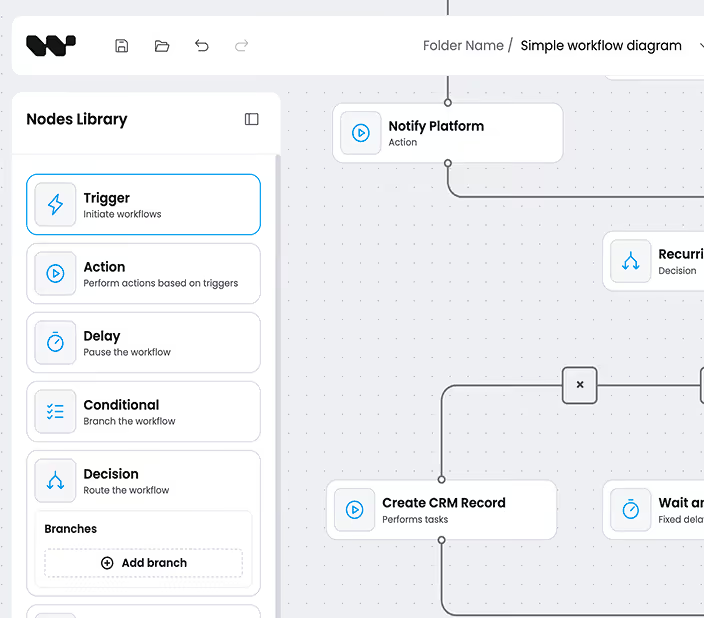
Custom nodes & node library
Drag-and-drop React components from a configurable node library. Bring your design system, icons, interaction patterns. Community.
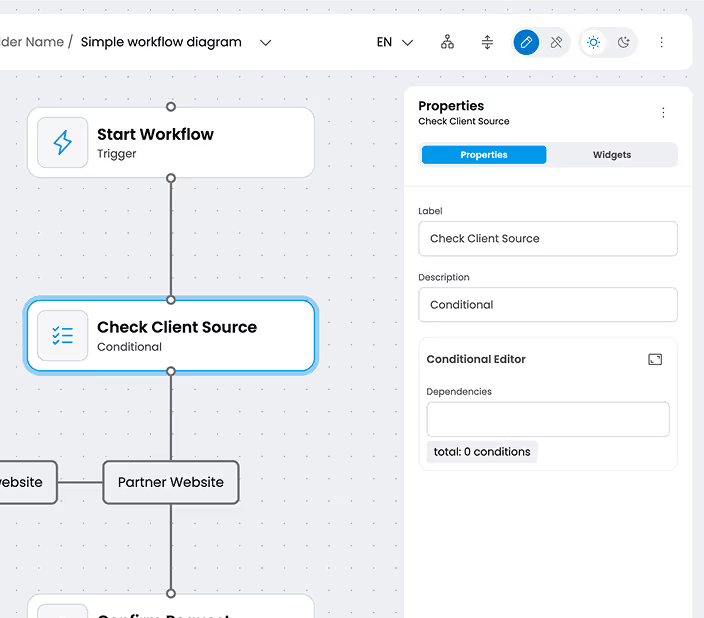
Schema-driven properties panel
Define TypeScript node schemas, get a typed properties panel automatically. JSON Schema in, validated form out. Community.
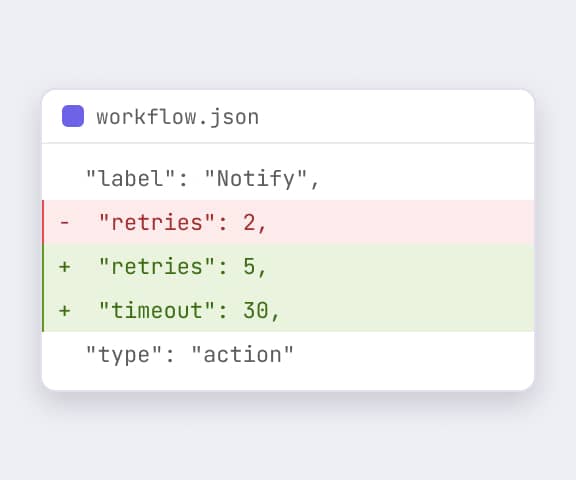
JSON serialization
Workflow state in, workflow state out. Back-end-agnostic, version-control friendly, easy to diff. Community.
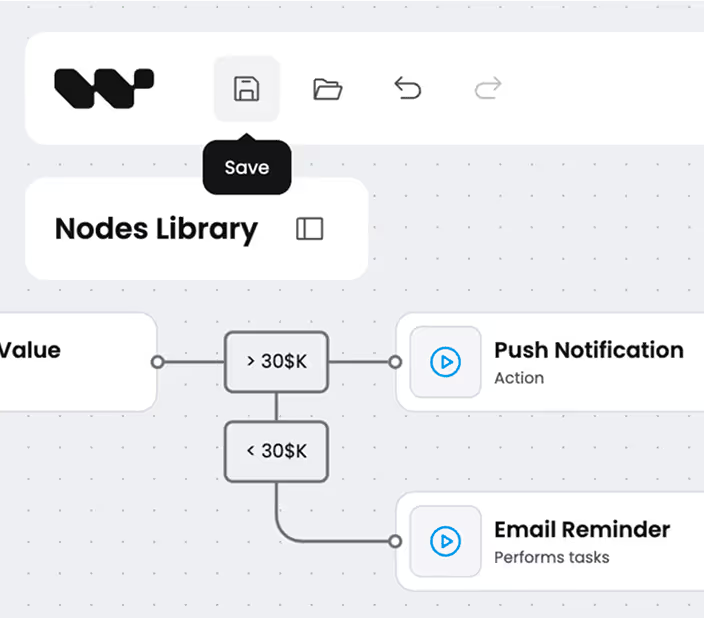
Auto-save and persistence
Local-storage or your API endpoint - the editor saves as users type. No data loss on page refresh. Community.
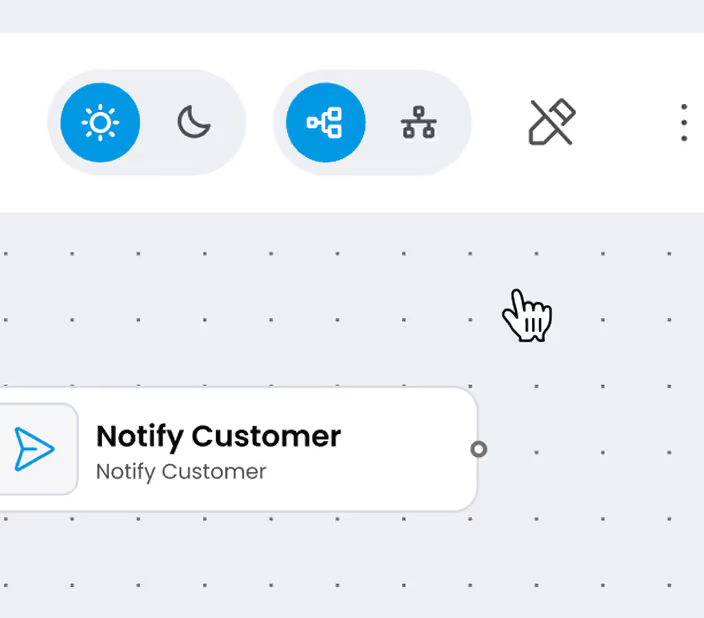
Read-only mode
Display workflows to viewers without edit permissions. Same canvas, locked controls. Perfect for review queues and audit trails. Community.
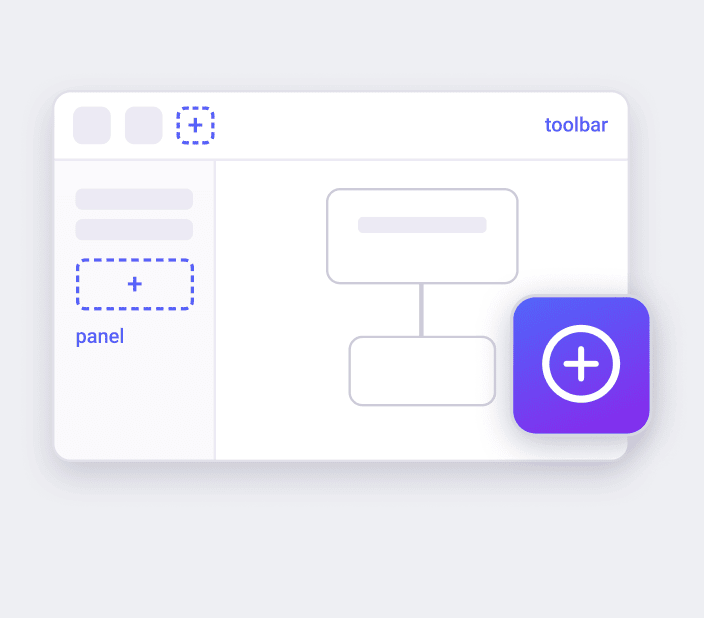
Plugin architecture
Extend the editor without forking core. Add canvas tools, side panels, command palette items, custom toolbars. Community.

TypeScript-first API
Full type definitions for every public API. Autocomplete in your IDE for every node, schema, and plugin signature. Community.
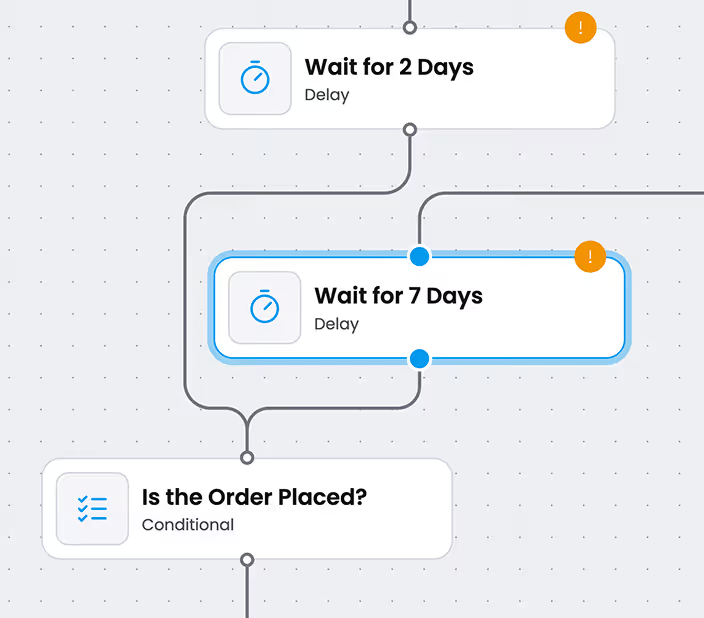
Smart edge routing
Automatic routing avoids overlaps and reads cleanly at any zoom level. No manual layout. Enterprise.
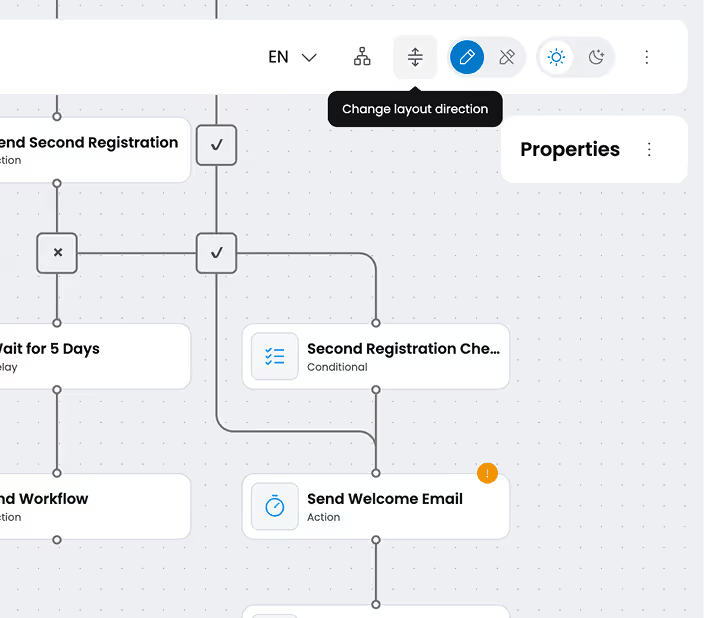
ELK auto-layout
One-click auto-layout powered by ELK. Vertical, horizontal, layered. Enterprise.
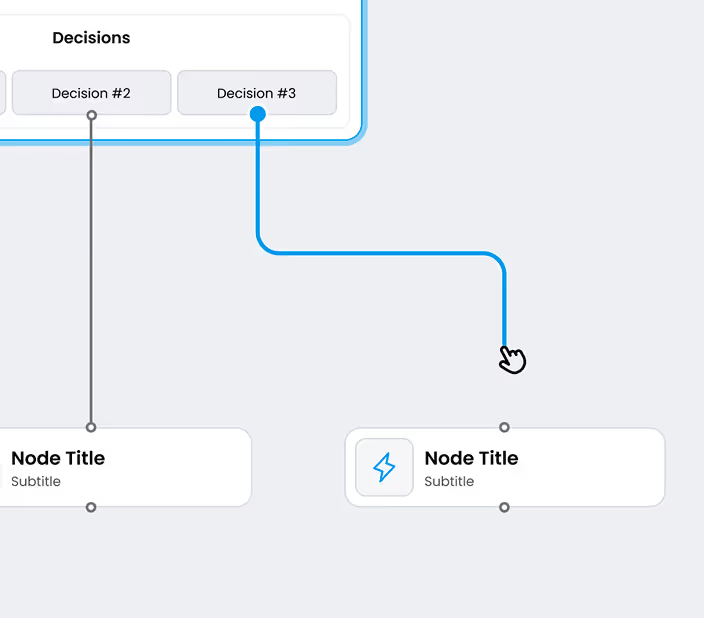
Edge Reshaping
Interactive handles let users adjust edge paths. Drag waypoints, snap to grid. Enterprise.
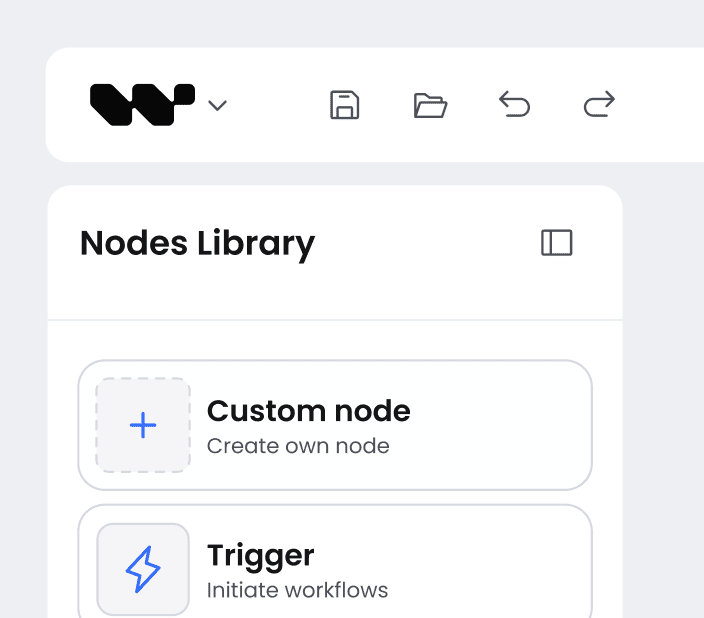
Undo, redo, copy, paste
Full history stack with multi-node selection. Keyboard shortcuts wired in. Production-grade editing UX. Community.

Theming & Figma Kit
Theme the canvas via design tokens. Figma Kit included with Enterprise - 1:1 components for design-first teams. Theming Community, Figma Kit Enterprise.
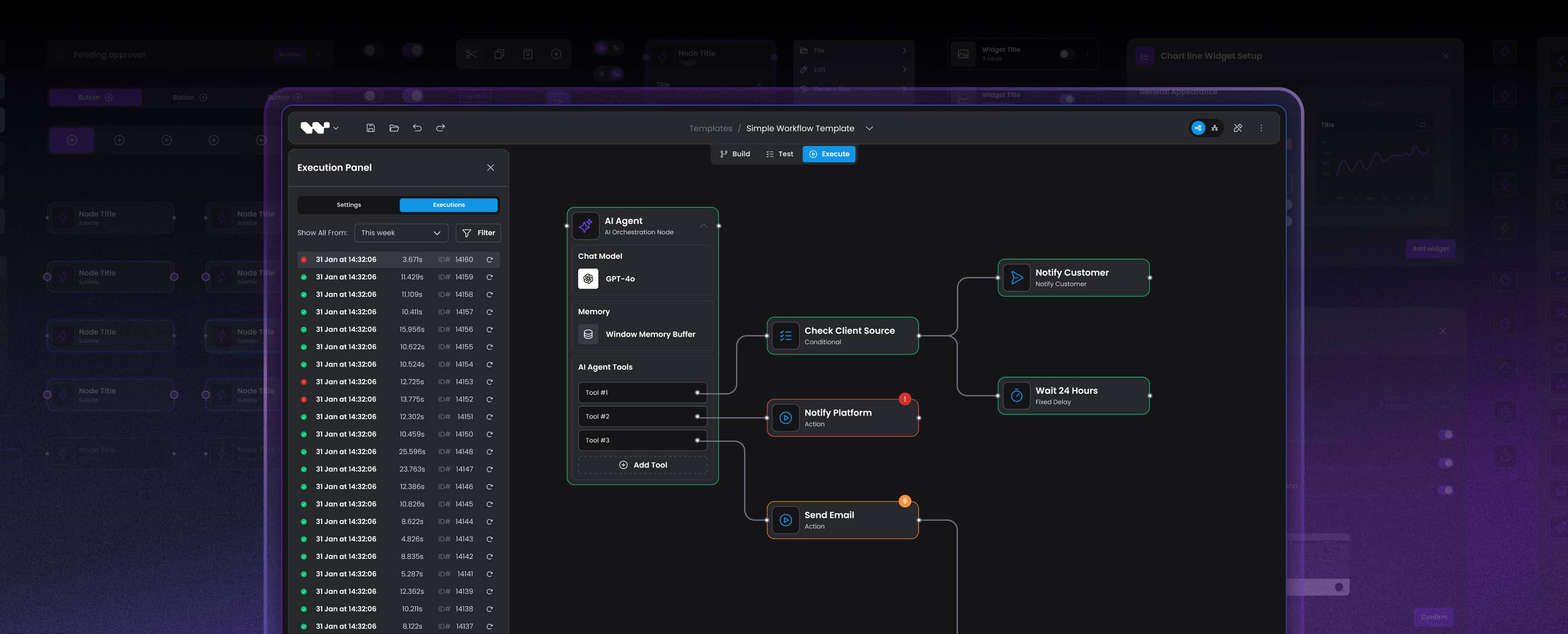
BUILD OR BUY?
Best fit when
You should reach for Workflow Builder if...

You ship a production workflow editor in a B2B SaaS
Schema-driven properties panels, smart edge routing, auto-layout, plugin system, JSON serialization - skip the 14-25 weeks of canvas plumbing and focus on domain logic. Production-ready means real customers, real complexity, not a tutorial demo.

You want full source code and Apache 2.0 license
Community Edition is Apache 2.0 on public GitHub. Commercial use OK, no copyleft, no relicensing. Enterprise adds source code access to Enterprise-only components, Flow Runner plugin, Figma Kit. Either way - your code stays your code.

You have an existing back-end
Wire the editor to your APIs over HTTP. Your engine, your activities, your runtime. The reference back-end exists for teams that do not have one yet - skip it if you do.

You want to swap execution engines without rewriting the UI
Temporal ships today as the reference adapter. Three main port interfaces (WorkflowEnginePort, ActivityRunnerPort, EventEmitterPort), plus a LoggerPort, let you integrate another engine without changing the editor or JSON - swappable by design, proven with Temporal.
COMPARE WITH ALTERNATIVES
Built in the open
Apache 2.0, public GitHub
Workflow Builder is developed in the open. Star the repo, file issues, send PRs, follow releases. The full three-block stack ships in Community Edition.
Embed a production workflow editor into your React app. Editor + reference back-end + execution worker.
workflowbuilder.io


Join the dev community
Build with us in the open
Star the repo, ask questions on Discord, install from npm. Workflow Builder is built by developers, for developers.

GitHub
Star the repo, file issues, send PRs, follow releases. Apache 2.0 Community Edition, full three-block stack.

Discord
Ask integration questions, share what you build, get help from the team and other developers shipping workflow editors.

npm package
Install the visual workflow editor from npm. npm install @workflowbuilder/sdk and embed the editor in minutes.