
ActivePieces alternative: React SDK for embed in your SaaS
ActivePieces is an open-source Zapier alternative - a great choice for internal automation and cost-sensitive ops. Workflow Builder is a different shape: a headless React SDK that mounts an editor canvas inside your product, not an iframe next to it. If your team is embedding a workflow editor in a B2B SaaS, this is the right comparison.

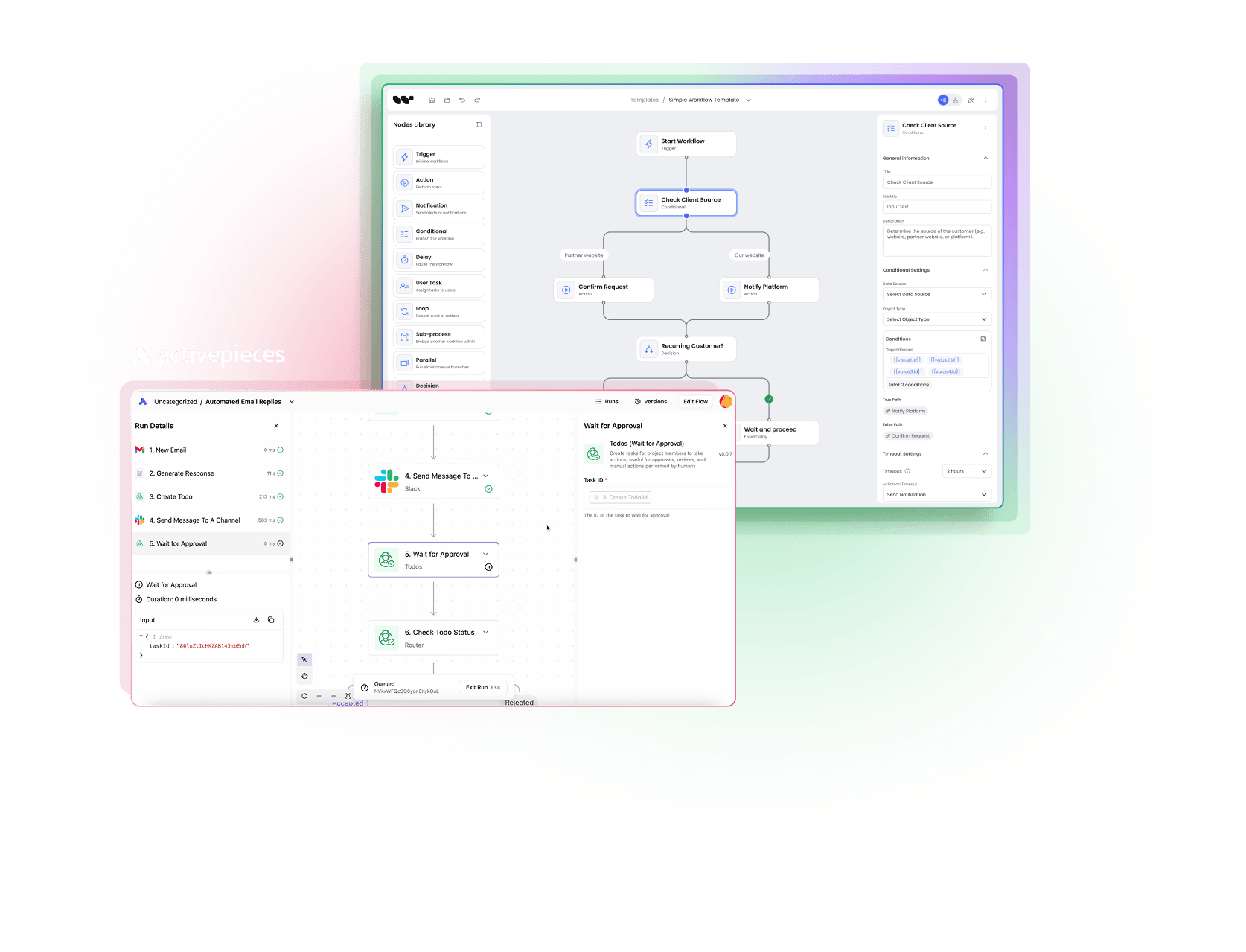
ActivePieces
is an MIT-licensed open-source Zapier alternative with 280+ pre-built pieces and a TypeScript Pieces SDK. The stack is React 18 + Vite + XYFlow (React Flow) + Tailwind + shadcn + Zustand + TanStack Query - same canvas library as Workflow Builder. The embed model is an iframe of the ActivePieces app (or a white-label hosted instance), not a React component published as an SDK.
Workflow Builder
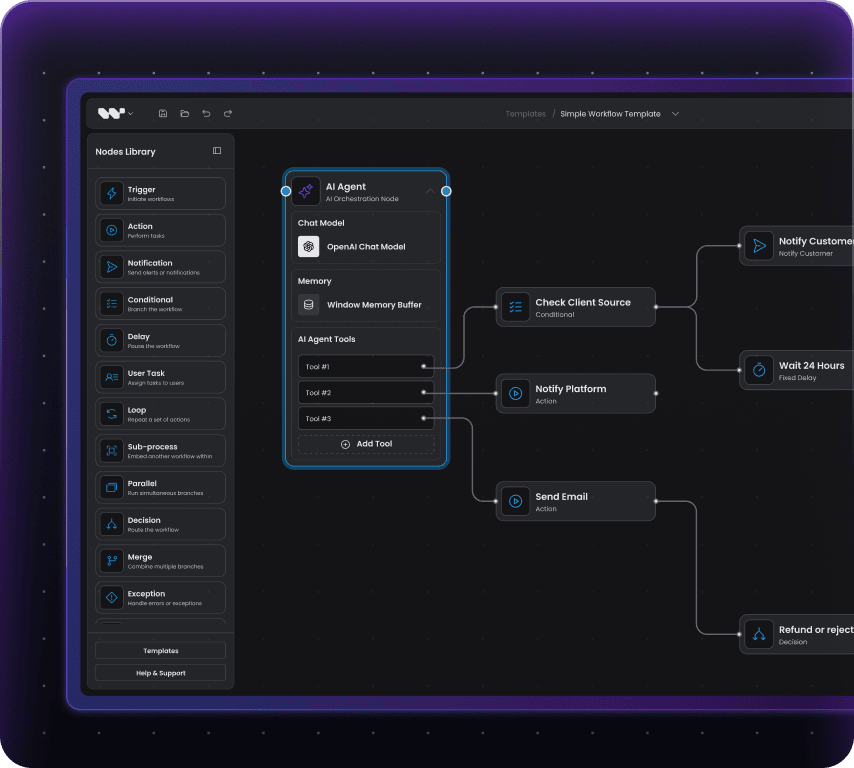
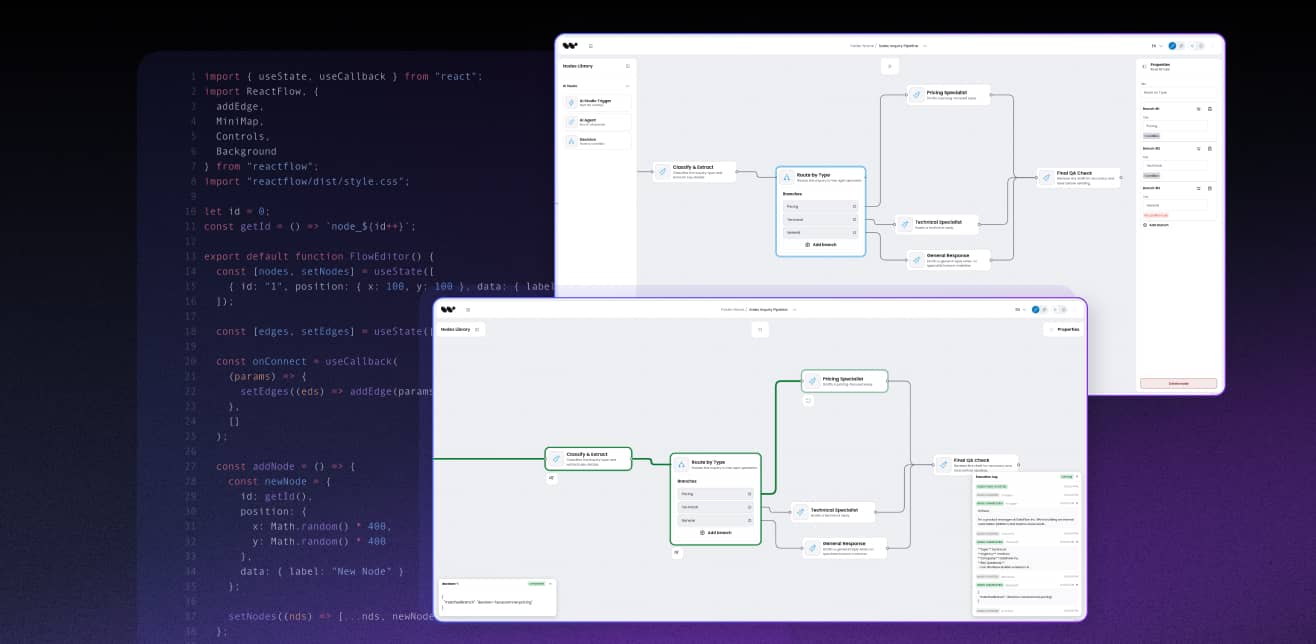
is a headless React SDK that mounts an editor canvas directly inside your product. Apache 2.0, no restrictions on white-label or resale. The canvas is packaged as a consumable React component with a plugin API.
The choice in 1 line: pick ActivePieces when you need a hosted iPaaS product with a long catalog of pre-built pieces. Pick Workflow Builder when the editor is the product.
Core difference
How is Workflow Builder different from ActivePieces?
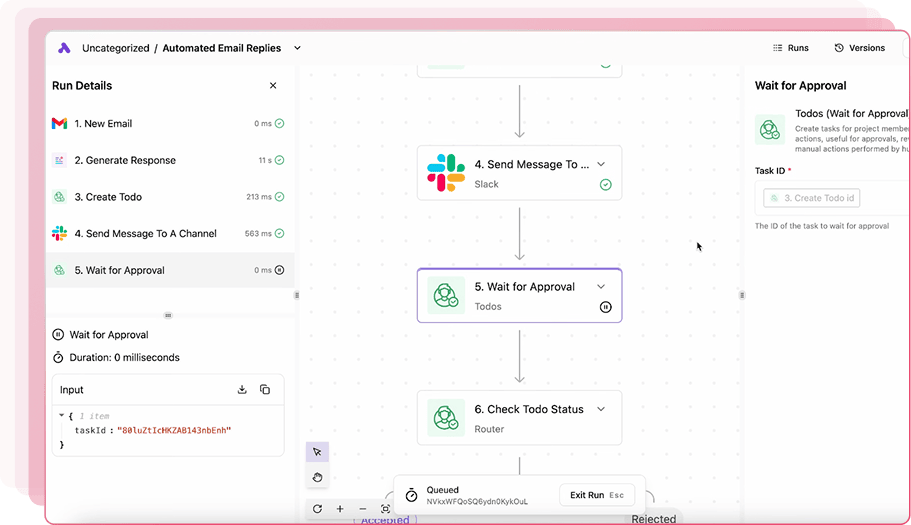
ActivePieces
Open-source Zapier alternative with 280+ pre-built pieces
A complete iPaaS product. You build flows on the ActivePieces console (cloud or self-hosted), and the embed model is an iframe of the ActivePieces UI or a white-label hosted instance. The editor is part of the ActivePieces product. End-users see ActivePieces UI inside an iframe.
MIT license on the core + frontend branding)
22.4K stars on GitHub
React 18 + Vite + XYFlow (React Flow) + Tailwind + shadcn + Zustand + TanStack Query
280+ pre-built pieces (Zapier-style integrations), plus a separate catalog of MCP servers
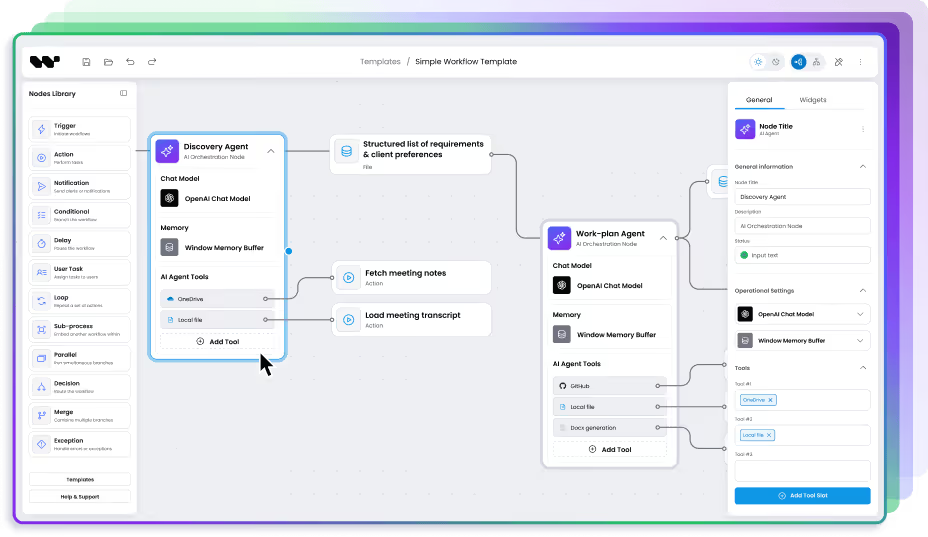
Workflow Builder
Headless React SDK for embed canvas
A React component you mount inside your product. The canvas, nodes, theme, and runtime are yours. End-users author flows inside your UI, in your design system, against your backend.
Apache 2.0, no restrictions
Runtime-agnostic (Temporal, Inngest, custom)
React + TypeScript SDK with custom node API
Reference backend ships with Temporal adapter
ActivePieces is a product you embed via iframe. Workflow Builder is a component you mount via React.
Where ActivePieces falls short
What are ActivePieces' limits when you embed it in your product?

Iframe embed, not React component
ActivePieces ships an iframe-based embed for white-label use. The editor still renders on ActivePieces infrastructure, inside an iframe that lives inside your application. That works for internal tools where the iframe seam is acceptable. It does not work for a customer-facing SaaS product where the editor needs to look, feel, and behave like the rest of your UI. Workflow Builder is a React component you import - same render tree as the rest of your application, no iframe seam, full event and state interop with your app.

React under the hood, but not published as an SDK
ActivePieces is built on React 18 + XYFlow (React Flow) - the same canvas library as Workflow Builder. That sounds like a green flag for embedding, but the React code is internal to the ActivePieces app, not a packaged SDK you can import. To put the editor inside your product you have two options: iframe the ActivePieces app, or fork the repo and maintain a custom build. Neither gives you a <Canvas /> component you mount in your own React tree. Workflow Builder is the second shape: the canvas is published as an importable React component with a plugin API, so it ships into your design system without forks or iframes.

Canvas extension means forking the app, not consuming an SDK
ActivePieces ships TypeScript Pieces SDK for custom integrations - excellent for adding new trigger-action nodes. The editor canvas itself lives in the ActivePieces application, not in a published library. Both projects render on XYFlow under the hood, but ActivePieces does not expose its canvas as a consumable npm package; to change it you either fork the repo or wrap the whole app in an iframe. Workflow Builder publishes the canvas with a plugin API. You extend it, swap node renderers, override edge routing, and define keyboard shortcuts without forking anything.

White-label resale needs an Embed license
The MIT core is free for in-house use. White-label resale or multi-tenant customer deployment requires a separate Embed license from ActivePieces with a custom contract. If your B2B SaaS resells the editor as part of your product, the license terms become a negotiation, not a download. Workflow Builder is Apache 2.0 without that step. Resell, white-label, multi-tenant - all allowed by the license.
Feature comparison
Workflow Builder vs ActivePieces
| ActivePieces | Workflow Builder | |
|---|---|---|
| Target audience | Ops teams, SMB, Zapier replacement seekers | Product engineering teams embedding a canvas in their SaaS |
| Primary embed surface | Iframe of ActivePieces UI / white-label hosted instance | React component (canvas inside your UI) |
| Editor as React SDK | No - canvas is internal to the ActivePieces app, not packaged as an importable component; embed = iframe | Yes. Native React component, theme-aware |
| Frontend framework | React 18 + Vite + XYFlow (React Flow) + Tailwind + shadcn + Zustand + TanStack Query | React + TypeScript |
| Open-source license | MIT on the core; Embed license needed for white-label resale | Apache 2.0, no restrictions |
| White-label and resale | In-house allowed; resale requires Embed license contract | Allowed by license |
| Self-hosted option | Yes - MIT, Docker / Kubernetes / Helm / one-click | Yes - Apache 2.0, your infra |
CASE STUDIES
Social proof
Why product teams pick a React SDK over an iframe embed


15+ years of diagramming expertise | 200+ commercial projects delivered.
Athena Intelligence: 1-day integration vs months of engineering
Athena Intelligence is a US-based, VC-backed AI platform for legal and renewable-energy data intelligence. Their customers - enterprise analysts, not developers - need to build multi-step LLM pipelines without writing Python.
Before Workflow Builder, Athena offered a Python SDK on a lambda-style runtime. End-users had to write code. That model did not scale to the non-developer customers the platform was built for. Athena evaluated build-vs-buy. Building a custom canvas in-house meant weeks of engineering for a feature outside their core IP. An iPaaS product like ActivePieces would have solved the connector problem but forced an iframe seam in their customer-facing UI - the AP canvas is not published as a React component you can mount in your own tree. The Workflow Builder license, source code access, and CSS-variable theming model settled the decision.

3 days from first call to a working integration inside their product
1 day of engineering to ship the white-label editor in their stack
1 week for follow-up form-logic and theme adjustments

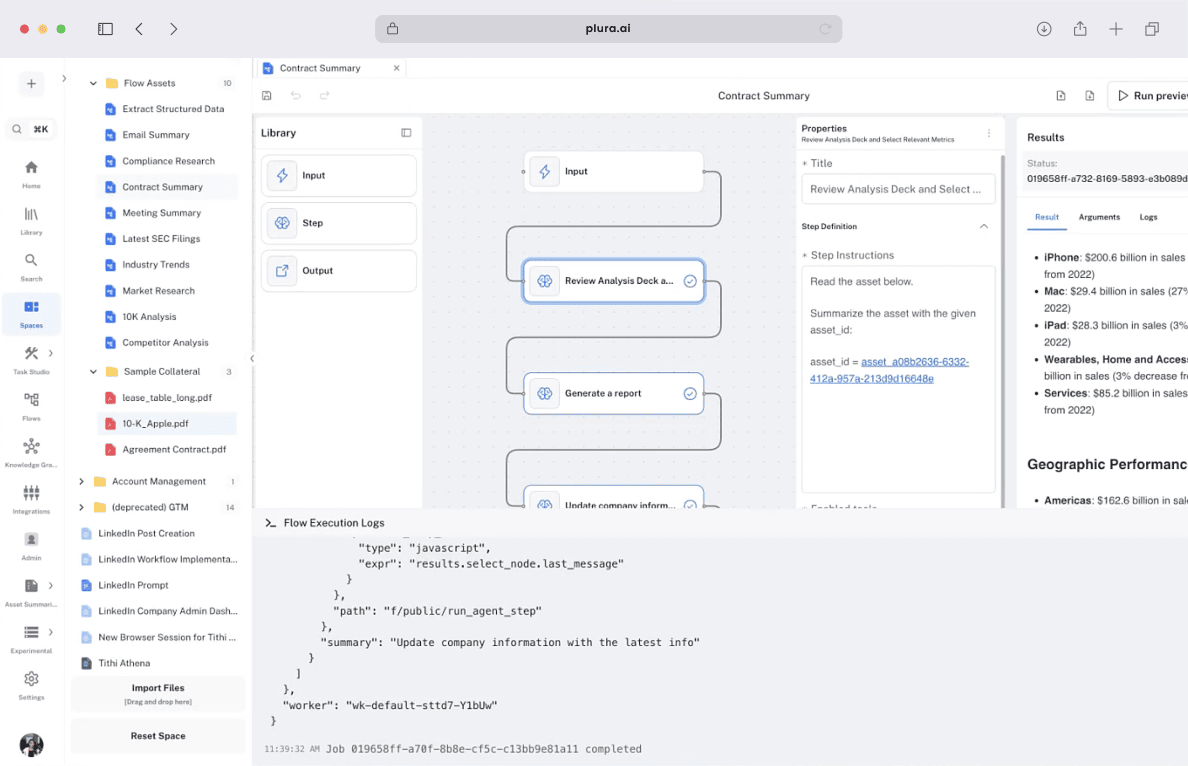

Iframe seams break the product feel
Inside an iframe, the editor is in a different render tree, with different fonts, different scroll behavior, different keyboard event handling. Your customers feel the seam. A React SDK mounts in the same tree as the rest of your UI - same fonts, same scroll, same keyboard.

An iframe is not a component, even when both sides are React
A custom canvas with node types, undo/redo, edge routing, auto-layout, and theming is a 3-6 month engineering project before you add a single AI node. The Workflow Builder license is one-time and integration is one day. You stay on your roadmap.

License terms shape the business model
ActivePieces' MIT core covers in-house use. Customer-facing resale needs an Embed license with custom contract terms. Workflow Builder's Apache 2.0 has no equivalent step. You build, you ship, you resell.
Pricing
How do Workflow Builder and ActivePieces compare on pricing?
ActivePieces
Cloud Free: 1,000 tasks/mo, 2 active flows, 200 AI credits
Plus: $25/mo
Business: $150/mo
Enterprise: custom
Self-host Community: free under MIT, unlimited tasks, no Sustainable Use restrictions
Enterprise Embed license: paid, recurring, custom contract
3-year cost (Business tier): $150 x 36 = $5,400 for one workspace. Enterprise Embed license for customer-facing resale: custom, typically four to five figures per year.
Workflow Builder
Enterprise license: EUR 6,990 one-time
Reference backend included
Self-host on Apache 2.0: free, no addendum, white-label allowed
3-year cost: EUR 6,990. No recurring license fee. Hosting is your call, your infra, your bill.
For internal automation use cases, ActivePieces Plus at $25/mo is excellent value. For embedding a workflow editor as part of a customer-facing B2B SaaS, the Enterprise Embed license + recurring pricing structure changes the math. Workflow Builder is the cleaner economics for that shape.
See full Workflow Builder pricing.
Decision framework
When should you choose Workflow Builder vs ActivePieces?
You need a Zapier replacement with better pricing for internal use
280+ pre-built pieces (plus the MCP server catalog) are a hard requirement out of the box
You are running back-office automation (Slack to Notion, CRM sync, internal flows)
Cost-sensitive SMB or mid-market with internal team users
Iframe embed is acceptable for your shipping surface
You are building a B2B SaaS that embeds a workflow editor for customers
You want the canvas mounted as a React component in your own tree, not loaded via iframe
You need an editor canvas inside your SaaS, in your design system, under your brand
Your workflows include shapes beyond iPaaS trigger-action chains (data, approval, AI agents, domain logic)
Your license terms cannot include an Embed-license negotiation for resale
ActivePieces or Workflow Builder? The bigger question is build vs buy.
Most teams comparing AI workflow tools skip the third path - building on React Flow themselves. 14-25 weeks of senior frontend work, €50-70k equivalent, and the workflow editor still is not your core product.
See the full math. Read: Build vs Buy →
The bottom line
ActivePieces is a strong product if you need a Zapier replacement and 280+ pre-built pieces out of the box. The MIT core is real open source, the cloud Plus tier at $25/mo for unlimited tasks is the best deal in iPaaS pricing, and self-host without Sustainable Use restrictions is a meaningful advantage over n8n.
Workflow Builder is a different shape. It is a published React component, not an iframe-wrapped app. Both projects render on XYFlow under the hood, but ActivePieces does not ship its canvas as a consumable SDK - to embed it in your product you load the AP app inside an iframe. Workflow Builder ships the canvas as an importable component you mount in your own React tree.
If you are deciding which one to buy: ActivePieces if internal automation is the use case, Workflow Builder if a customer-facing embed in a React product is the use case. The Athena Intelligence integration was 1 day. Yours can be too. Book an architecture review and we will sketch the integration shape on a call.
Are you building AI workflows in your product?
Workflow Builder pairs a code-first visual editor with your existing durable execution - Temporal, LangGraph, or custom.
FAQ
- What is ActivePieces?
ActivePieces is an open-source Zapier alternative - a complete iPaaS product with a visual flow editor, 280+ pre-built pieces (plus a separate MCP server catalog), and a TypeScript Pieces SDK for custom integrations. The stack is React 18 + Vite + XYFlow (React Flow) + Tailwind + shadcn + Zustand + TanStack Query on the frontend, TypeScript on Node.js on the backend. It is MIT-licensed on the core. Workflow Builder is the alternative when you need an editor canvas as a published React component, not an iframe of the AP app.
- Is ActivePieces open source?
Yes - the ActivePieces core is MIT-licensed, no Sustainable Use restrictions (a real advantage over n8n's licensing). In-house use is free. White-label resale or multi-tenant customer deployment requires a separate Embed license with a custom contract. Workflow Builder is Apache 2.0 with no equivalent contract step - white-label, multi-tenant, and resale are all allowed by the license.
- Can I embed ActivePieces inside my SaaS product?
Yes, via iframe of the ActivePieces UI or a white-label hosted instance. Customer-facing resale requires the Enterprise Embed license. You cannot mount the editor canvas as a React component in your application's render tree - the canvas is internal to the ActivePieces app and is not published as an importable SDK. Workflow Builder ships the canvas as a React component, with no iframe seam.
- How does Workflow Builder differ from ActivePieces?
Three differences shape the choice. First, Workflow Builder is a published React component that mounts inside your application; ActivePieces is a React app whose canvas is internal - the embed model is an iframe of the AP app, not an importable SDK. Second, Workflow Builder ships an editor SDK only; ActivePieces is a complete iPaaS with 280+ pre-built pieces. Third, Workflow Builder's Apache 2.0 has no Embed-license requirement for customer-facing resale.
- Does ActivePieces have more pre-built connectors than Workflow Builder?
Yes - ActivePieces ships 280+ pre-built pieces (plus a separate MCP server catalog), which is a massive head start for trigger-action automation. Workflow Builder takes a different shape: a pattern library of reference nodes plus a TypeScript node API. If pre-built SaaS connectors are the requirement, ActivePieces is the better fit. If a customer-authored canvas is the requirement, Workflow Builder is the better fit.
- Can I self-host both?
Yes. ActivePieces self-hosts on Docker, Docker Compose, Kubernetes, Helm, or one-click installs - free under MIT, no Sustainable Use restrictions. Workflow Builder self-hosts on your infra under Apache 2.0 - free, no restrictions. The difference is what you do after you self-host: Workflow Builder gives you a React SDK to embed the editor inside your product; ActivePieces gives you a standalone app you load via iframe.
- Why would an ActivePieces user move to Workflow Builder?
Three patterns we see: (a) the team needs the canvas mounted as a React component in their own tree and the AP iframe is the wrong shape, (b) the team's business model is customer-facing embed and the Enterprise Embed license adds contract complexity, (c) the team needs to extend the editor canvas itself without forking the AP app. If none of those apply, ActivePieces is a strong choice for internal automation.
- Do I need React to use Workflow Builder?
Yes - the SDK is React + TypeScript. The backend can be any stack (Node, Go, Python, .NET) since the editor produces a JSON graph definition your service consumes. ActivePieces is also React under the hood, but its canvas is not published as a consumable component - the only embed path is an iframe of the AP app, which means no shared component library, no shared design tokens, and no event-loop interop with your tree.
- How long does integration take?
Athena Intelligence shipped a white-label integration in 1 day of engineering, with theme and form-logic adjustments inside the first week. Total elapsed time from first call to integrated editor: 3 days. The 1-day number assumes a senior React engineer and an existing backend - your mileage will vary with custom node count and theme complexity.
- What does Workflow Builder cost?
EUR 6,990 one-time for the Enterprise license. That includes the React SDK and the reference backend with the Temporal adapter. You also get a set of advanced interactive features and plugins that would take hundreds of engineering hours to build to production quality - undo/redo, edge routing, auto-layout, minimap, custom node form schemas, theming, and more. Hosting is your bill. There is no per-workspace, per-seat, or per-execution fee on the editor side.
Ready to put a React editor inside your SaaS?
A 30-minute architecture review will tell you whether Workflow Builder fits your React stack. We will sketch the integration on a call. No slides.
Citations and references
- ActivePieces GitHub repository: github.com/activepieces/activepieces - stars count, releases, MIT license, frontend stack (React + Vite + XYFlow), README (280+ pieces)
- ActivePieces pieces directory: activepieces.com/pieces - source for the 280+ piece count
- ActivePieces documentation: activepieces.com/docs - Pieces SDK, embed model (iframe + CDN script), AI Agent builder
- ActivePieces pricing page: cloud tier breakdown (Free / Plus / Business / Enterprise); verify tiers in-browser before publish,
activepieces.com/pricingMIT License - MIT License: opensource.org/licenses/MIT
- Workflow Builder case study - Athena Intelligence: workflowbuilder.io/case-study/athena-intelligence