
20+ CPaaS, CCaaS and voice AI companies to watch in 2026


Every voice platform eventually meets the same product problem.
Someone needs to decide what happens on a call.
At the beginning, that logic may fit into a few settings. Route the caller to sales. Play a greeting after hours. Send missed calls to voicemail.
Then the product grows. Customers want their own routing rules. Support teams need fallback paths. Voice AI agents need escalation logic. Operations teams want to change flows without asking engineering for every small edit.
That is where call-flow design becomes a product layer.
Twilio Studio made the pattern familiar in programmable communications. Genesys Architect and NICE CXone Studio show what mature flow tooling looks like in enterprise contact centers. CloudTalk, Talkdesk and Aircall have pushed visual routing into more accessible contact-center products. Voice AI platforms are now building their own conversation-flow editors because AI agents still need structure around them.
This map looks at the market through that lens: not who has the longest feature list, but how different voice platforms expose call logic to the people who need to operate it.
Why call-flow design is becoming a product decision
Call flow used to mean IVR menus and queue routing. That definition is now too narrow.
Modern call logic can include AI agent handoff, business-hour rules, CRM checks, regional routing, compliance boundaries and human escalation. Some of that logic belongs in code. Some of it has to be visible to the teams running the process every day.
This creates a common product decision for voice platforms.
Do you keep call configuration inside forms and admin settings? Do you build a visual editor from scratch? Or do you embed a workflow canvas and connect it to the runtime you already have?
The answer depends on the platform. A CPaaS vendor may care most about developer control. A CCaaS product may need a safer admin experience for routing changes. A voice AI startup may need a conversation-flow layer before customers trust agents in production.
The shared direction is clear: the more complex voice gets, the more useful it becomes to show the flow.
CPaaS: where call logic starts as infrastructure
CPaaS platforms give developers the building blocks for voice, messaging and communication products. They usually start with APIs, numbers, carrier access and delivery infrastructure.
That infrastructure layer is still central. But as customers build more complex voice workflows, the question moves up the stack. Who can change the logic once the first version goes live? How much stays with developers? How much becomes visible to product teams, customer operations or end users?
That is why CPaaS belongs at the start of any call-flow map.
Twilio
Twilio is still the reference point for programmable communications. For many product teams, it shaped the default expectation that voice and messaging logic can start with APIs, then move into a more accessible visual layer as the workflow grows.
Twilio Studio is central to that story. It gives teams a serverless visual builder for communication workflows, with drag-and-drop blocks for interactions across channels. A company can begin with a simple IVR, then add branching, backend calls or messaging steps when the workflow becomes more useful.
Twilio earns its place here because it changed the buyer’s mental model. Before visual builders became normal, “programmable voice” often meant developer ownership. Studio made a different expectation visible: communication logic can be programmable and still understandable to the people who operate it.
For newer CPaaS, CCaaS and voice AI companies, Twilio often becomes the quiet comparison point. The question is not only “Can our API do this?” It is also “Can our users see what happens next?”
Sinch
Sinch sits in the large-scale CPaaS layer, with a broad communication portfolio across messaging, voice and customer engagement. Its strength comes from reach and enterprise communication infrastructure rather than a single narrow voice feature.
That makes Sinch interesting in the call-flow conversation. When a platform supports global communication at scale, customers rarely use it for one isolated interaction. They build service flows, verification journeys, transactional updates and support paths that cross regions and channels.
Voice logic in that environment can quickly outgrow basic configuration. A customer may need different handling for markets, account types or support scenarios. Developers can implement that through APIs, but the long-term challenge is operational: teams need to understand how those flows behave after deployment.
Sinch belongs in this map because it represents the infrastructure side of the problem. The more communication logic runs through global CPaaS platforms, the stronger the need for a clear layer above the API.
Infobip
Infobip is one of Europe’s most visible CPaaS companies, with a wide portfolio across voice, SMS, WhatsApp, email and customer engagement. Its position is less about one call-routing feature and more about the wider movement toward connected customer communication.
That makes it relevant to call-flow design. In an omnichannel platform, voice is rarely separate from the rest of the journey. A phone call can follow a failed chat, trigger a message or sit inside a support path that spans more than one system.
Infobip’s product story gives this map an important angle: call flow does not have to live only inside a phone menu. It can become part of a broader customer journey, especially when voice connects with messaging and service automation.
For teams building on top of platforms like Infobip, the future product question is practical. APIs can power the interaction. The next layer needs to help people see where the interaction goes.
Bandwidth
Bandwidth occupies a distinctive position in this market because it owns and operates a Tier 1 voice network in North America. As a licensed CLEC in the United States, Bandwidth connects directly to the PSTN rather than relying on resellers or upstream carriers. Many companies use its infrastructure for voice, messaging and emergency calling. Check Voice API for AI.
That infrastructure-first role shapes who Bandwidth is built for. Rather than primarily selling a contact-center interface to business teams, it supports product builders, telecom-heavy platforms and companies that need reliable voice capabilities embedded in their own products. Its direct network ownership can also provide greater visibility and control over the call path when issues arise.
This is where the call-flow angle becomes relevant. Teams can build voice products on top of Bandwidth and manage call logic through code. Over time, customers may need more flexibility around routing changes, fallback numbers, region-specific handling or service rules that can be adjusted without engineering support.
Bandwidth belongs in this market map because it represents the underlying communications infrastructure many voice products depend on. While the platform may sit deep in the stack, the products built on top still need a reliable, programmable way to manage call behavior at scale.
Telnyx
Telnyx positions itself around programmable communications, voice infrastructure and network control. It appeals to teams that want more direct ownership over how voice behaves, especially when latency, reliability or customization shape the product decision.
That makes Telnyx a strong fit for technical buyers. These teams may want to build their own calling product, AI voice experience or communications layer without accepting the defaults of a heavier suite.
The call-flow problem appears once those builds grow. A first version can live comfortably in code. Later, the product may need customer-specific routing, business-hour handling or an admin layer that helps users change behavior without touching the implementation.
Telnyx belongs in this map because it represents the developer-led path into voice. The more flexible the infrastructure, the more important the product layer above it becomes.
Plivo
Plivo is a CPaaS provider focused on programmable voice and messaging. Its Voice API lets teams make and receive calls, play audio, record conversations and build interactive voice applications. Plivo also offers PHLO as a visual workflow builder option for use cases such as IVR.
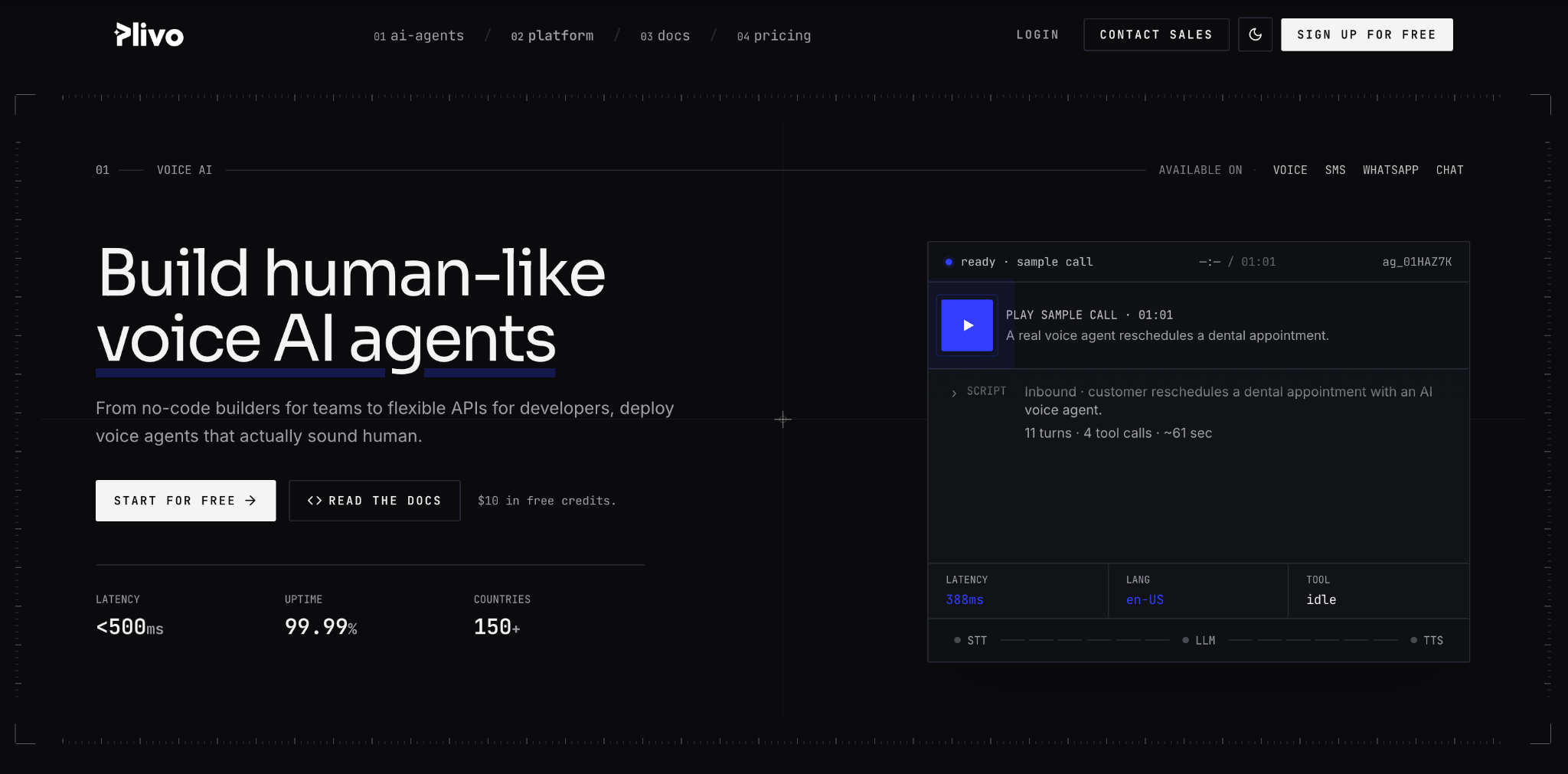
That combination makes Plivo especially relevant here. It gives developers an API route and offers a visual workflow route for teams that want to move faster or reduce custom build effort. In practice, that reflects the same market pressure this article is mapping: voice workflows need technical control, but not every workflow change should require code.
Plivo’s place in this map is useful because it sits between developer infrastructure and visual configuration. It shows how CPaaS platforms can support both sides of the buyer: the team building the system and the team running the call experience later.
Bird
Bird, formerly MessageBird, has moved from messaging APIs into a broader customer communication and engagement platform. That shift makes it relevant beyond pure CPaaS infrastructure.
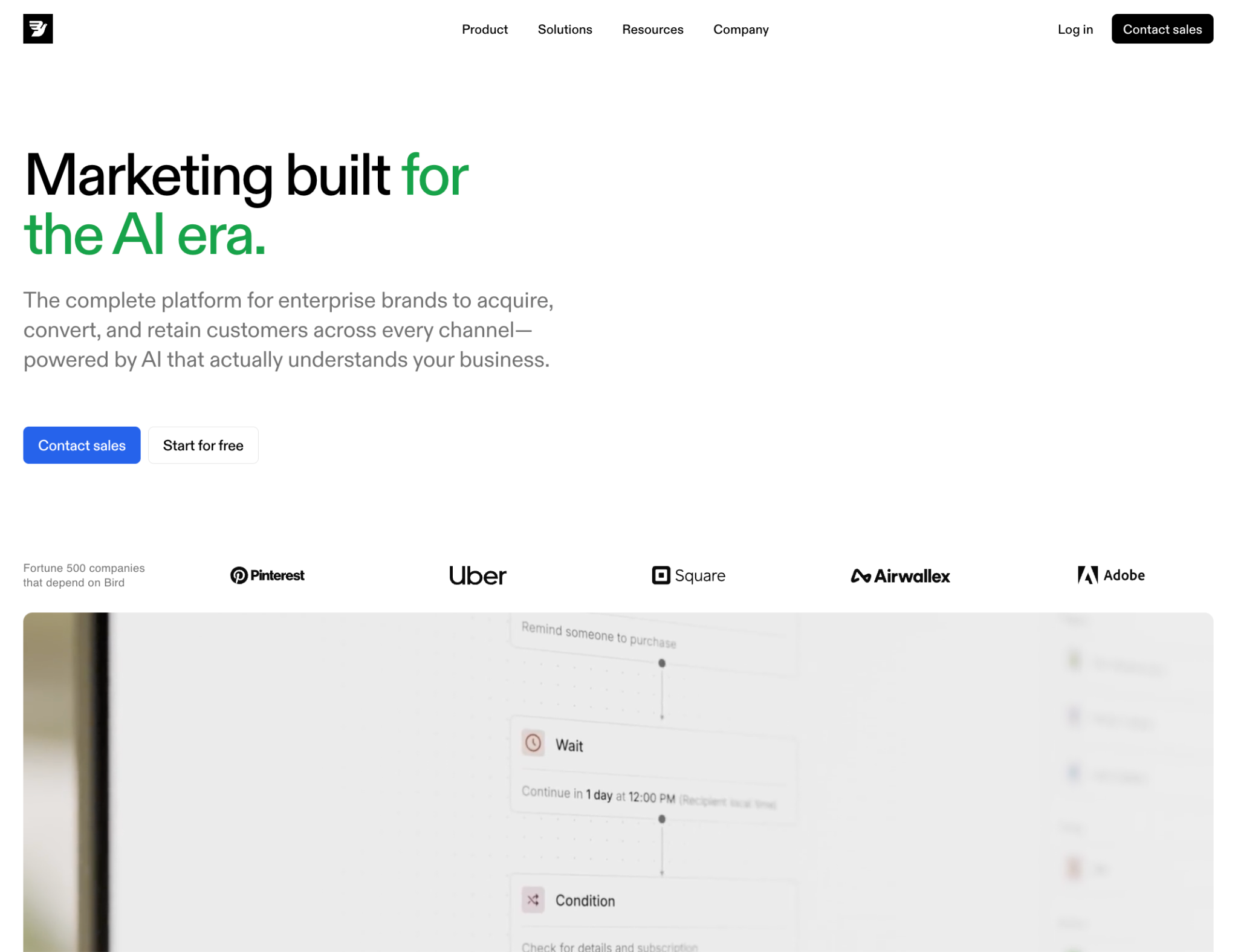
For Bird, the call-flow lens is tied to customer journeys. A business may start with messaging, then connect service automation, support communication or voice touchpoints around the same customer relationship. The platform story moves from “send this message” to “manage this interaction.”
That transition creates demand for clearer workflow control. When communication spans channels, teams need to understand what happens when one channel fails, when a customer needs a human response or when the journey moves from asynchronous messaging into a phone call.
Bird belongs in this map because it shows the direction of many communications platforms: from API delivery toward journey ownership. Once that happens, the flow layer becomes a product surface customers expect to use.
CCaaS: where routing becomes daily operations
CCaaS platforms sit closer to the people who manage calls every day. They package telephony, agent workflows, routing, analytics and integrations into a product for sales and support teams.
That makes call-flow design more visible than in CPaaS. A contact-center admin may need to adjust opening hours, call queues, routing rules or escalation paths without waiting for engineering. A small change can affect the customer experience on the same day.
For CCaaS vendors, the flow layer is part of the admin experience. It is also one of the easiest places for a product to feel either modern or painful.
CloudTalk
CloudTalk is one of the clearest examples of call-flow design moving from enterprise contact-center tooling into a more accessible product experience. Its Call Flow Designer lets teams visualize and customize how calls move through the phone system, using drag-and-drop logic for IVR menus, routing and related inbound steps.
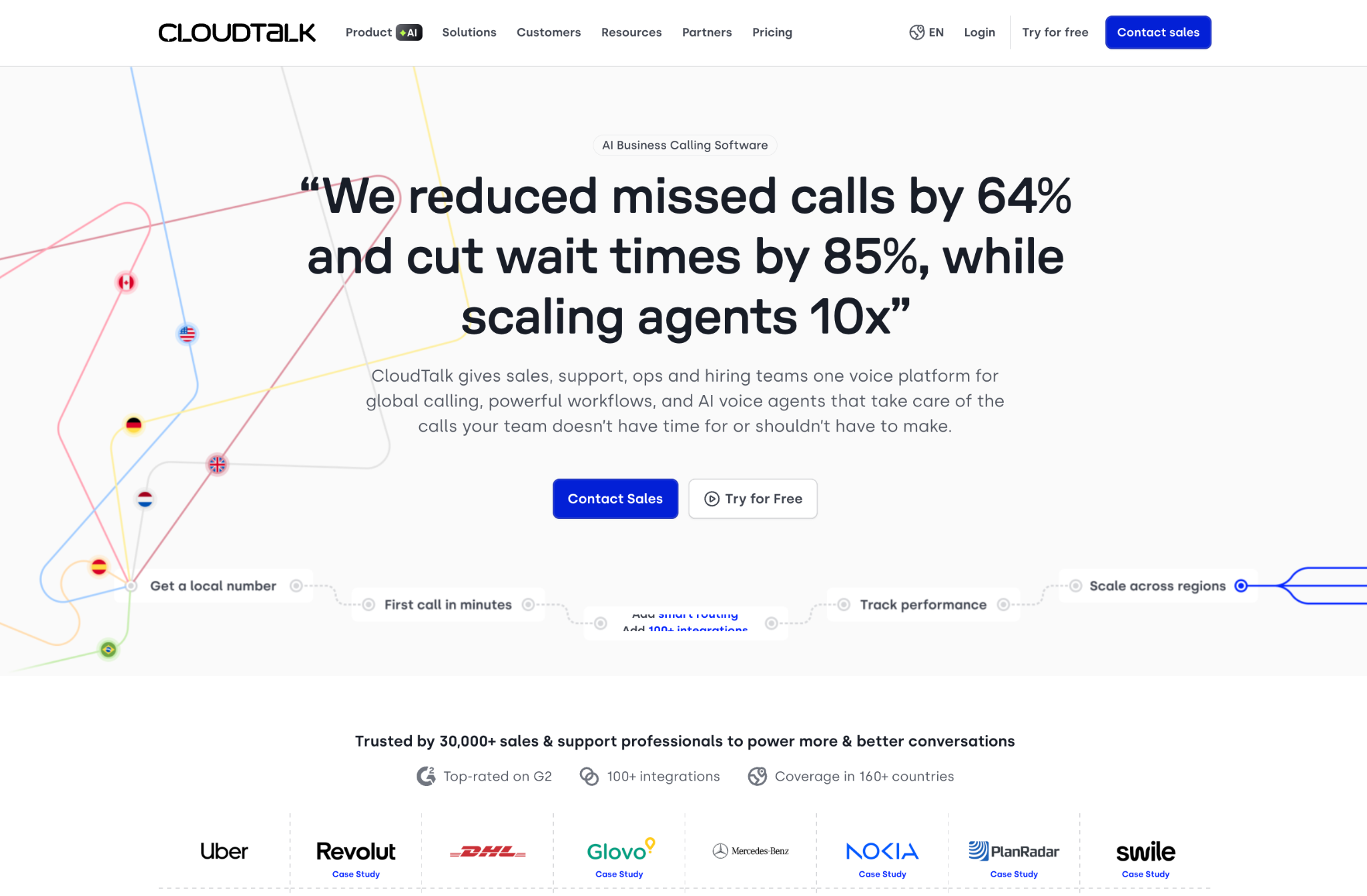
That is a strong product signal. CloudTalk’s audience often sits in the messy middle: sophisticated enough to need proper routing, but not always large enough to have telecom engineers waiting for configuration requests. Sales and support teams need to adapt fast when territories change, teams grow or a new queue needs its own path.
CloudTalk earns attention because it treats call flow as part of daily operations, not a hidden technical setting. The product says something important about this market: the person responsible for the customer experience should be able to see the path a caller takes.
That is exactly the kind of expectation now spreading across the voice category.
Aircall
Aircall has long focused on making business calling feel easier for sales and support teams. Its product strength comes from a clean interface, fast setup and deep CRM or helpdesk connections.
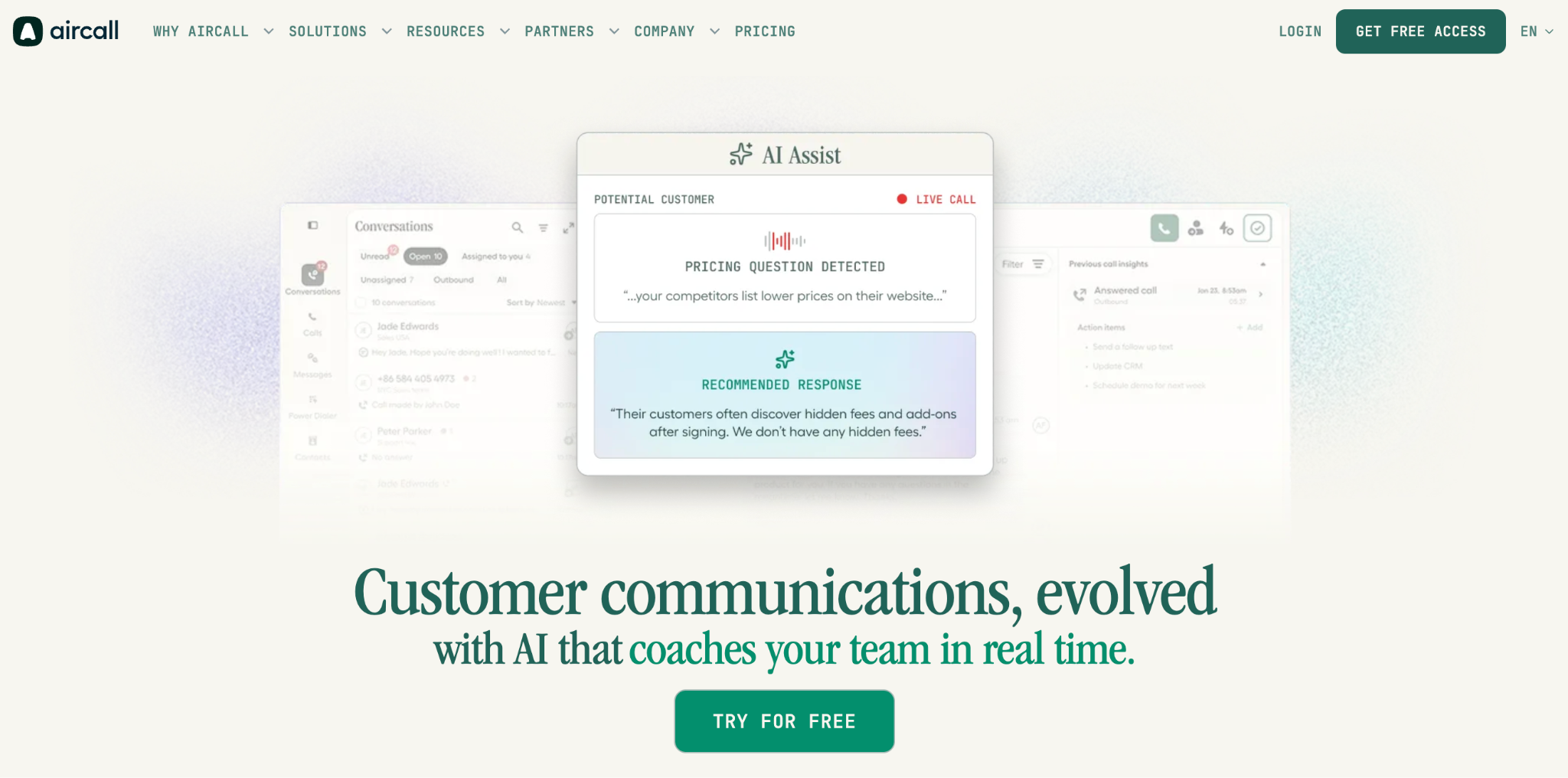
Aircall Smartflows fits that story well. The visual call-routing editor gives admins a way to build and deploy routing flows, while Aircall’s IVR material also talks about multi-level call menus in a visual editor. For teams that do not want to manage phone logic through scattered settings, that is a meaningful product layer.
Aircall is interesting because its audience often cares more about speed than telecom depth. They want to connect the phone system to real workflows, then adjust routing when the team changes.
That makes Aircall a useful example of how call-flow tooling becomes a usability feature. The easier it is to publish and revise a flow, the less the phone system slows down sales or support operations.
Talkdesk
Talkdesk is a major CCaaS platform with a strong enterprise push and a clear investment in visual flow tooling. Talkdesk Studio gives admins an interactive visual designer to manage simple and complex flows, while newer Talkdesk AI capabilities can plug into that orchestration layer.
That combination is important. Contact centers are moving toward AI-assisted customer journeys, but those journeys still need operational control. Teams need to decide when automation starts, when it transfers, where it gets customer context and when a person should take over.
Talkdesk belongs in this map because it shows how call-flow design can become the place where contact-center operations and AI meet. It is not only routing. It is the structure around the customer interaction.
For buyers, that structure can reduce the gap between an automation idea and a working customer journey.
Dialpad
Dialpad built its communications platform around AI-assisted voice from early on. Its product spans business communications, meetings, sales and contact center, with transcription and intelligence closely tied to the calling experience.
Dialpad’s public call-routing and IVR materials focus on routing callers based on intent, skill set and business need. That gives it a slightly different position in this map. It is not only about a drag-and-drop canvas. It is about using context and AI to send callers toward better outcomes.
That angle is worth including because call-flow design is not always visual first. Some platforms express flow through routing rules, admin dashboards or AI-powered configuration. The underlying challenge stays the same: the system needs to decide what happens next, and users need enough control to trust that decision.
Dialpad shows how the call-flow category can move toward intent-based routing, not only static phone trees.
Ringover
Ringover is a European cloud telephony and contact-center provider focused on fast setup and straightforward call management for sales and support teams.
Its call-routing software and IVR support place it close to the operational side of call flow. Teams can route calls to the right agent or group, set rules around availability and use smarter routing options to improve response quality.
Ringover belongs in this map because it represents a practical buyer segment. Not every company wants a heavy contact-center transformation. Many simply need a better way to manage calls without creating chaos for the team.
For those customers, call flow is less of a technical architecture topic and more of a business-control topic. Who receives the call? What happens when they are unavailable? How does the system adapt when the team changes?
Ringover’s relevance comes from that everyday operational layer.
JustCall
JustCall serves sales and support teams with cloud phone, SMS, automation and contact-center features. Its IVR call menu lets teams create multi-level menus and route callers based on keypad input, with testing options before the flow goes live.
That makes JustCall relevant for a practical reason: many teams do not need a grand workflow transformation on day one. They need calls to reach the right person, missed calls to avoid disappearing and support paths to feel less random.
JustCall’s place in this map comes from the revenue and support use case. Voice is not only a service channel. It is often tied to pipeline, customer retention and response speed. When routing is unclear, those business processes suffer.
The call-flow layer helps turn a phone setup into a repeatable operating model. JustCall shows how that plays out for teams that want speed and usability without enterprise overhead.
Zenvia
Zenvia brings a Latin American perspective to the customer communication market, with a platform story around customer journeys, automation and AI-powered engagement.
That regional angle is useful. Communication workflows vary across markets. Language, channel preference, customer behavior and support expectations do not look the same everywhere. Voice may connect with WhatsApp, chat, SMS or service automation depending on the market.
Zenvia belongs in this map because it shows why call-flow design cannot be treated as a generic diagram. The flow needs to match how customers actually communicate in a given region and business context.
For platforms operating across markets, the product challenge is not only routing calls. It is giving teams enough flexibility to shape customer paths around local behavior.
Voice AI: where conversation design becomes call-flow design
Voice AI platforms are changing what a phone call can do. They can answer, qualify, schedule, collect context, hand off and follow up.
But AI does not remove the need for flow design. It often makes the need sharper.
A voice agent still needs boundaries. It needs to know when to continue, when to transfer and how to recover when the conversation goes off path. Someone still has to define the shape of the interaction.
That is why the voice AI category is rebuilding the call-flow layer in its own language.
Bland AI
Bland AI is one of the most visible voice AI companies, focused on programmable AI phone agents for business use cases. Its public docs highlight Conversational Pathways as a way to gain greater control over an AI agent and the conversational flow.
That tells you a lot about the category. Voice AI cannot rely only on a prompt once it moves into production. Business users need repeatable paths, fixed responses at sensitive points, flexible branches and a way to reason about what the agent will do.
Bland earns attention because it treats conversational control as a product feature, not an implementation detail. The voice may sound natural, but the business still needs structure underneath.
In this market map, Bland represents the “AI agent as programmable workflow” direction. The agent is not just speaking. It is moving through a designed path.
Vapi
Vapi is one of the most interesting companies in voice AI because it approaches the market from a developer-first direction, while still investing in visual orchestration. Vapi Workflows uses nodes and edges to design conversation flows, with support for routing logic, tool calls and escalation patterns.
That balance is important. Developers want control over models, tools and infrastructure. Customers want confidence that the agent behaves predictably when the call takes a turn.
Vapi belongs in this map because it shows that voice AI does not kill flow design. It brings it back in a new form. The old IVR asked callers to press a number. The new workflow may decide which model to use, which API to call or when to send the call to a human.
That is a deeper product challenge than a demo suggests. Vapi’s workflow layer shows how the category is starting to handle it.
Retell AI
Retell AI has a strong focus on building AI phone agents for real customer interactions. Its Conversation Flow feature uses nodes for dialogue, tools, transfers, code and transitions, giving teams precise control over how calls progress.
That precision is the point. AI phone agents need room to handle natural language, but businesses still need control over what happens during the call. A support flow, sales qualification flow or scheduling flow cannot drift endlessly.
Retell’s place in this market map comes from how directly it names the problem. A voice agent needs a conversation flow. It needs a structure that teams can review, adjust and connect to business logic.
That makes Retell a useful example for the broader category. The AI layer can make calls feel more human, but the workflow layer makes them usable in production.
Hippocratic AI
Hippocratic AI is focused on healthcare voice agents, which gives it a very different weight in the market. Patient-facing conversations need more than helpful automation. They need careful boundaries, clear escalation and strong operational review.

That makes the call-flow lens especially relevant. In healthcare, a voice agent may handle scheduling, follow-up or administrative support. Even when the system avoids diagnosis, the flow still needs to guide what the agent can say and when it should stop.
Hippocratic AI belongs in this map because it shows where conversation design becomes a safety and governance issue. The flow is not only there to improve efficiency. It helps define the limits of the interaction.
For the wider voice AI market, healthcare is a useful warning: as use cases get more sensitive, teams need a clearer way to inspect and control the path.
Synthflow
Synthflow brings a no-code and white-label angle to voice AI. It focuses on helping teams build AI phone agents without forcing every customer into a developer-led build.
That position makes the builder experience central. If customers are not writing code, the product needs to offer another way to shape the call. They need to decide what the agent says, where it sends the caller and how it connects to business systems.
Synthflow belongs in this map because it shows how voice AI is moving toward operator-friendly configuration. The buyer may care about automation, but the day-to-day user still needs an understandable surface to control it.
This is also where the market starts to overlap with traditional call-flow tooling. AI may change the conversation, but the need to map the path stays very familiar.
Bolna
Bolna focuses on AI voice agents for India and multilingual telephony use cases. That makes it a valuable addition to this map because it brings language and local communication behavior into the call-flow conversation.
Multilingual voice is not just translation. It affects routing, prompt design, fallback behavior and customer trust. A flow may need to branch based on language choice, region, service type or caller intent.
Bolna belongs here because it shows how voice AI workflows need to fit the market they serve. A generic flow may work in a demo. A production flow has to handle local language patterns and the realities of phone-based service.
For the wider category, Bolna is a reminder that call-flow design is not only a UX issue. It is also a localization issue.
Enterprise incumbents: where flow tooling became mature
Enterprise contact-center platforms have handled call-flow complexity for years. Their tools can feel heavier than newer products, but they show what happens when call routing becomes mission-critical.
Large organizations need governance, version control, permissions, testing and reliability. A broken branch can affect thousands of customers. That changes the role of the flow builder.
In this part of the market, call-flow tooling is not an experiment. It is part of the operating system for customer interaction.
Genesys
As an agentic orchestration platform for customer experience, Genesys Cloud is one of the clearest examples of mature call-flow tooling. Genesys Cloud Architects flow authors build caller experiences through connected actions and parameters, using drag-and-drop actions from the Architect Toolbox.
That makes Genesys important for this map because it shows what call-flow design looks like at enterprise depth. A flow can include IVR logic, data dips, menus, conditional branches and routing decisions that connect to larger contact-center operations.
Genesys is not included here because it is new. It is included because it proves the long-term value of flow authoring. When customer interaction reaches enterprise scale, organizations need a structured way to build and review the logic behind every call.
Newer platforms may use lighter interfaces, but they are often solving a version of the same problem Genesys has handled for years.
Five9
Five9 is a major cloud contact-center provider with a strong position across inbound, outbound and blended customer operations. Its platform also includes visual IVR and low-code or no-code tooling for intelligent virtual agents through its Studio 7 direction.
That gives Five9 a natural place in this map. Contact centers need self-service, routing and agent handoff to work together. The flow layer becomes the bridge between automation and live support.
Five9’s relevance comes from the performance side of call flow. Routing decisions affect wait times, agent workload, containment and customer satisfaction. Teams cannot improve what they cannot understand.
In the broader market, Five9 shows how visual design can sit alongside AI and virtual agent development. The product challenge is not only to automate the call. It is to make the automation safe to operate.
RingCentral
RingCentral sits across business phone, unified communications and contact-center products. That breadth gives it a different role in the call-flow market.
For many organizations, phone logic does not live in isolation. It touches departments, locations, collaboration tools and customer-facing teams. A call may need to route across an internal structure before it ever becomes a support or sales interaction.
RingCentral belongs in this map because it shows how call flow connects with the wider communications stack. The routing layer has to reflect how the company works, not only how the phone number receives calls.
That is a different challenge from developer-first CPaaS or AI voice agents, but the pressure is similar: users need control over where voice goes and how the experience changes over time.
Cisco Webex Calling
Cisco Webex Calling brings cloud telephony into organizations already invested in Cisco’s collaboration ecosystem. Its role in the market is closely tied to enterprise reliability, administration and standardization across larger organizations.
That makes Cisco relevant even when the call-flow story is less flashy than in newer voice AI tools. Enterprise calling needs structured handling for locations, teams, business hours and failover. Those rules may not always look like a trendy canvas, but they still define the call path.
Cisco belongs in this map because it represents the enterprise communications side of voice. The product challenge is not only innovation. It is keeping call handling consistent across complex organizations.
In that environment, the flow layer becomes part of IT governance and day-to-day service quality.
Vonage
Vonage spans communications APIs, unified communications and contact-center products. Its Voice API supports programmable calling experiences, while its broader portfolio serves business communication and customer engagement needs.
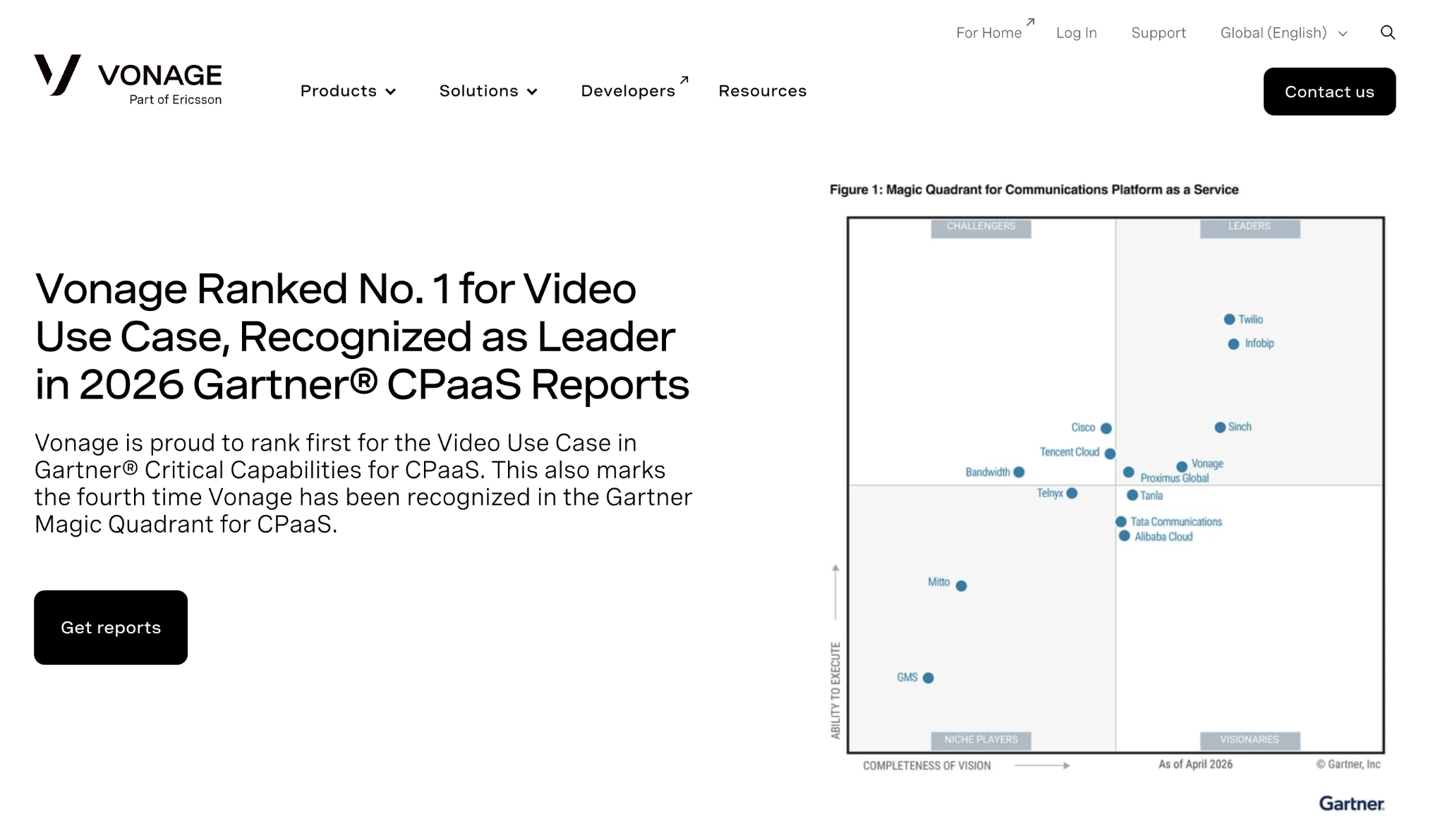
That hybrid position makes Vonage relevant to more than one segment in this map. A team may use Vonage for programmable voice, while another looks at it through the lens of business calling or contact center operations.
The call-flow angle sits between those use cases. Programmable voice gives developers control. Contact-center tooling gives operators a way to manage interactions. The long-term product challenge is connecting those two worlds without making the user experience feel fragmented.
Vonage belongs here because it shows how communications platforms can sit across infrastructure and business workflow. That overlap is exactly where call-flow design becomes a strategic product layer.
8x8
8x8 also spans unified communications and contact-center use cases, serving companies that want calling, meetings, messaging and customer engagement under one communications umbrella.
Its relevance to call-flow design comes from that combined environment. Customer calls do not always stay inside a narrow contact-center lane. They may touch support, internal teams, sales or regional offices depending on how the company operates.
That means routing and workflow control have to match the business structure. A system that handles calls well for a small team may need a different logic layer once the organization grows.
8x8 belongs in this market map because it reflects a common buyer path: companies want communications to feel joined up, but voice workflows still need clear rules underneath.
What does this market map show?
The market is not moving in one straight line.
Some platforms already expose call-flow design through a mature visual builder. Twilio, Genesys, CloudTalk, Aircall, Talkdesk, Vapi, Bland and Retell all show that pattern in different ways.
Other platforms sit closer to the infrastructure, routing or customer-engagement layer. For them, the call-flow problem appears through APIs, admin settings, IVR configuration or journey design.
The shared pressure is the same: as voice workflows become more complex, users need a clearer way to understand and change the logic.
That is especially visible in voice AI. The category sounds new, but the product problem is familiar. An AI phone agent still needs paths, boundaries and escalation. The interface may look different from a classic IVR builder, but the underlying need is close.
The next phase of this market will not be only about better voices or smarter models. It will also be about who gives teams the clearest control over what happens during the call.
Where Workflow Builder fits
Workflow Builder sits in the build-versus-embed decision.
It is an embeddable visual workflow editor for teams that want a call-flow canvas inside their own product, under their own brand. It does not replace the voice API, AI model, routing engine or orchestration layer – but it gives product teams the visual layer users need to understand and change the flow.
That distinction is important.
- A CPaaS platform may already have programmable voice.
- A CCaaS product may already have routing infrastructure.
- A voice AI company may already have agents and telephony.
The missing layer is often the editor: the place where users can see the path, adjust the logic and avoid turning every workflow change into a development ticket.
The harder part is not drawing boxes on a canvas. Production flow builders need validation, reusable subflows, permissions, versioning, layout rules and safe handoff between design and runtime.
That is the part many teams underestimate.
Workflow Builder is built for companies that want to ship that layer faster, while keeping control over the product experience around it.
Final thoughts
Voice is becoming more capable, but also harder to operate.
AI agents, programmable voice, omnichannel communication and contact-center automation all push more logic into the call experience. That logic needs a home.
For years, it often lived in code, admin settings or support tickets. The market is now moving toward something more visible: a flow layer where teams can design, review and improve what happens on the call.
The companies in this map approach the problem from different directions. Some own the infrastructure. Some own the contact-center experience. Some are rebuilding phone conversations around AI. Some have managed enterprise call logic for years.
The shared direction is now hard to miss.
Call-flow design is becoming one of the clearest ways voice platforms compete on usability, speed and customer control.
An entrepreneur and tech enthusiast, with over 14 years of experience building innovative diagramming solutions and tools across industries. Our interfaces help technical and non-technical users make informed business decisions.
Articles you might be interested in
.jpg)
Building a visual call flow editor for cloud telephony – and how to get it right
Every cloud telephony platform eventually hears the same request from partners: make call flow configuration visual. Here is what a good call flow editor looks like – and how to build one on Workflow Builder.
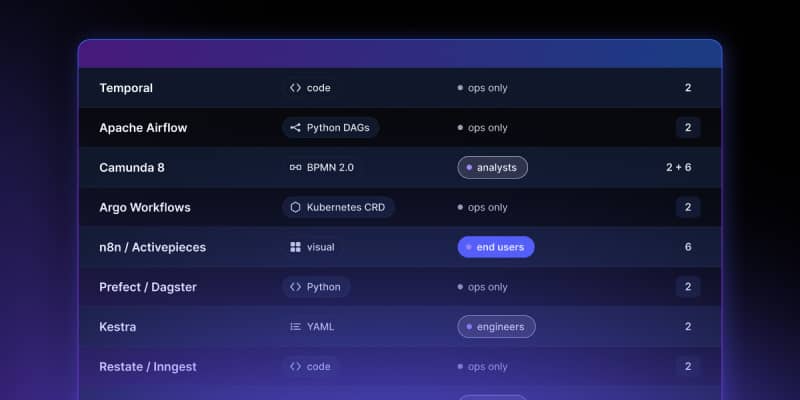
Open Source Workflow Engine Comparison: Licences, Layers and Gaps | Workflow Builder
Every automated workflow runs on a stack. Most conversations about choosing an open source workflow engine collapse that stack into one question – "which workflow tool should we use" – and then stall, because the tools being compared occupy different layers and solve different problems. Apache Airflow and Camunda are both called a workflow engine. They have almost nothing in common.
Temporal Human-in-the-Loop: What the Engine Gives You, What You Build | Workflow Builder
If you're implementing human-in-the-loop (HITL) approval on Temporal, the engine gives you more than expected on the waiting problem and less than expected on the accountability problem. This article is that split, with the documentation behind each claim.