Best Visual Editors for LangGraph in 2026

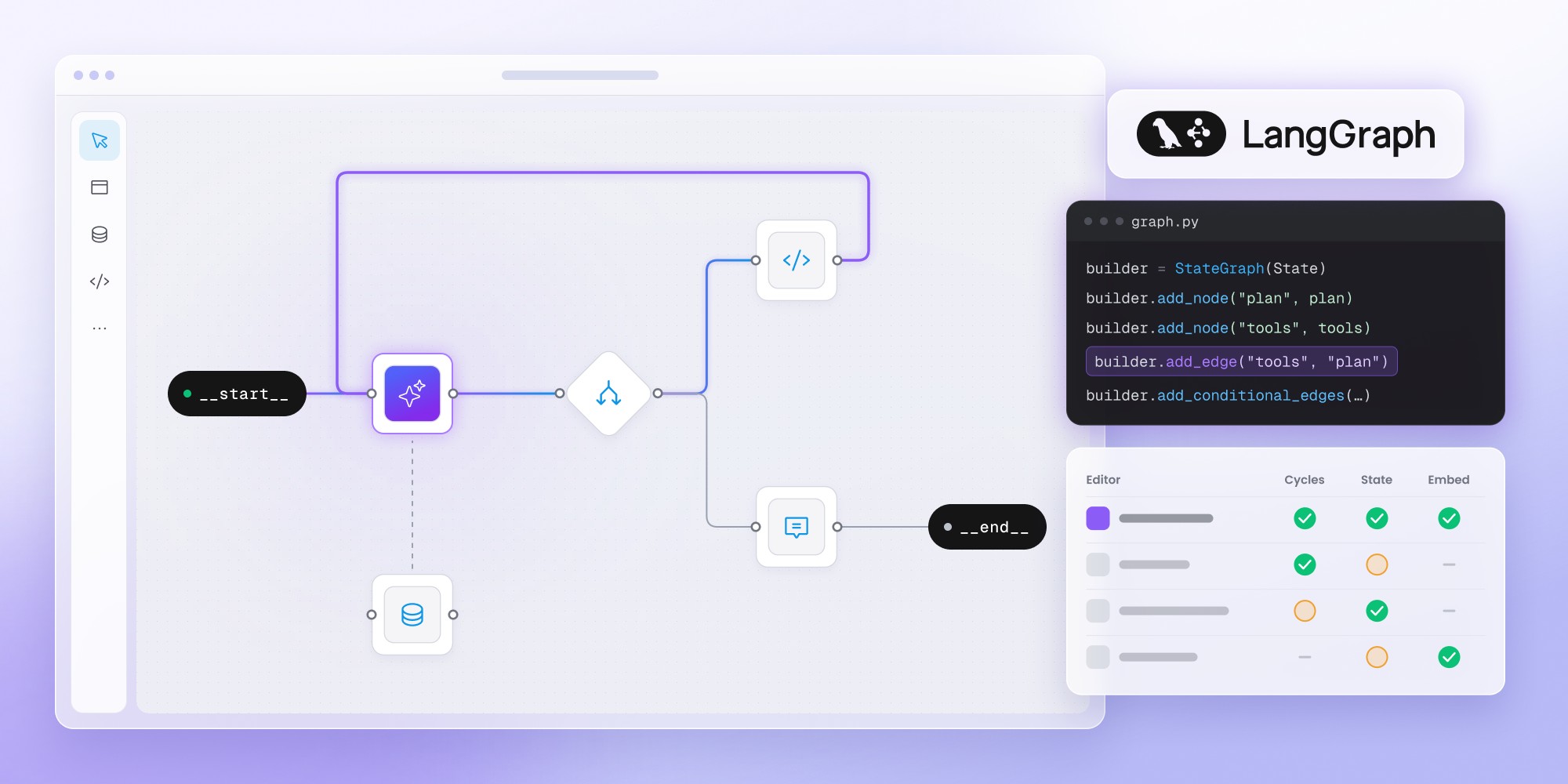
The best LangGraph visual editor depends on whether you need to debug agents, visually build workflows, or let customers create their own. LangSmith Studio is the strongest option for inspecting and debugging LangGraph applications, while Workflow Builder adds an embeddable, customer-facing editor without replacing the LangGraph runtime. LangConfig, Graphical Agents, and LangGraph-GUI offer open-source approaches to visual workflow creation and code generation, though their maturity varies. The key is choosing a tool based on who will edit the workflows and what should happen to the graph after it's saved.
LangGraph is built for code-first agent orchestration, but visual tooling can still be useful around it. The catch is that “LangGraph visual editor” can mean at least three different things: inspecting a graph, visually generating one or letting end users author workflows inside your product.
Those jobs need different tools.
Pick the LangGraph tool by the job
LangSmith Studio is the natural first choice for developers who want to inspect, run and debug LangGraph applications visually. Workflow Builder fits a different problem: giving customers, PMs or operations teams a visual editor on top of a LangGraph backend. LangConfig is an interesting open-source option for drag-and-drop LangChain and LangGraph workflow creation. Graphical Agents focuses on visually designing graphs that compile into runnable LangGraph projects. LangGraph-GUI is worth exploring for open-source node-and-edge editing around LangGraph.
The right tool depends on one question:
Are you trying to debug a graph, generate a graph or turn LangGraph into a customer-facing product experience?
Start with the job, not the canvas
Most comparisons get muddy because they treat every visual tool as interchangeable.
They aren’t.
A developer using LangGraph may want to inspect state transitions, replay a run or debug an agent. A product team may want to create a graph without writing every edge manually. A SaaS company may want its customers to configure workflows without ever seeing LangGraph terminology.
Those are three separate product problems.
LangGraph’s own ecosystem already covers the first one well. LangSmith Studio can visualize graph architecture, run agents, manage threads and assistants, inspect state and work with traces and datasets.
For customer-facing authoring, though, you need a different layer.
If you’re debugging LangGraph: use LangSmith Studio
LangSmith Studio is the best default visual environment for developers already building with LangGraph.
Studio connects to a local or deployed Agent Server and gives you a graphical view of the application. You can run the agent, inspect intermediate states, manage threads, modify state, use breakpoints and work with LangSmith traces.
It supports both Graph mode and Chat mode. Graph mode exposes the underlying execution structure, while Chat mode gives a simpler conversational testing interface.
The important nuance is what Studio isn’t.
It’s not primarily a no-code workflow builder for your customers. LangChain positions it as a specialized agent IDE for development, testing and debugging. The graph itself still comes from your application code or Agent Server.
That makes Studio excellent for questions such as:
- Which node executed?
- What state did the graph contain here?
- Why did the agent take this path?
- What happened before the failure?
- How does the graph behave with another input?
It’s much less suited to:
“Let our customer drag an approval node onto the canvas and publish a new workflow.”
For that use case, keep LangGraph underneath and add a product-facing authoring layer.
If customers need to author LangGraph workflows: use Workflow Builder
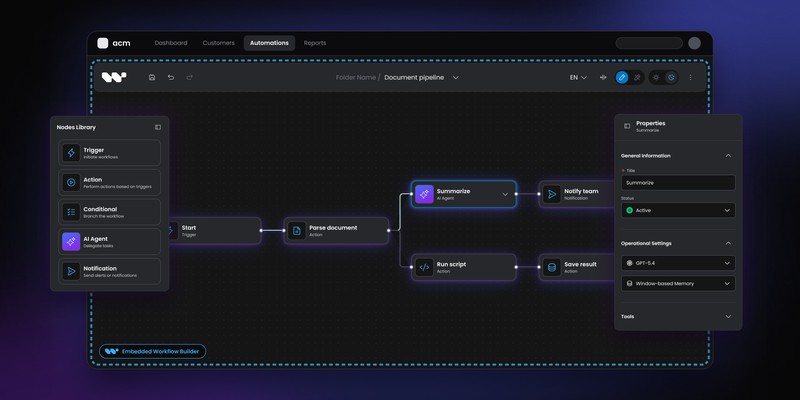
Workflow Builder is aimed at teams that already have LangGraph on the backend but need a visual authoring experience inside their own product.
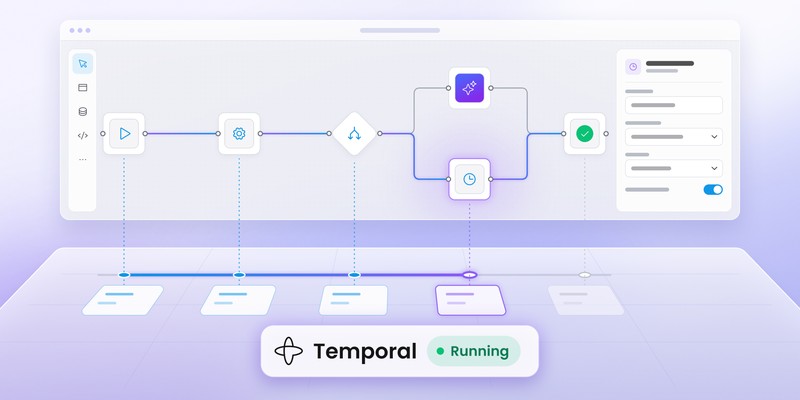
The Workflow Builder LangGraph integration describes a straightforward split:
Customer-facing editor
↓
Typed workflow definition
↓
Your backend
↓
LangGraph StateGraph
↓
Execution
LangGraph remains responsible for the agent state machine. Workflow Builder handles the visual authoring side.
The advantage is mostly about product language.
Your customer can work with:
Collect documents
↓
AI review
↓
Human approval
↓
Generate recommendation
while the backend maps those nodes onto LangGraph logic, tools, state transitions and persistence.
Customers don’t need to understand StateGraph, Command, interrupts or checkpointers just to configure a business process.
The split also lets your team keep LangGraph code-first where it belongs. Engineers can continue using LangSmith Studio for debugging, while customers get a much narrower authoring experience inside the SaaS product.
Use it when: LangGraph already works as your runtime and the missing piece is customer-facing workflow UX.
Already running LangGraph in production?
Give customers a visual authoring layer without changing the runtime.
Explore Workflow Builder for LangGraph
If you want drag-and-drop LangGraph generation: look at LangConfig
LangConfig is an open-source visual builder specifically targeting LangChain and LangGraph workflow creation.
The project provides a drag-and-drop interface for building, testing and sharing agent workflows and is distributed under the MIT license.
LangConfig sits much closer to the idea many people initially have in mind when searching for a “LangGraph visual editor”:
draw the graph visually, configure it, then use that graph as the basis for the agent implementation.
That makes it particularly interesting for developers who want to reduce the amount of graph structure they write by hand but don’t need to productize the editor for end customers.
The trade-off is maturity.
It’s a much smaller project than LangGraph or LangSmith, so you should evaluate maintenance, generated output, supported LangGraph features and migration risk carefully before making it core production infrastructure.
Use it when: you want open-source visual construction of LangGraph-oriented workflows and are comfortable evaluating a younger project.
Graphical Agents takes a code-generation route
Another interesting option is Graphical Agents, a young open-source visual builder that generates runnable projects from a canonical visual graph.
Instead of trying to become a hosted agent platform, it uses the canvas as a source for generated code. The same graph can compile to LangGraph or other supported targets.
That leads to a very different workflow:
Drag-and-drop graph
↓
Visual configuration
↓
Generated project
↓
Runnable LangGraph code
The project includes node configuration, live code preview and export of a runnable project scaffold.
Its code-generation philosophy is useful for teams that want the visual tool to accelerate development without making the visual editor the long-term production runtime.
In other words, the output is code you can inspect and own.
That can be attractive for prototypes, internal tooling and teams that prefer generated source over an opaque workflow representation.
The project is still relatively young and is licensed under AGPL-3.0, so evaluate both maintenance maturity and license fit before making it a production dependency. Treat it as an engineering tool to test rather than a mature enterprise platform.
Use it when: you want visual design to generate LangGraph code rather than become the end-user workflow product.
LangGraph-GUI is for teams comfortable with OSS experimentation
LangGraph-GUI represents another open-source path: a node-and-edge GUI around LangGraph-style agent workflows, using SvelteFlow with a FastAPI backend.
Its appeal is flexibility and openness rather than polished enterprise packaging. Check maintenance before depending on it: the latest tagged release is v2.2.3 from January 2026, so it is better treated as an experimentation or reference project than as an actively maintained dependency.
For developers exploring visual agent-building patterns, that may be enough. For a customer-facing SaaS product, you’d need to assess UX, persistence, permissions, schema stability, embedding and long-term maintenance yourself.
Use it when: you’re comfortable working close to the open-source layer and don’t expect a turnkey product SDK.
What about Dify and Langflow?
They’re good tools, but I wouldn’t rank them here as direct LangGraph editors.
Dify and Langflow are broader visual AI application environments. You can build agentic workflows visually, but adopting them usually means working within their own runtime and orchestration model rather than treating LangGraph as the graph you’re directly editing. Flowise used to be another common comparison, but it reached end of life in August 2026 and is no longer a live recommendation.
The distinction matters.
If your requirement is:
“We need a visual way to build AI workflows.”
then all three deserve serious consideration.
If your requirement is:
“We already run LangGraph and need a visual editor specifically around it.”
then Studio, Workflow Builder or a LangGraph-oriented code-generation tool is the more relevant shortlist.
For the broader AI category, see AI agent orchestration.
Comparison: what happens after you drag the node?
The easiest way to tell these tools apart is to follow one node all the way through the system.
Imagine adding:
Human approval
- In LangSmith Studio, the node already exists in the graph defined by your application. Studio helps you inspect how it behaves.
- In Workflow Builder, a user can add the node as part of a customer-authored definition. Your backend translates the definition into LangGraph behavior.
- In LangConfig, the visual graph helps you construct the LangGraph-oriented workflow itself.
- In Graphical Agents, the node becomes part of an intermediate representation that can generate LangGraph source code.
- In LangGraph-GUI, behavior depends on the specific project implementation and how you wire the GUI into the runtime.
That single distinction is more useful than comparing who has prettier edges.
The shortlist by scenario
The category gets much easier to navigate once you stop asking for “the best editor” and define what happens to the graph after it leaves the canvas.
Can you use LangSmith Studio and another visual editor together?
Yes, and for production SaaS this may be the most sensible architecture.
A customer-facing editor and an engineering IDE don’t compete.
They can sit on opposite sides of the same LangGraph system:
CUSTOMER SIDE
Workflow Builder
↓
Workflow definition
↓
Application backend
↓
LangGraph
↑
LangSmith Studio
ENGINEERING SIDE
Customers configure workflows in product language.
Developers use Studio to inspect state, executions, traces and agent behavior.
Neither audience needs the other’s interface.
The existing LangGraph integration page is explicitly built around that separation.
Don’t confuse graph visualization with graph authoring
LangGraph tooling exposes graphs visually in several places, but seeing the topology doesn’t mean you can use the canvas as the source of truth for the application.
LangSmith Studio can visualize graph architecture and executions.
A true authoring system needs additional concerns:
- create and delete nodes
- configure domain-specific properties
- validate connections
- serialize the definition
- version customer workflows
- map them to runtime behavior
- control who may edit or publish them
Teams often discover that the visual canvas itself is the smaller part of the problem.
If you’re building customer-facing authoring, the custom node guide is useful because the quality of the editor depends heavily on how your own product concepts become configurable nodes.
Which visual editor for LangGraph should you choose?
For most LangGraph developers, start with LangSmith Studio. It’s part of the native development workflow and handles visualization, testing and debugging without asking you to redesign how the application is built.
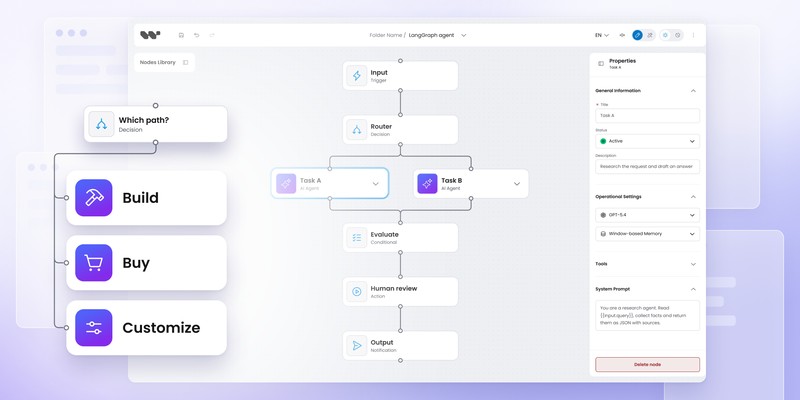
For SaaS products exposing agent workflows to customers, use a separate authoring layer such as Workflow Builder and keep LangGraph behind the product boundary.
For developers who want visual graph construction, LangConfig is the clearest emerging option to evaluate.
For visual-to-code workflows, Graphical Agents has an interesting model because the visual graph produces runnable LangGraph projects rather than becoming the runtime itself.
The crucial question isn’t:
Which tool lets me see a LangGraph graph?
It’s:
Who is editing the graph, and what should the visual definition become after they save it?
Content Marketing Specialist who's spent the last decade making tech topics actually readable. With an MA in Brand Communication, Ida has crafted content strategies for several IT companies. Her portfolio spans from Kubernetes tutorials to enterprise software guides, now focusing on data visualization and diagramming solutions.