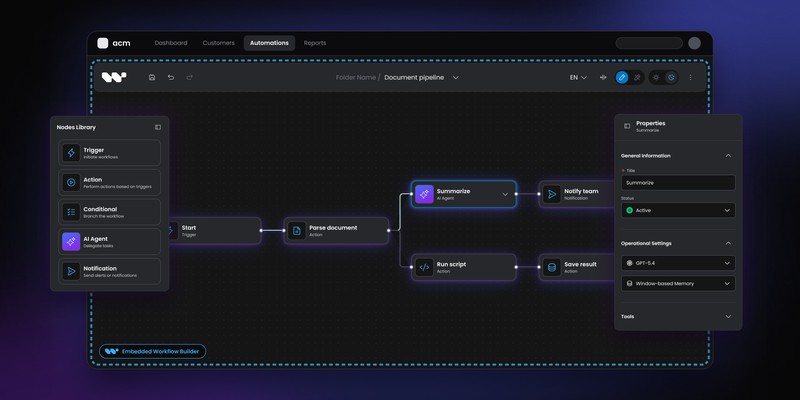
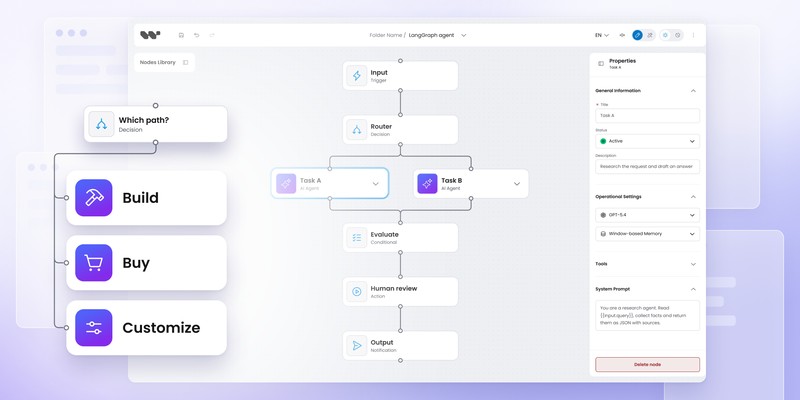
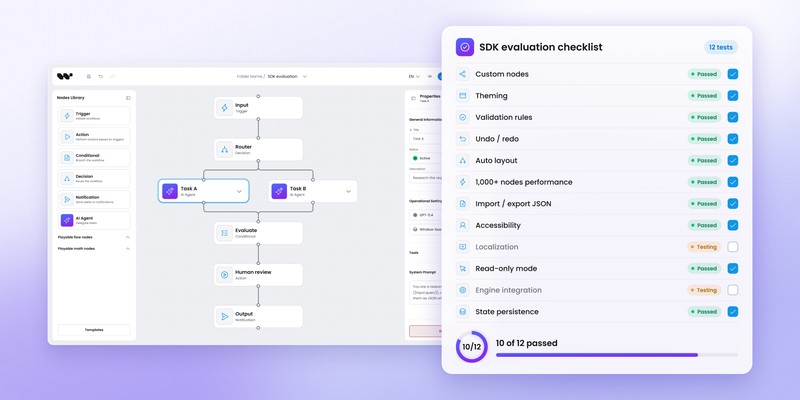
Temporal workflow UI: visual authoring on top of Temporal

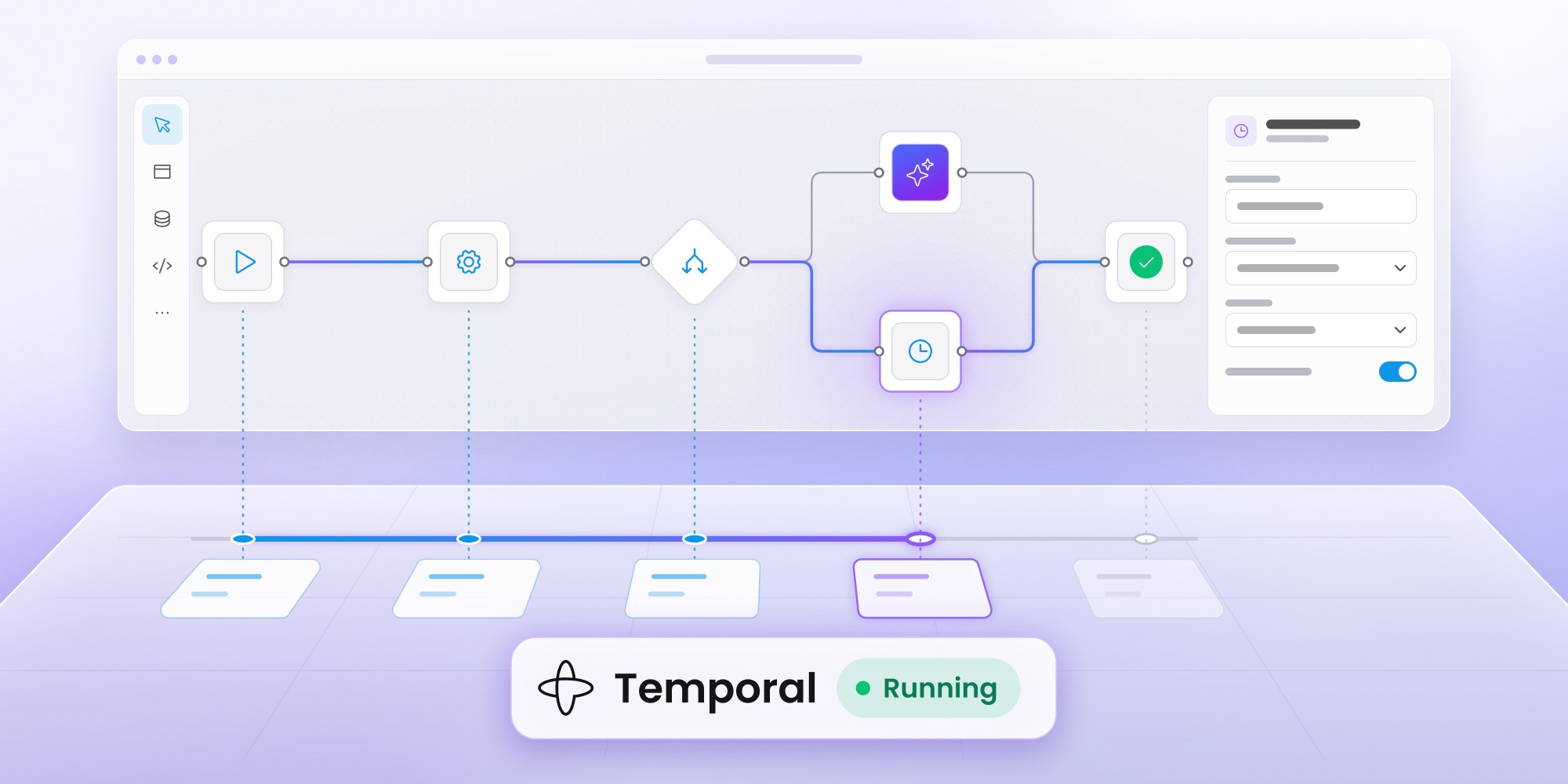
Temporal Web UI helps developers inspect and operate workflow executions, but it isn't designed for customer-facing visual workflow authoring. SaaS products that need users to create or modify workflows can add a separate visual editor while keeping Temporal responsible for durable execution. Workflow Builder provides an embedded authoring layer, structured workflow definitions and a reference architecture with a Temporal adapter. Choose a full visual editor when users need to change workflow structure; for approvals, status updates and simple interactions, a focused product UI may be enough.
Temporal already gives developers a Web UI for inspecting and operating workflow executions. The harder product question appears when someone other than an engineer needs to create, configure or change the workflow itself.
For SaaS teams using Temporal, the right interface depends on the job: runtime operations, business interaction or visual authoring.
The short answer: what Temporal UI actually covers
Yes, but Temporal Web UI is primarily an operational interface for Workflow Executions. It is not a general-purpose customer-facing workflow authoring tool.
If users only need visibility into running workflows, Temporal Web UI may be enough. If PMs, operations teams or SaaS customers need to change workflow structure, rules or domain-specific steps, you need a separate authoring layer connected to Temporal.
What is Temporal Web UI?
Temporal Web UI is Temporal's browser-based interface for viewing and operating Workflow Executions.
Engineering teams use it to inspect workflow state, event history, failures, child workflows and other runtime information. Temporal has continued investing in the UI, including better workflow views, Task Issues, attribution features and newer Cloud administration capabilities.
Temporal Web UI is therefore an important part of the operational experience around Temporal. Teams should generally keep using it for the runtime problems it already solves rather than recreate the same tooling inside a customer-facing editor.
Is Temporal Web UI a visual workflow builder?
No. Temporal Web UI visualizes and operates Workflow Executions; it does not provide a general drag-and-drop environment for authoring arbitrary workflow definitions.
Temporal remains code-first. Developers define application workflow logic through Temporal SDKs, while the Web UI helps teams understand what happened during execution.
Consider an invoice approval process:
Invoice received
↓
Amount > $10,000?
↓
Request approval
↙ ↘
Approve Reject
Temporal can run the durable process, maintain its state and handle long waits or failures.
Temporal Web UI can then help an engineer inspect the execution.
If a SaaS customer needs to change the approval threshold, remove the approval step or add a new branch, the product needs an authoring interface above the runtime.
Temporal Web UI vs visual workflow editor
The simplest distinction is operate vs author.
Both interfaces can coexist in the same architecture.
A developer may use Temporal Web UI to investigate why a Workflow Execution failed at 03:00. A customer's operations manager may use your workflow editor to decide that high-value orders require an additional approval step.
The two users are solving different problems.
When do you need a visual UI on top of Temporal?
A visual authoring layer becomes useful when workflow configuration is part of the product experience rather than an implementation detail owned exclusively by developers.
Common cases include:
- customers creating their own approval flows
- operations teams changing process structure
- AI users configuring agents, tools and human checkpoints
- product admins defining routing logic
- customers building communication journeys
- non-developers editing reusable workflow templates
A node editor is not always necessary. Some Temporal-backed products need only a focused form, rules editor or approval screen.
Use a full visual workflow builder when people genuinely need to change workflow structure rather than interact with a workflow that engineering has already defined.
What kind of Temporal UI do you actually need?
The phrase Temporal UI often hides several different requirements.
Runtime operations UI
Temporal Web UI already addresses this category.
Developers and operators need to know:
- Is the Workflow Execution running?
- Which Activity failed?
- What happened before the retry?
- Which child workflow started?
- What does the event history show?
Temporal's own UI belongs here.
Business interaction UI
A running workflow may need human input without allowing the user to redesign the process.
Examples include:
- approve or reject a request
- supply missing data
- review an AI result
- select an exception path
- confirm a transaction
A normal application screen may be the best interface.
Temporal can keep the workflow waiting while your product collects the input and sends the appropriate signal or update.
Workflow authoring UI
Authoring changes what the workflow is.
Users may add nodes, create branches, define conditions, configure actions or change the sequence of steps.
For customer-facing products, the authoring UI should usually use the language of the domain rather than expose Temporal internals.
For example:
Customer sees:
Risk review → Manager approval → Issue policy
Engineering operates:
Activities → Signals → Workflow logic → Workers
Workflow Builder documents the same split in its Temporal integration.
Internal workflow design UI
Some engineering or operations teams want a visual model without exposing workflow creation to customers.
A diagramming or design tool may be sufficient if the visual model does not need to become an executable definition.
The choice depends on whether the UI is documentation, configuration or actual workflow authoring.
How does a visual workflow editor connect to Temporal?
A common pattern separates the authoring model from runtime execution.
Customer
↓
Embedded workflow editor
↓
Structured workflow definition
↓
Reference backend + execution core
↓
Temporal adapter
↓
Temporal
The visual editor stores the user's workflow as a structured definition. In Workflow Builder's reference stack, the backend stores and exposes that definition and submits runs through WorkflowEnginePort. Graph traversal lives in the execution core, which the engine adapter runs, while execution events are recorded and surfaced back through the backend.
The reference stack therefore separates authoring, backend responsibilities, graph execution and durable orchestration instead of treating the backend as the graph runner. Temporal supplies the durable orchestration layer in the integration that ships today.
What does a Temporal adapter do?
An adapter provides a boundary between the workflow model used by the product and the execution model used by Temporal.
Workflow Builder's reference architecture currently exposes three interfaces with different call sites:
- WorkflowEnginePort — the backend submits and cancels runs through it.
- ActivityRunnerPort — the graph runner calls it to execute a single node.
- EventEmitterPort — the graph runner calls it to record execution events and status transitions, which the backend can then stream to the editor.
Today's Temporal integration implements all three across a client-side engine adapter plus the workflow-side runner and worker activities.
A node such as:
Request legal approval
does not need to expose a Temporal Activity or Signal to the person authoring the workflow. The backend decides how the product-level node maps onto the runtime.
For the editor-to-engine architecture, see the Workflow Builder reference stack.
CTA
See how visual authoring connects to Temporal
Inspect the editor, reference backend and shipped Temporal adapter.
Explore the Temporal reference stack
Can Temporal support customer-facing workflows?
Yes. Temporal can sit behind a customer-facing product without exposing Temporal itself to the customer.
A SaaS product may use Temporal for durable execution while presenting a domain-specific interface above it. Customers work with the application's concepts, while engineering continues to operate Temporal as infrastructure.
For example, an insurance application might expose:
Claim received
↓
Fraud check
↓
Adjuster review
↓
Approve payout
The implementation underneath may use Temporal Workflows, Activities, Signals or child workflows.
Customers don’t need to model the process in those terms.
The separation is particularly useful when the product is aimed at business users rather than Temporal developers.
Can you build your own Temporal workflow UI?
Yes. In many cases, building a focused application UI is exactly the right choice.
A customer onboarding workflow may need only a progress screen, one approval action and a form for missing data. Adding a full node canvas would make the product more complicated without adding meaningful value.
When users do need to modify workflow structure, teams generally have three options.
Build the editor with a graph library
A library such as React Flow gives you low-level node and edge primitives. Your team then builds persistence, workflow semantics, configuration panels, validation, backend mapping and Temporal integration.
The route offers maximum control and maximum ownership.
See React Flow vs Workflow Builder for the differences between those abstraction levels.
Use an embedded workflow SDK
An SDK gives you more of the workflow-authoring layer up front.
Workflow Builder for developers supports using only the React editor with an existing backend or cloning the wider reference stack with the backend and Temporal adapter.
Build a custom domain UI
A node canvas is only one possible workflow interface.
Forms, tables, decision trees, configuration wizards or rules builders can be better when users need to change a constrained set of workflow parameters rather than design arbitrary process topology.
Does a Temporal workflow UI need to expose Temporal concepts?
Usually not for customer-facing authoring.
Product terminology tends to produce a clearer experience than infrastructure terminology. A sales automation product might expose Qualify lead and Request manager approval, while Temporal-specific implementation details remain behind the application boundary.
Keeping those layers separate also makes the workflow definition more closely match the product domain.
Engineers still work directly with Temporal where appropriate. Customers work with the concepts the SaaS product was designed around.
How do Temporal Web UI and a customer-facing workflow UI work together?
A Temporal-backed SaaS product can legitimately have two separate interfaces.
Customers and business users may need:
- workflow creation
- domain-specific nodes
- forms and conditions
- approval configuration
- visual status inside the product
Developers and operators may need:
- execution histories
- runtime diagnostics
- task issues
- workflow state
- operational controls
Temporal Web UI handles the second set well and continues to expand its operational capabilities. In 2026, Temporal advanced Principal Attribution, which entered pre-release for both Temporal Cloud and self-hosted deployments, alongside Cloud-specific capabilities such as Custom Roles and Projects for organizing Namespaces and Nexus endpoints.
A separate authoring layer does not replace Temporal Web UI. It serves another audience.
Can Temporal support human-in-the-loop workflows?
Yes. Temporal can support workflows that wait for external events or human input for long periods while retaining durable state.
The business-facing interface still belongs to the application. A user might see an approval card, task inbox or review screen while Temporal waits underneath for the corresponding event.
Products where people also need to design where those approval points occur need an authoring surface in addition to the interaction UI.
For a related product pattern, see human-in-the-loop AI workflows.
Is Temporal suitable for AI agent workflows?
Temporal can be a strong runtime choice for AI workflows that need durable, long-running orchestration.
An agentic process may call external tools, wait for human input, retry failed services or resume after infrastructure failures. Temporal handles the execution side of those requirements.
The authoring interface is a separate decision.
A customer-facing AI product might expose nodes such as:
- AI agent
- tool call
- evaluator
- human approval
- fallback
- conditional route
while Temporal runs the durable process underneath.
See visual workflow authoring for AI agents for the product-facing side of that architecture.
Temporal vs visual workflow builder: are they alternatives?
No. Temporal and a visual workflow builder operate at different layers.
Temporal provides durable execution infrastructure. A visual workflow builder gives users a way to define or configure what should run.
For teams already committed to Temporal, the buying question is usually not Temporal or workflow builder?
It is whether your product needs an authoring layer in addition to the runtime you already have.
What should you look for in a visual workflow layer for Temporal?
Embedding model
Check how deeply the editor can integrate with your existing application. A React component provides a different integration model from an embedded vendor application.
Workflow definition format
The authored workflow should have a structured representation your backend can validate, store and evolve.
Avoid treating the canvas state as an opaque UI artifact.
Domain-specific nodes
Your editor should be able to represent product concepts rather than forcing authors to think in terms of engine primitives.
Backend mapping
Understand how authored definitions become executable behavior. The boundary may be your own backend, a reference interpreter or an engine adapter.
Execution state
Decide how runtime events return to the product so users can see progress, failures or completed nodes where appropriate.
Versioning
Customer-authored workflow definitions introduce their own lifecycle problem. Publishing a new workflow definition is different from deploying a new Worker version.
Do all Temporal applications need a visual workflow editor?
No.
Many Temporal applications should stay code-first.
A visual authoring layer makes sense when PMs, operators or end customers need to configure reusable workflow definitions or modify workflow structure without changing application code.
If users only need to trigger a workflow, provide input or see status, a normal product UI is often simpler and better.
Choosing the smallest interface that satisfies the actual user need is usually the right decision.
FAQ
Does Temporal have a workflow UI?
Yes. Temporal Web UI provides an interface for inspecting and operating Workflow Executions. It includes workflow views, event-history functionality and other runtime and administration features.
Does Temporal have a visual workflow builder?
Temporal does not provide a general customer-facing drag-and-drop workflow-authoring product. Temporal workflows remain code-first, while Web UI focuses on runtime visibility and operations.
Can I build a visual workflow editor on top of Temporal?
Yes. A product can store a visual workflow definition and map it to Temporal through its own application backend or an adapter layer. Workflow Builder provides one reference implementation of that architecture.
What is the difference between Temporal Web UI and Workflow Builder?
Temporal Web UI focuses on runtime executions and operations. Workflow Builder provides customer-facing visual authoring, structured workflow definitions and a reference architecture for connecting that authoring layer to an execution engine.
Does Workflow Builder replace Temporal?
No. Temporal remains the execution engine. Workflow Builder can provide the authoring layer, workflow definition and backend-to-engine boundary above it.
Can customers edit Temporal workflows visually?
They can if your product provides a visual authoring layer that converts customer configuration into a workflow definition your backend can execute through Temporal.
Do I need a visual editor if I use Temporal?
Not necessarily. Keep a code-first model when developers own workflow definition. Add visual authoring when non-developers or customers need to change workflow structure or reusable workflow configurations.
Content Marketing Specialist who's spent the last decade making tech topics actually readable. With an MA in Brand Communication, Ida has crafted content strategies for several IT companies. Her portfolio spans from Kubernetes tutorials to enterprise software guides, now focusing on data visualization and diagramming solutions.