Best visual workflow builders for AI agent applications in 2026

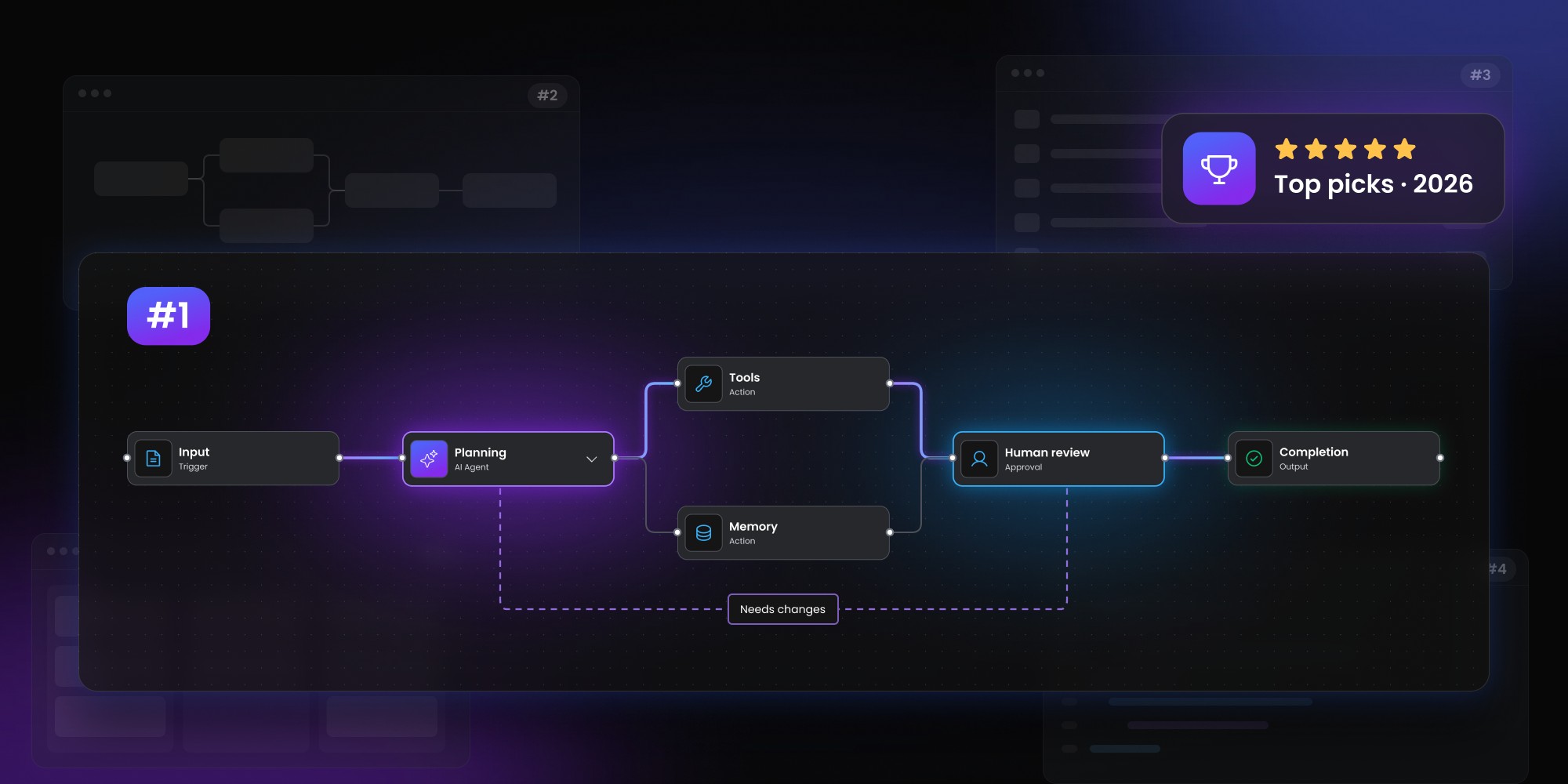
The best visual workflow builder for AI agents depends on whether you're building an internal automation system or a customer-facing SaaS product. Workflow Builder provides an embeddable editor that works with existing AI runtimes, while Dify offers an all-in-one platform for building and deploying AI applications. Langflow is well suited to Python-based agents and RAG workflows, n8n combines AI agents with business automation, and Sim offers visual workflows with flexible deployment options. Before choosing, consider who will create the workflows, which system will handle execution, and how much control you need over the user experience and workflow data.
AI agent products increasingly need more than a prompt box. Teams want branching, tool calls, human review, retries, state, RAG and multiple agents working inside one flow.
A visual builder can make that logic easier to understand and configure, but the products in this category solve very different problems. Some are complete AI application platforms. Others are visual development environments. A few are better suited to embedding agent workflows inside your own SaaS product.
The AI agent workflow builder shortlist
Workflow Builder is a strong fit when you’re building a customer-facing AI product and need the visual authoring layer to live inside your own application. Dify is a strong all-in-one platform for visually building and deploying AI applications. Langflow is useful for rapidly composing agentic and RAG flows with a strong Python ecosystem. n8n makes sense when AI agents need to sit inside a broader automation environment. Sim is worth considering for teams that want a modern open-source AI workspace with visual workflows, deployment and versioning. Flowise used to belong on this shortlist, but it reached end of life in August 2026 and should now be treated as archived software rather than a live recommendation.
What makes an AI agent workflow builder useful?
A visual AI workflow builder should make agent behavior easier to define, inspect and change without turning every adjustment into an engineering task.
Typical agent workflows may include:
- LLM calls
- tools
- retrieval
- routers
- evaluator steps
- parallel work
- human approval
- loops
- fallback logic
- external APIs
The hard part isn’t even drawing those nodes. Production products also need to decide who controls execution, where state lives, how runs are inspected and whether the visual workflow belongs to the vendor or to your application.
The existing Workflow Builder guide to AI agent orchestration makes a useful distinction between runtimes, agent frameworks and human-facing workflow interfaces.
1. Workflow Builder: best for embedding AI workflow authoring in your SaaS
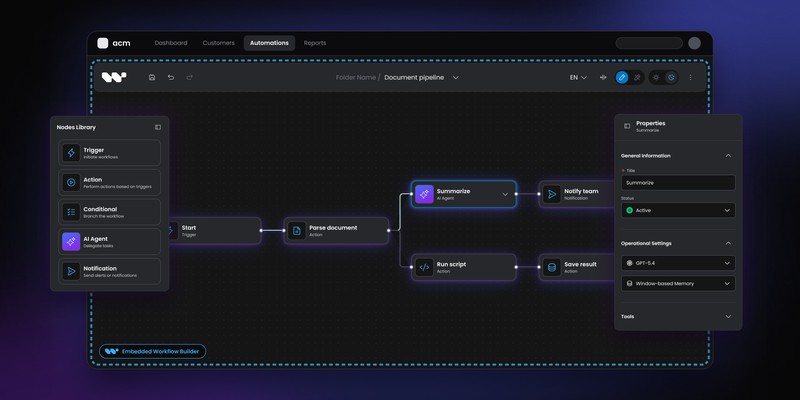
Workflow Builder is the best fit when the agent workflow editor itself needs to become part of your product rather than a separate AI development environment.
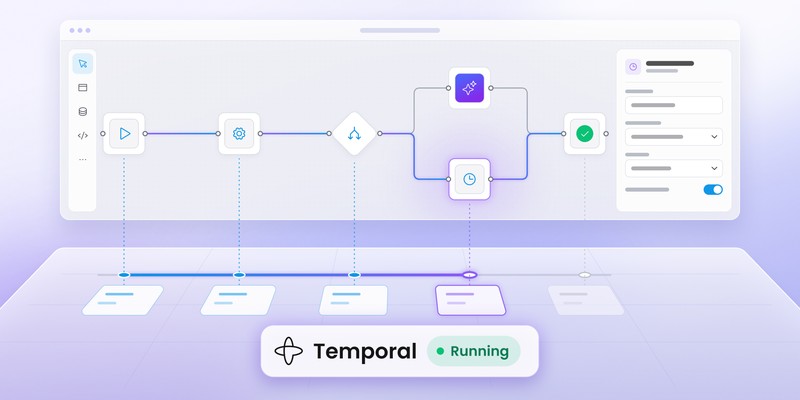
Its AI workflow use case is built around an embedded React editor, structured workflow definitions and a reference backend that can connect to an execution engine. That backend is reference code for local development and architectural evaluation rather than a production-ready service. Temporal ships as the current reference adapter, while the authoring layer can sit above other agent frameworks or runtimes.
The distinction is important for products where customers need to configure AI behavior in the language of the application.
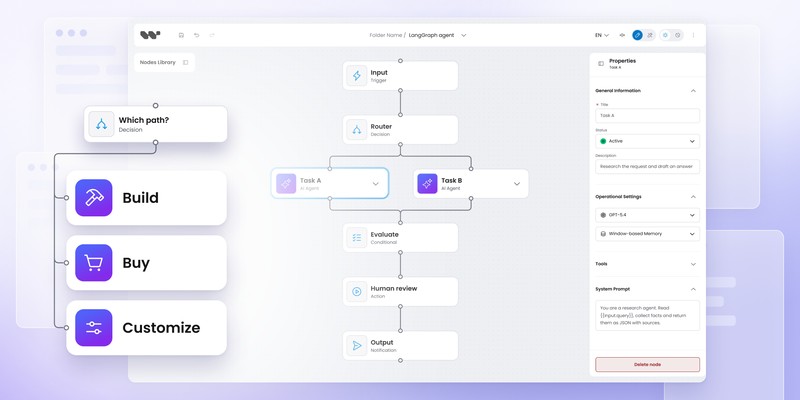
A SaaS product might expose nodes such as:
Research agent
↓
Evaluate answer
↓
Human review
↓
Publish
while the backend continues to use LangGraph, Temporal, custom Python or another runtime.
Workflow Builder doesn’t try to become the model provider, agent framework and runtime at the same time. The AI agent workflow builder is aimed at teams that already have those pieces and need a product-grade visual layer around them.
The architecture is especially relevant when:
- customers need to edit agent workflows
- the UI must match your product
- node types are domain-specific
- your team already has a runtime or agent framework
- workflow definitions need to remain under your control
For products still deciding between building the canvas internally and using an SDK, Building AI agent pipelines: SDK vs custom build covers that choice in more depth.
Best fit: AI SaaS products adding a branded, customer-facing agent workflow editor.
2. Dify: best all-in-one visual platform for AI applications
Dify is one of the strongest choices when you want a broader platform for visually building, testing and deploying AI applications rather than only an embedded editor.
Its Workflow Studio supports model calls, tools, knowledge retrieval, code, branching, triggers and human review on a visual canvas. Published workflows can then run as applications rather than remaining design artifacts.
Dify also has a broader plugin model covering tools, models, agent strategies, data sources, triggers and extension/endpoint capabilities. That makes it attractive when your team wants a substantial AI application stack already assembled rather than stitching each layer together independently.
The trade-off is architectural scope.
You’re adopting Dify’s platform model, workflow environment and deployment patterns. That can be ideal for internal AI products, prototyping and teams that want one system to cover most of the application lifecycle.
It’s less direct when your primary requirement is:
“Let our SaaS customers visually configure our proprietary AI product inside our existing React app.”
Best fit: teams that want a visual AI application platform with workflow execution, plugins and deployment built in.
A note on Flowise
Flowise was one of the best-known open-source visual builders for LLM and agent workflows, but it is no longer a live option for a new 2026 implementation. The Flowise team announced a wind-down in July 2026, froze active feature development, archived the project in August and set August 31, 2026 as end of life. Its npm packages and Docker images were deprecated.
The Apache 2.0-licensed code remains available to fork, so existing teams can still study or maintain it themselves. New buyers should treat Flowise as an archived reference implementation rather than a maintained dependency.
3. Langflow: best for rapid Python-centric agent and RAG development
Langflow is a strong visual development environment for teams that want to assemble agentic applications, RAG systems and AI tools quickly.
The platform combines a visual canvas with reusable components and Python extensibility. Its current positioning covers agents, MCP servers, major model providers, vector databases and a growing component library.
Langflow is especially comfortable for teams that already think in terms of AI components and Python services rather than generic business automation.
Recent Langflow releases have continued improving workflow APIs, debugging, tracing and model configuration. Because the project is moving quickly, evaluate the current release rather than using older 1.8-era feature descriptions as a proxy for the present product.
Its strength is rapid visual composition around AI infrastructure.
The main product question is whether you want users working inside Langflow itself or need a workflow authoring experience deeply embedded in your own application.
For internal development tools and AI engineering environments, the first option may be entirely sufficient.
Best fit: Python-oriented AI teams rapidly building and testing agentic or RAG workflows.
4. n8n: best when AI agents are part of a larger automation system
n8n is particularly relevant when AI agents need to interact with a wide range of SaaS systems rather than operate as an isolated AI application.
Its broader automation platform already includes a large connector ecosystem, workflow execution and credential management. AI nodes and agent functionality can sit inside the same environment as business-system integrations.
That makes n8n useful for workflows such as:
New support ticket
↓
AI classify
↓
Search CRM
↓
Agent drafts response
↓
Human approval
↓
Send reply
The value here isn’t only visual AI orchestration. It’s the combination of AI logic with general automation.
n8n also introduced an AI Workflow Builder that can create and refine workflows from natural-language prompts, reinforcing its direction toward AI-assisted automation rather than a standalone agent-framework product.
For customer-facing SaaS use, remember that n8n OEM remains an embedded automation platform with its own runtime and product model. The n8n alternative for SaaS comparison goes deeper into that boundary.
Best fit: AI automation products where external integrations and business-process automation matter as much as the agents themselves.
5. Sim: best for a modern AI workflow workspace with deployment built in
Sim is an interesting newer option for teams that want visual AI workflows, reusable deployment targets and an open-source workspace model.
Within Sim, teams can connect models, tools, code and workspace data visually. Workflows can start manually, on schedules or from events, then be deployed as APIs, chat experiences or MCP tools. Versioning is also part of the current workflow model.
The deployment flexibility is one of its more distinctive strengths.
A single visual workflow can become:
- an API
- a chat application
- an MCP tool
- a scheduled process
- an event-driven workflow
That makes Sim appealing for teams treating agent workflows as deployable application components rather than diagrams alone.
Compared with Workflow Builder, Sim is more of an AI workspace and execution environment. Compared with Langflow, the emphasis on publishing workflows into several runtime surfaces gives it a slightly different product shape.
Best fit: teams that want an open-source visual AI workspace with workflow deployment and versioning included.
AI agent workflow builders compared
The tools become easier to understand when grouped by the job they’re trying to solve.
The comparison isn’t about picking a universal winner. Each product owns a different amount of the AI application stack.
Which type fits your scenario?
A few scenarios narrow the shortlist quickly.
You already have LangGraph, Temporal or a custom agent backend.
Start with an authoring layer such as Workflow Builder. Replacing the runtime just to get a canvas may create unnecessary duplication. The AI agent workflow page is specifically built around that architecture.
You want one environment to design and deploy AI apps.
Dify, Langflow or Sim are more natural starting points.
Your agent mostly coordinates SaaS tools.
n8n becomes much more attractive because the integration ecosystem is part of the value.
You’re building a product for customers, not an internal AI engineering tool.
Pay much closer attention to embedding, branding, workflow-data ownership and how much vendor UI your customers will see.
One useful rule is to separate agent logic from agent workflow UX. The agentic workflow patterns guide shows common shapes such as chaining, routing, parallelization, reflection and human-in-the-loop without assuming one execution technology.
What about OpenAI Agent Builder?
OpenAI Agent Builder would previously have belonged on a list like this, but it isn’t a sensible long-term recommendation in September 2026.
OpenAI announced that Agent Builder will no longer be available after November 30, 2026 and recommends moving long-lived workflow logic into code with the Agents SDK; ChatKit can still be used with a backend you run yourself. Evals follows its own retirement path rather than the Agent Builder migration path: it becomes read-only on October 31, 2026 and shuts down on November 30, with migration guidance pointing teams toward Promptfoo.
Including it as one of the “best” visual builders now would therefore be misleading.
That change also highlights a broader procurement lesson: visual agent tooling is moving quickly. Workflow portability and ownership matter more than they did when most agent builders were still experimental.
How to choose an AI agent workflow builder
Start with four questions.
- Who authors the workflow?
An internal AI engineer can tolerate a developer-oriented environment. A SaaS customer usually needs product-specific terminology and UX. - Who owns execution?
If you already run LangGraph, Temporal or another engine, think carefully before adopting a second runtime just to gain a visual editor. - How much of the AI stack do you want from one vendor?
Dify, Langflow, n8n and Sim provide more of the operating environment. Workflow Builder deliberately leaves more of that stack with your product. - Do workflows need to become customer-facing product data?
If customers create workflows you expect to keep for years, check serialization, migration, export and vendor dependency before choosing the canvas.
Already have the AI runtime?
Add the visual authoring layer without rebuilding your agent stack.
Explore AI agent workflows in Workflow Builder
Content Marketing Specialist who's spent the last decade making tech topics actually readable. With an MA in Brand Communication, Ida has crafted content strategies for several IT companies. Her portfolio spans from Kubernetes tutorials to enterprise software guides, now focusing on data visualization and diagramming solutions.