
The Holy Grail of frontend: an app you configure like a car

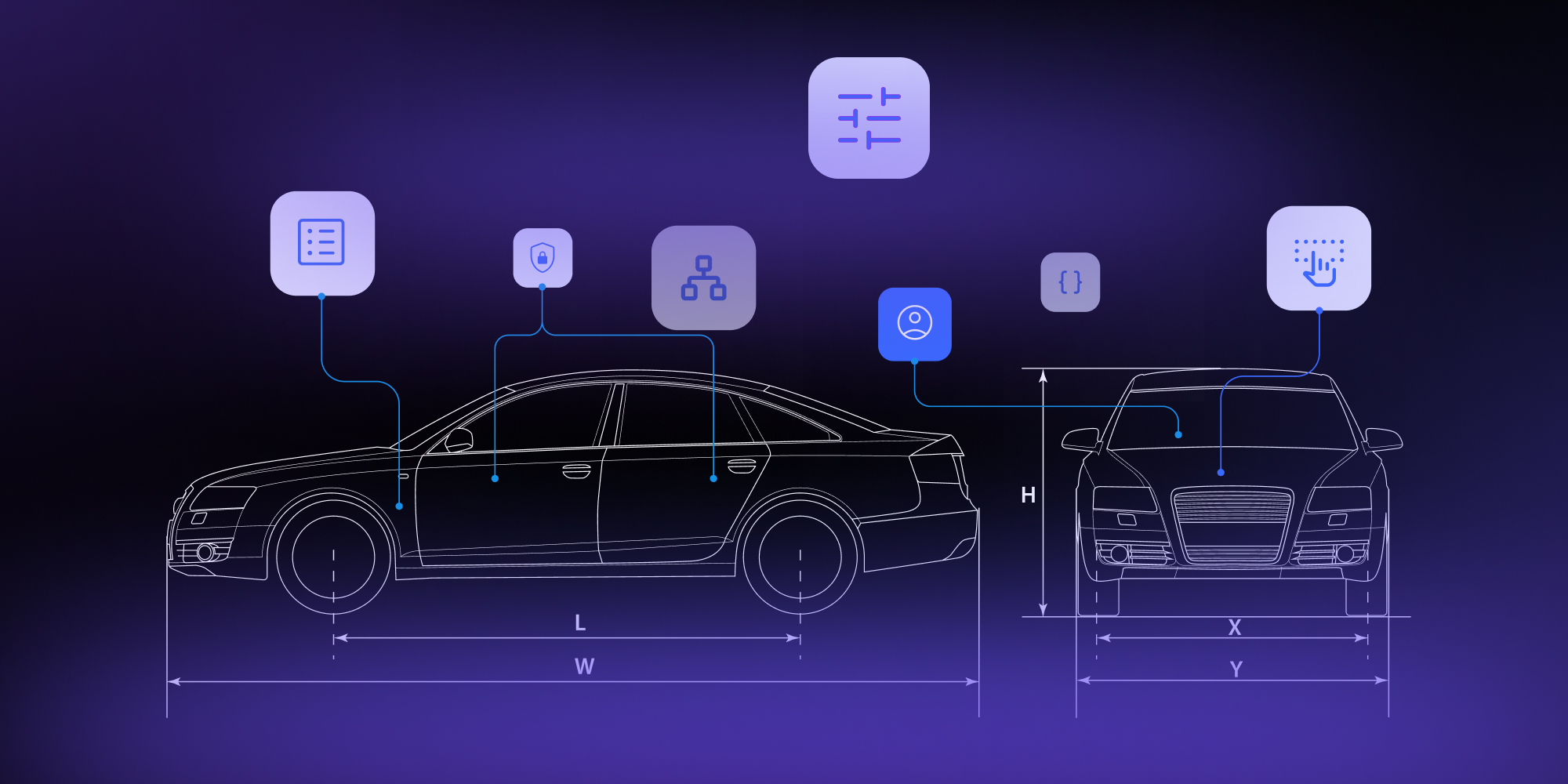
Car makers don't build each model fromscratch. They share one platform and put very different cars on top of it.Frontend software never worked that way. Here is the bet we made that it could.
The platform is the part you never see: thefloor, the frame, the hard and costly engineering underneath. One platformcarries many models, which is how a brand ships so many cars so quickly andkeeps them affordable. What makes each car its own sits on top. The customparts bolt on at points built to receive them, with no cutting into the frame.
Software has tried to copy that, and theattempts always came up short. Sometimes the answer was a boilerplate, astarter you copy and finish by hand. Sometimes it was a framework that promiseda shared foundation, then turned out too rigid the moment your needs drifted.Both roads end in the same place. You fork it. You rebuild it. You still wirethe forms, still write the validation, still glue the state together. Thefoundation never really gets shared, and every project builds it again fromscratch.
First, the app
At Synergy Codes we have built diagram and workflow editors for years. It is what we are known for. A while back we started building one of our own, Workflow Builder, and from the very first day one question sat in the back of my mind. Could a tool this specific ever be universal? Could one foundation serve products that look nothing alike, without each team rebuilding it from scratch?
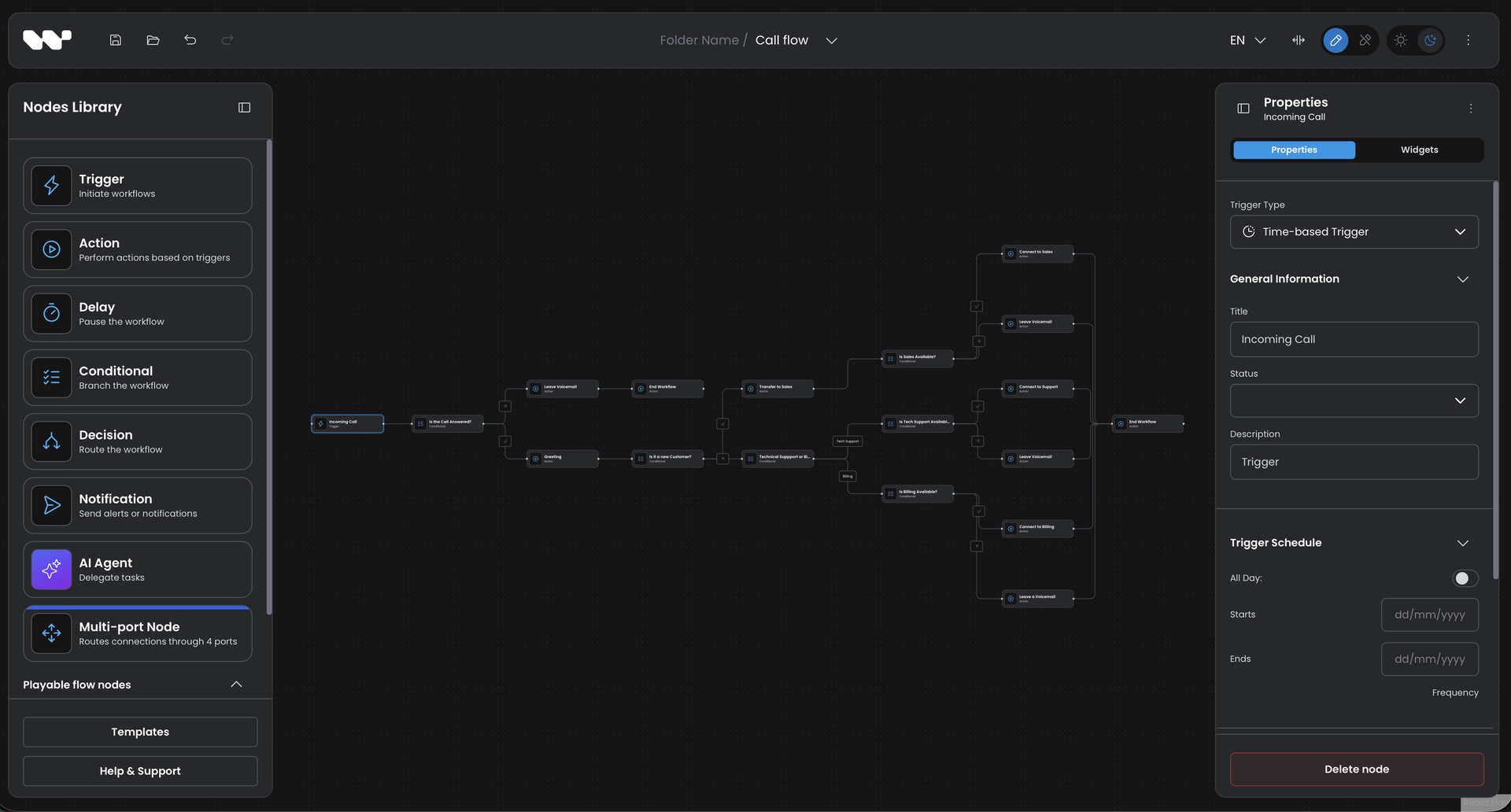
If you have never worked with a workfloweditor, here is what it looks like. A canvas holds the steps of a process asboxes, called nodes. You draw lines between them to set the order, and clickany node to configure what it does. New nodes come from a palette off to theside, the menu you drag them from. Teams build these for approval flows, datapipelines, automation, onboarding. Anything that runs as a series of connectedsteps.
The hardest thing to make configurable
Of all the apps that resist being made configurable like a car, a workflow editor is near the top. Its nodes are intensely specific to whoever builds it. Your nodes are not my nodes. Each one needs its own properties, its own rules, its own look, sitting on a canvas with its own behavior. It is exactly the kind of thing that seems impossible to turn into a product you configure rather than rebuild.
So for years, everyone rebuilt it. New client, new domain, new editor, from the ground up. We know this better than most. We have built this kind of tool so many times.
At some point you stop accepting that as normal and ask a different question. What if a workflow editor had a platform like that? What if the parts that change from project to project were yours to configure and bolt on, not foundations to rebuild?
The bet: everything is data
When we started Workflow Builder, we made one decision and never walked it back. The editor would be data-driven. Not the logic alone, but the surface itself. What the editor shows and how it behaves would be described by data, not coded for each app.
So a node is not a screen someone built. It is a description. Here is a real one, the data behind an AI Agent node:
ai-agent/schema.ts

export const schema = {
  type: 'object',
  properties: {
    ...sharedProperties,        // title, description, etc.
    ...errorPolicyProperty,     // shared error handling
    systemPrompt: {
      type: 'string',
      minLength: 1,            // required: cannot be empty
    },
  },
};
That object is the node's data and its panel. The editor reads it and renders the form by itself. Mark a field required and the validation appears with it. Nobody wrote a form, and nobody wrote the validation.
This is the simplest case, shown on purpose. The same description carries the harder ones. A field that appears only when another is set. A rule that spans several fields. It is still the schema doing the work, not a form someone wrote by hand.
The same idea runs all the way through. The palette, the menu of nodes a user can drop onto the canvas, is itself just a list you configure. Add an entry and a new node is available to drag. And the finished workflow is plain JSON your platform owns and stores. The look is data too. A set of design tokens carries the visual identity: the colors, the spacing, the type, the corners. Point them at your product's palette and the whole editor takes on your brand. You set the values. You do not fight a stylesheet or reach into a single component. Choosing what your editor is becomes a matter of describing it, top to bottom.
But data was not enough
Configuration takes you a long way. It does not take you all the way. Every real product has a 10 percent that wants to be genuinely different. A button no standard menu has. A node that should look unlike any other. Behavior the defaults never imagined. A platform that only accepts factory parts eventually frustrates the team that needs one of its own.
So we built the second half. You can extend the components and the behavior themselves, without forking anything. Want your own buttons in the toolbar? There is a mounting point for exactly that. You attach them:
your-plugin.ts

export function plugin() {
  // drop your own buttons into the toolbar
  registerComponentDecorator('OptionalAppBarTools', {
    content: ButtonsUndoRedo,
    place: 'after',
  });
}
A plugin decorates the editor from the outside. New buttons, panels, hooks, custom node visuals. You stay in configuration as long as it serves you, and reach for code only when you actually want to.
That is the move that completes the car. Configure the 90 percent. Bolt on a custom part for the 10. Never rebuild the platform.
What about just using an LLM?
You might think you can skip all of this and just have an LLM build it. With a careful plan and good prompts, it will give you solid code. We use LLMs every day. We are not trying to compete with them.
But notice this is not really about the model. Whoever writes the code, a person or an LLM, building from a blank page means deciding all of it yourself first. How a workflow is saved and reopened. What happens when someone hits undo. The groundwork every workflow editor needs, and none of it makes your product different. So the real choice was never the model or us. It is a blank page or a foundation. Point the model at a foundation and it does its best work, on the part that is actually yours. Because it is all data, it has something clean to aim at: you hand it the same schema that renders your panel, it fills it in, and the same rule that made a field required rejects whatever it gets wrong. The two work together.
Where configuration ends and code begins
No abstraction covers everything. The honest thing is to show you exactly where this one stops, and what you pick up by hand when it does. We did not hide React Flow underneath. It is a peer dependency you install yourself, and the saved diagram is React Flow's own JSON, so the foundation stays in your hands rather than behind our wall. A node's data and its panel are configuration. A node's custom look on the canvas is a React component you write, when you want one. Plugins reach the editor through named slots, and the diagram state is open through exported hooks. Push past those slots and you are writing React again, and the plugin model is a thing to learn. And the mounting points are not the end of the line. If the one you need is missing, you fork the part, patch it, or ask us to add it. Not free, but always open to you, and reversible. You are never locked in.
So the promise was never that you stop writing code. It is that you stop writing the plumbing. You spend your engineers on the slice that is genuinely yours, and never again on the property panel for the 40th node type.
A philosophy, not a feature
This was never a checkbox on a roadmap. It was the choice at the very beginning, and everything since has been in service of it: give people the most value with the least rebuilding, and leave every door open for the rest.
And it pays off where it counts. The teams that win are the ones who can shape a workflow surface to their domain quickly, and reshape it as the domain shifts. A new node, a new rule, a new look, a new button. Configuration, not a rebuild.
Configure the standard. Extend the rest. Rebuild nothing.
We built this because we got tired of starting the engine over for every client, including teams at Fortune 500 companies. If you are putting a workflow surface into your platform, the demo is live and the code is open. Take it for a drive. And if you would rather not build it twice, we are easy to find.
Lead Product Engineer at Synergy Codes, specializing in workflow tooling and embeddable editor SDKs. Builds visual workflow editors on top of React Flow, with 10+ years across React, Angular, and TypeScript, and a background in .NET/C#. Creator of Workflow Builder (workflowbuilder.io) and ngDiagram (ngdiagram.dev).
Articles you might be interested in
.jpg)
Building a visual call flow editor for cloud telephony – and how to get it right
Every cloud telephony platform eventually hears the same request from partners: make call flow configuration visual. Here is what a good call flow editor looks like – and how to build one on Workflow Builder.

Open Source Workflow Engine Comparison: Licences, Layers and Gaps | Workflow Builder
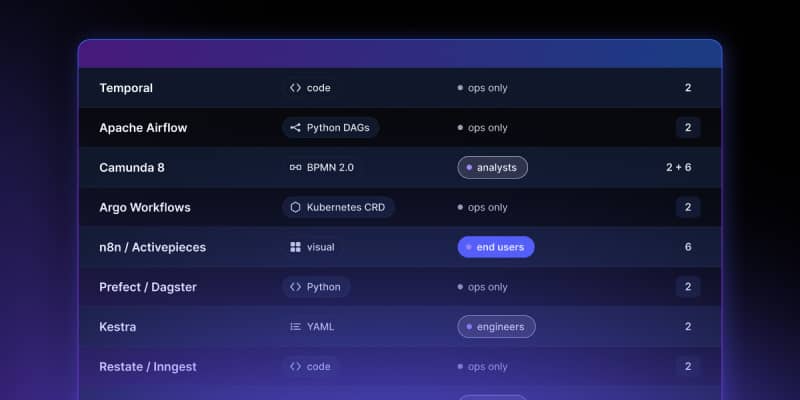
Every automated workflow runs on a stack. Most conversations about choosing an open source workflow engine collapse that stack into one question – "which workflow tool should we use" – and then stall, because the tools being compared occupy different layers and solve different problems. Apache Airflow and Camunda are both called a workflow engine. They have almost nothing in common.
Temporal Human-in-the-Loop: What the Engine Gives You, What You Build | Workflow Builder
If you're implementing human-in-the-loop (HITL) approval on Temporal, the engine gives you more than expected on the waiting problem and less than expected on the accountability problem. This article is that split, with the documentation behind each claim.