LangGraph Studio guide: what it does, its limits, and the canvas your customers need

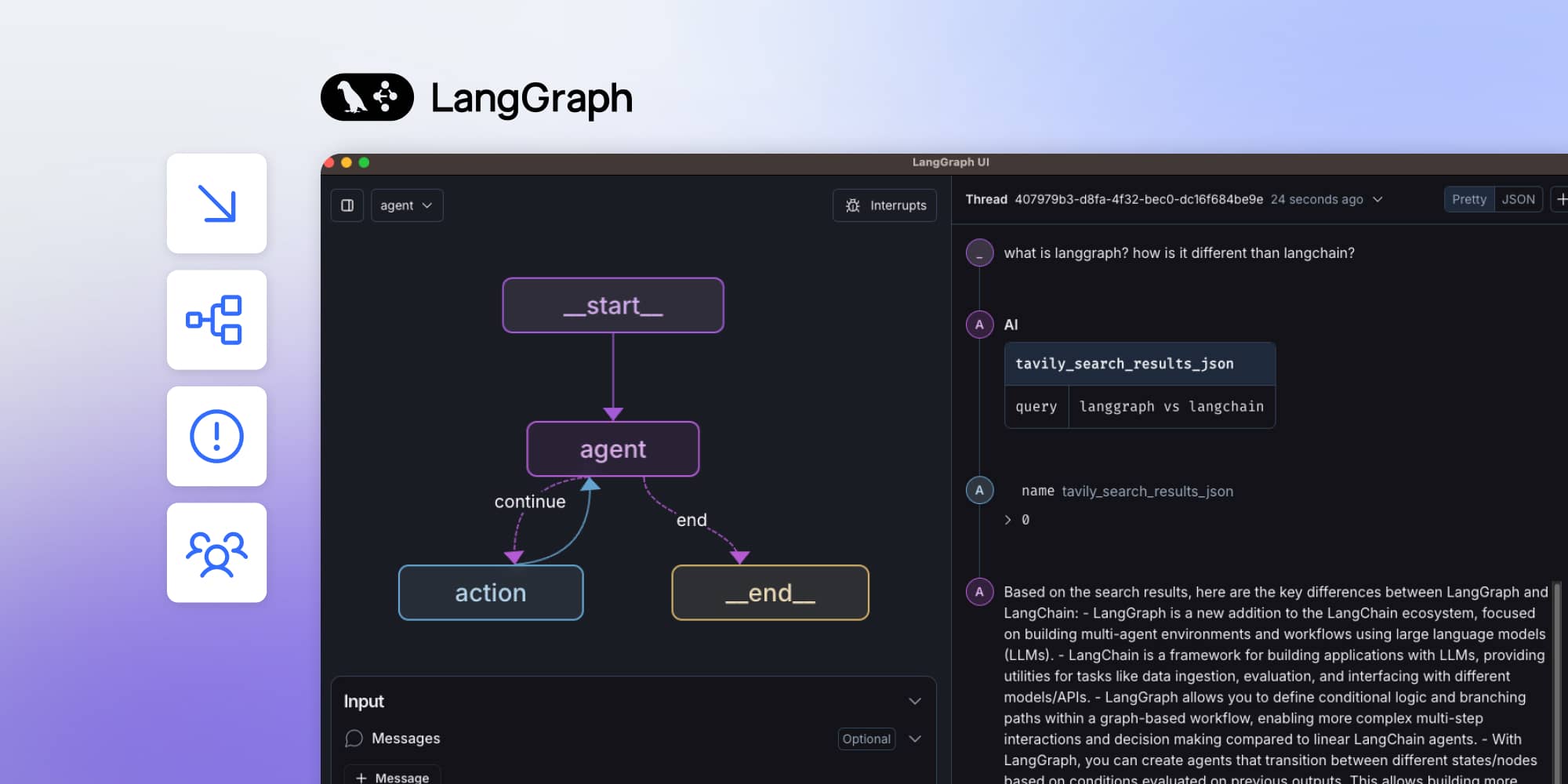
LangGraph Studio, now LangSmith Studio, is a developer IDE for visualizing, testing, and debugging agents – not an embeddable canvas for your customers. End users need a narrower, domain-specific view of where a workflow stands and what their decision changes. Building that on React Flow makes the visual 20% easy and leaves the hard 80%: runtime mapping, resume semantics, and persistence.
Every few weeks, someone asks us a version of the same question: "we're building on LangGraph, do you have a visual layer for it?" The person asking almost always already knows LangGraph Studio exists. What they're really asking is why Studio isn't the answer to their actual problem.
The pattern shows up almost perfectly in the LangGraph community's own history.
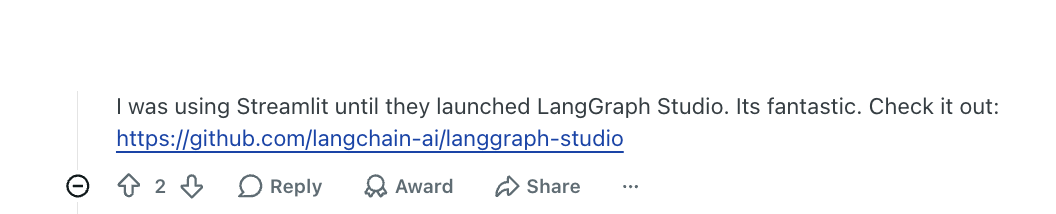
In an early r/LangChain thread, a developer who'd been using Streamlit described switching to LangGraph Studio in genuinely enthusiastic terms – a clear upgrade for interacting with and debugging their agent.
The very next reply asked the obvious follow-up: does Studio actually come with a UI for end users?
The answer, in substance, was no, not really.
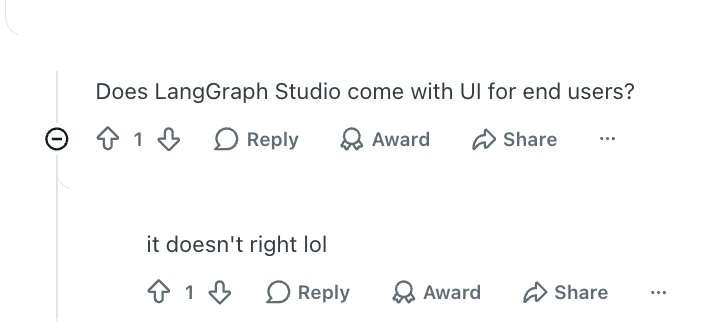
Those 2 exchanges, back to back, are the entire argument of this piece in miniature: Studio can be excellent at the problem it was built to solve, and still not be the product your customers need.
It's a fair question, and it deserves a real answer: a precise account of what Studio does, where teams have gotten stuck using it, and what the alternative looks like.
What LangGraph Studio is today
LangChain rebranded LangGraph Studio to LangSmith Studio in late 2025, alongside renaming LangGraph Platform to LangSmith Deployment. Most of the web still calls it LangGraph Studio, and so do we here because that's the term people search for. Current documentation uses the new name.
Functionally, it's described by LangChain as a specialized agent IDE. Its job is to let a developer visualize a graph's architecture, run and interact with an agent, manage assistants and threads, edit prompts and configuration, run experiments and evaluations, inspect long-term memory, and step backward through execution history to debug exactly why an agent took the path it took.
The tooling has also matured meaningfully since its original release. Studio no longer requires a separate desktop app. Now, it runs against a local development server (langgraph dev, a lightweight process with no Docker requirement) or a more production-like local setup (langgraph up, which uses Docker and stands up a full agent server alongside Postgres and Redis). It can also connect to a hosted deployment, letting you pull production traces down and debug them locally. That flexibility is useful, but all of these modes are still ways for a developer to look at a graph.
The wider LangSmith ecosystem now includes LangSmith Fleet, formerly Agent Builder, which lets non-developers build and manage agents without code. Fleet closes part of the gap described here. It is an organization-facing agent platform inside LangSmith, though, not an embeddable white-label workflow canvas that a SaaS company can place inside its own product for customers.
LangChain documents Studio as a specialized agent IDE. Its documented access paths run through LangSmith or a local Agent Server; it isn't presented as a white-label workflow-editor SDK for third-party products.
That is a reasonable scope decision. A development IDE and an embeddable, permission-aware product surface are different engineering problems.
Where the product gap keeps showing up
In a more recent Reddit thread, a developer explicitly looking for LangGraph Studio alternatives explained why.
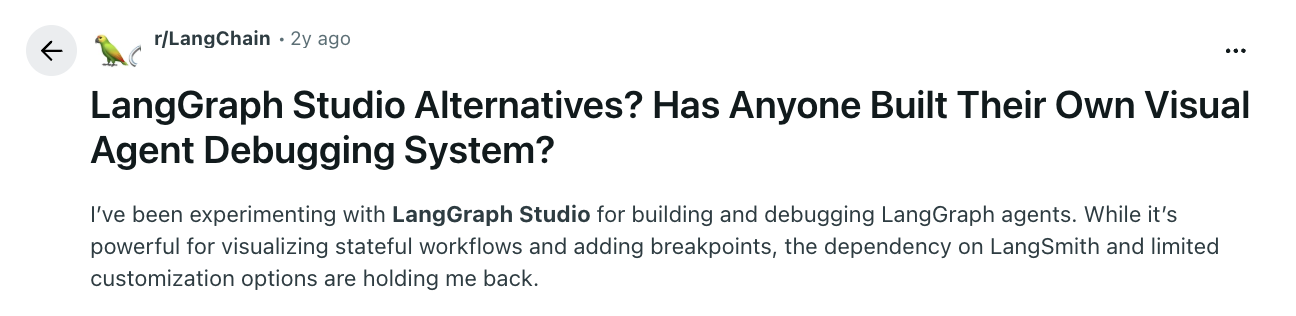
There were 2 frustrations that kept surfacing:
- A dependency on LangSmith they didn't want
- Limited customization for their specific workflow
They were evaluating React Flow, D3, and other frontend building blocks to construct something purpose-built instead. LangChain has partially answered this with Agent Chat UI, a Next.js application you point at a LangGraph deployment URL and graph ID to get a working chat interface.
The shape of that answer matters. Agent Chat UI lets a user talk to the agent, render tool calls, and handle interrupts. It doesn't give them a canvas for seeing where a workflow stands, adjusting a threshold, approving a gated business step, or changing the flow itself. Products that need that second kind of surface still need a separate visual layer.
In a different thread, a developer described their team's early agent experience as rough – debugging model output was painful, the user experience was weak, and demos were embarrassing enough to dread – and credited adopting LangGraph Studio and LangSmith together with turning that around completely.
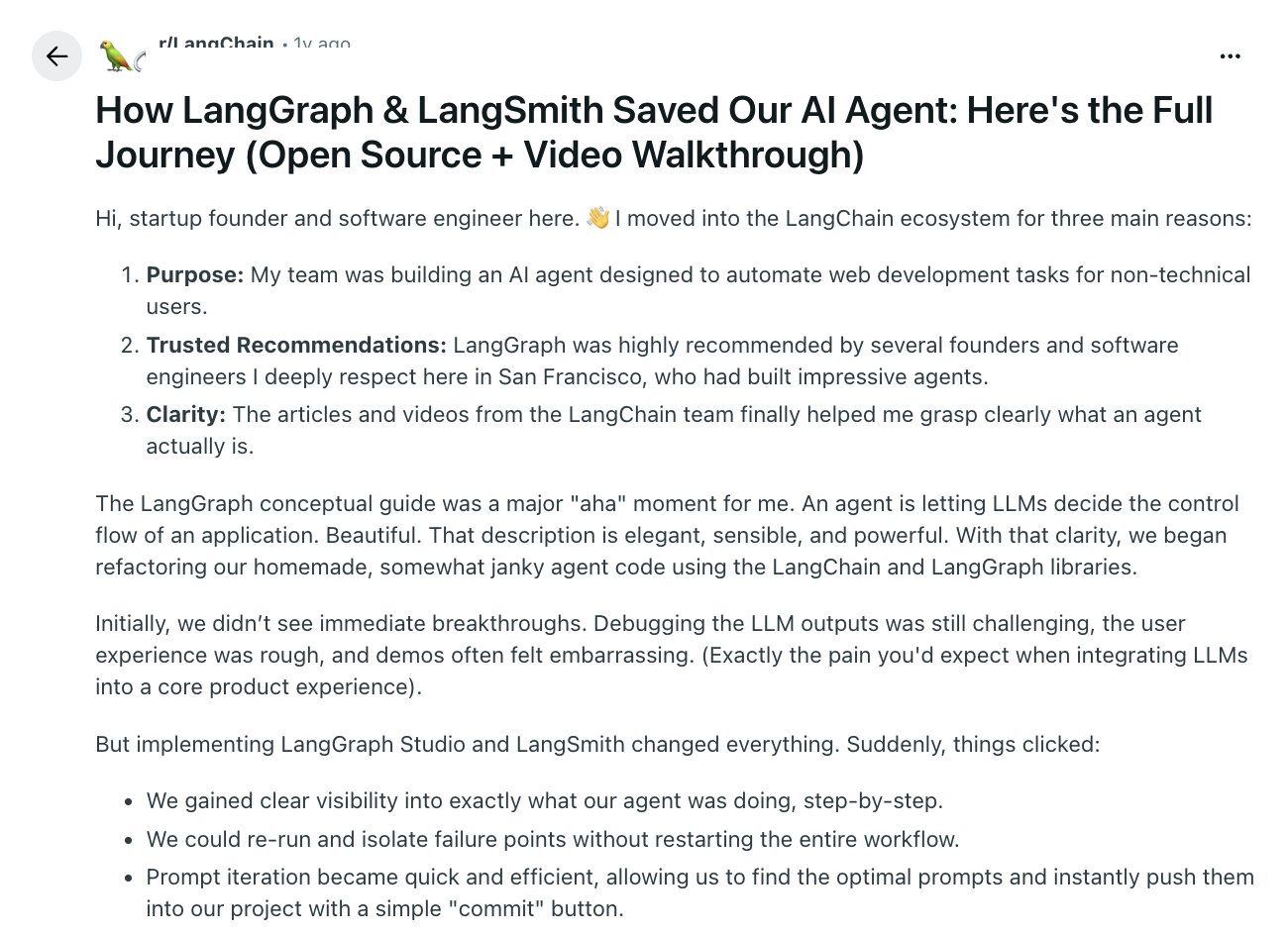
That's a real, first-hand account of the tool doing exactly what it's for.
Both things are true at once: Studio can materially improve how a team debugs and iterates on an agent, and that same interface still isn't the workflow product a team's own customers need. The mistake isn't using Studio but assuming the same interface automatically becomes both.
Don't get us wrong – none of this is a knock on Studio's quality as a developer tool. It's evidence that "visualize and debug my graph" and "give my product's users a way to see or operate this workflow" are, in practice, 2 different products – and teams keep discovering that the hard way, mid-project, instead of planning for it up front.
As one LangGraph developer put it plainly in an unrelated discussion about real-world examples: the agent logic itself is only a small part of shipping an actual production-ready application to real users. A working graph is not a finished product; the orchestration logic is one part of what customers eventually interact with, not the whole of it.
Where the technical edges start showing up
LangGraph development gets more complicated than the demo suggests once persistence, nested graphs, and human intervention meet.
Persistence during local development has been a real source of frustration. In one reported issue, a developer configured a SQLite checkpointer, but langgraph dev still ran an in-memory runtime, so restarts wiped conversation state and forced test scenarios to be rebuilt. The issue was later closed as expected behavior for that development mode, which is useful context when planning local persistence.
Human-in-the-loop gets more delicate once graphs nest. A reported issue involving interrupt() inside a subgraph found that resuming execution re-ran an earlier step and duplicated interrupts. A small change in graph composition altered resume behavior in a way that wasn't obvious until it happened.
State itself also carries an operational cost. Checkpoints consume storage and serialization work; token usage only increases when stored history is placed back into the model context. One open, contested community issue raises storage concerns around checkpoint serialization, but its token-overhead claim shouldn't be treated as a neutral benchmark. LangGraph also exposes SerializerProtocol and the serde parameter on checkpointers, so teams can supply a different serializer.
None of this is a reason to avoid LangGraph; it shows that the "graph in a diagram" and the "graph running in production" are different levels of reality, and Studio's debugging tools are aimed squarely at helping developers close that gap; for the person who wrote the code, not for anyone downstream of them.
What end users need to see (and it usually isn't the raw execution graph)
There's a sharper insight running through recent human-in-the-loop discussions in the LangGraph community: end users typically don't need to see the raw execution graph at all. What they need is much narrower – where the workflow currently stands, why it's waiting on them specifically, what their decision actually changes, and what happens once they approve or adjust it. They don't need the internal nodes, the transition logic, or the state machinery a developer would inspect in Studio.
That's a useful design principle, and it reframes the whole question. The graph a developer debugs and the graph a customer operates might represent the exact same underlying workflow; but they shouldn't necessarily look the same, or expose the same level of detail. Handing a customer a raw execution graph and calling it a feature is usually a worse product decision than translating that same state into a small number of meaningful, business-relevant choices.
The integration contract: what connects a visual layer to LangGraph
So what does building that customer-facing layer on top of LangGraph actually involve? Here's the precise version.
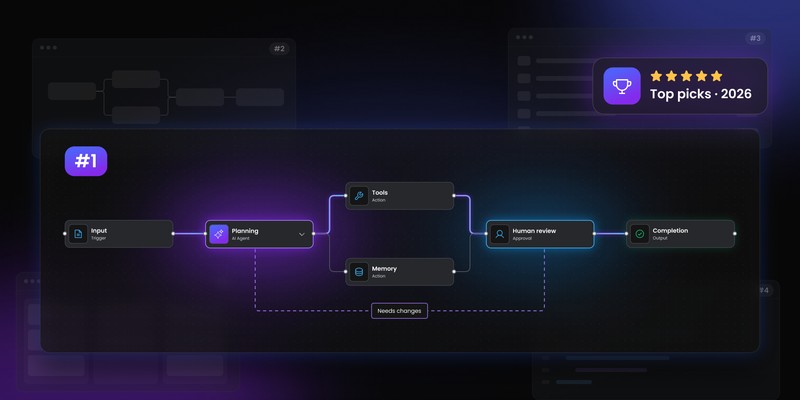
Our product, Workflow Builder, provides a visual authoring layer and an engine-agnostic reference backend: a way to design a workflow visually and export it as a typed JSON graph definition, independent of which runtime ultimately executes it.
The editor is data-driven end to end. Node types, their property forms, and validation rules are definitions you supply, not a fixed catalog you pick from, so the canvas speaks your product's vocabulary rather than a debugger's. The look follows the same principle: the entire UI is built on a token-based design system, so matching your product's visual language is a theming pass, not a redesign. When a behavior you need doesn't exist yet, the plugin system is the supported way to add it: custom panels, toolbar actions, and editor interactions. Extensions, not forks.
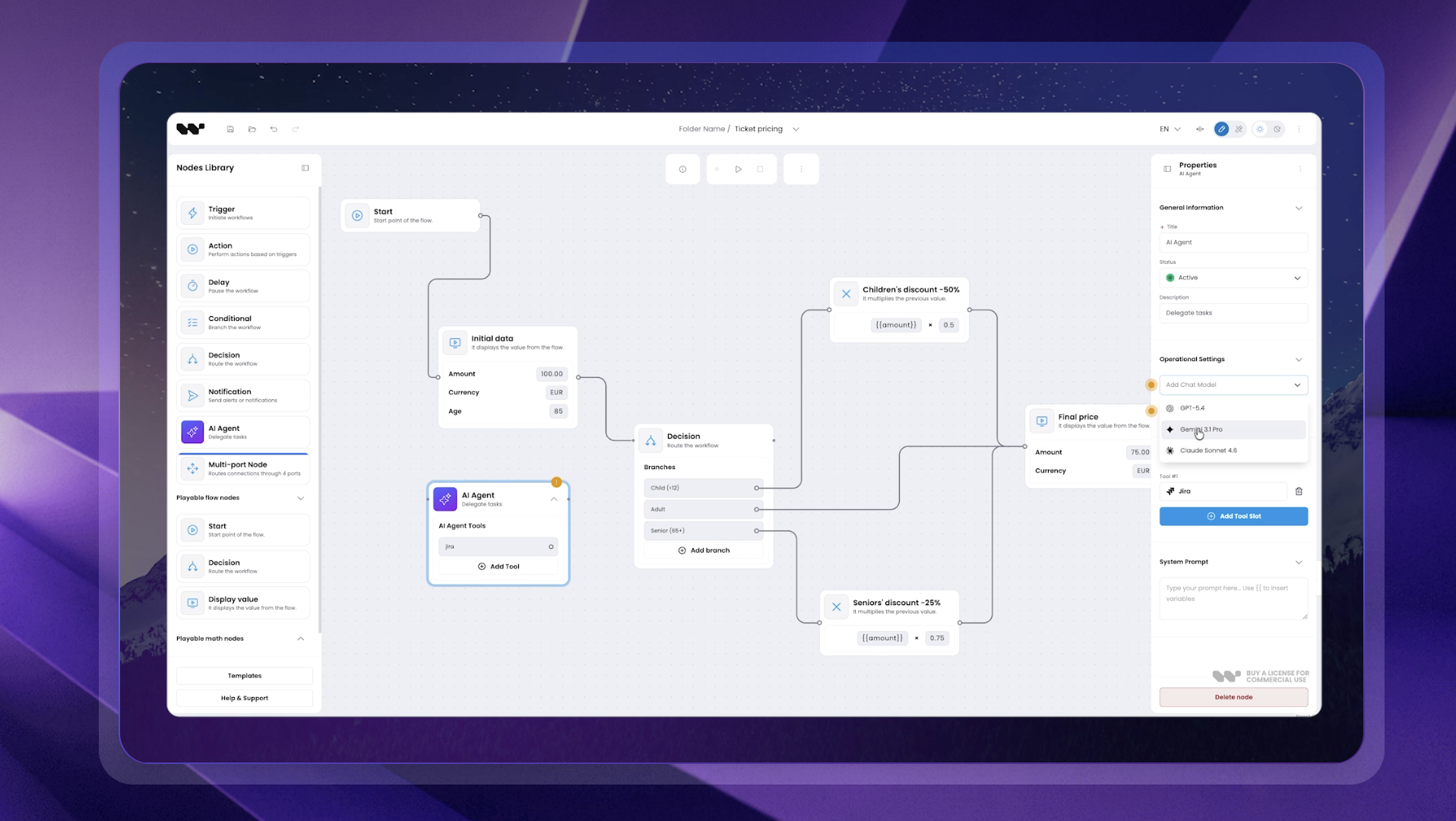
That reference backend ships today with one working adapter: Temporal. It's the only engine we currently distribute a ready-made adapter for, and we're direct about that rather than implying broader out-of-the-box support.
LangGraph integration follows the same public port architecture the Temporal adapter uses. The shared interfaces cover starting and canceling a run today; resume semantics are part of the per-project mapping. The LangGraph-specific mapping isn't distributed as a ready adapter yet. Your backend takes the JSON definition Workflow Builder exports and translates it into LangGraph's own primitives: a StateGraph, its nodes and conditional edges, the checkpointer that persists state between steps, and the interrupt()-based human-in-the-loop points LangGraph already supports natively. Given how sensitive resume semantics become once graphs nest, as the subgraph behavior above illustrates, that mapping is proper engineering work.
That work can be done in-house against the public port architecture, or brought to us as an integration engagement. What it isn't is a shipped, install-and-run LangGraph adapter sitting in a package today.
Where this has already worked
This isn't a hypothetical problem.
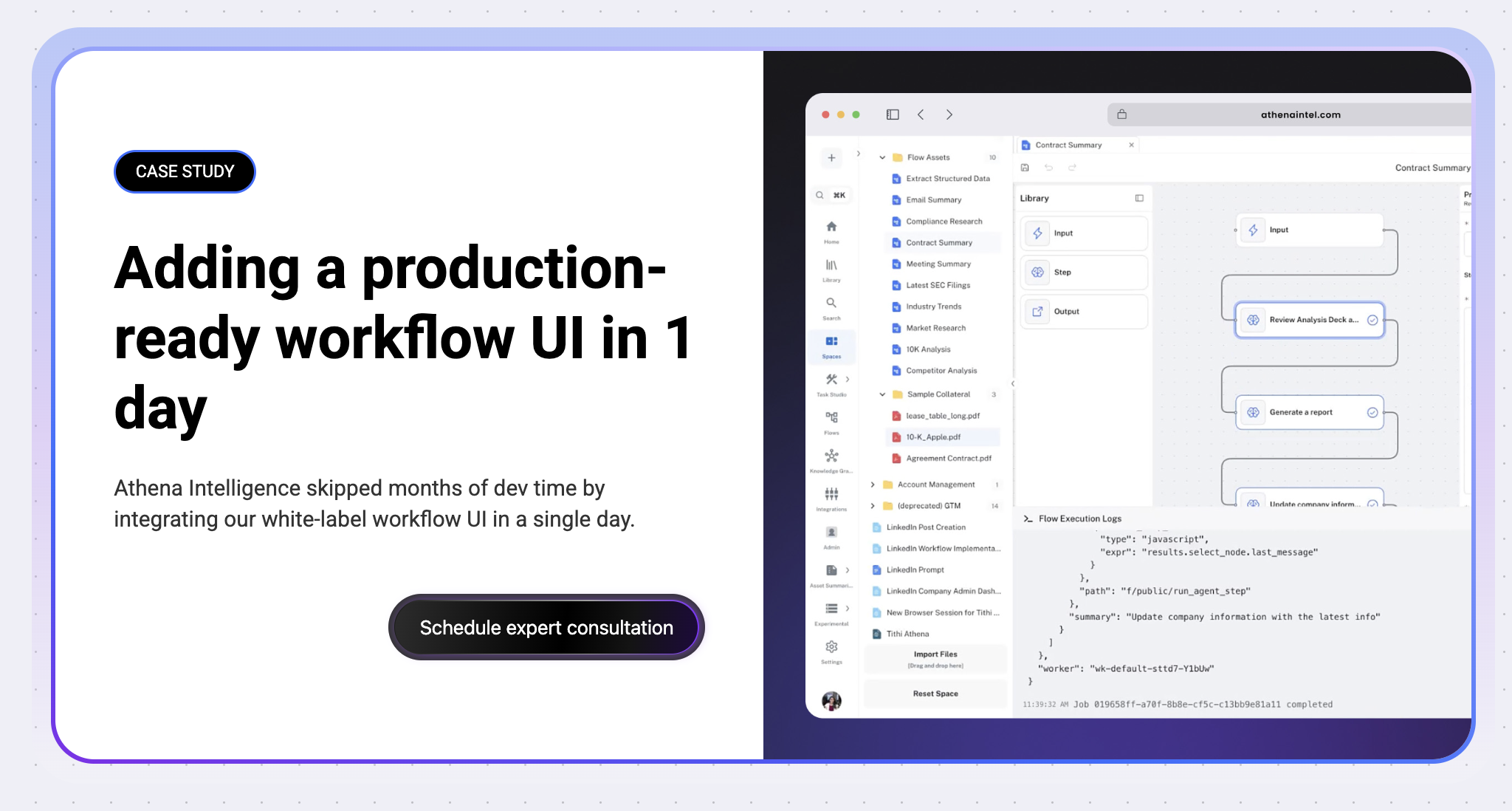
Athena Intelligence had a working custom backend and an AI platform already in production; it wasn't using LangGraph. Their gap was giving their own customers a production-grade, non-technical-friendly workflow editor without spending months of engineering time building one from scratch, not running agents. The integration, including custom forms, styling, and backend wiring, was completed in about a working day, with additional customization finished within the same week.
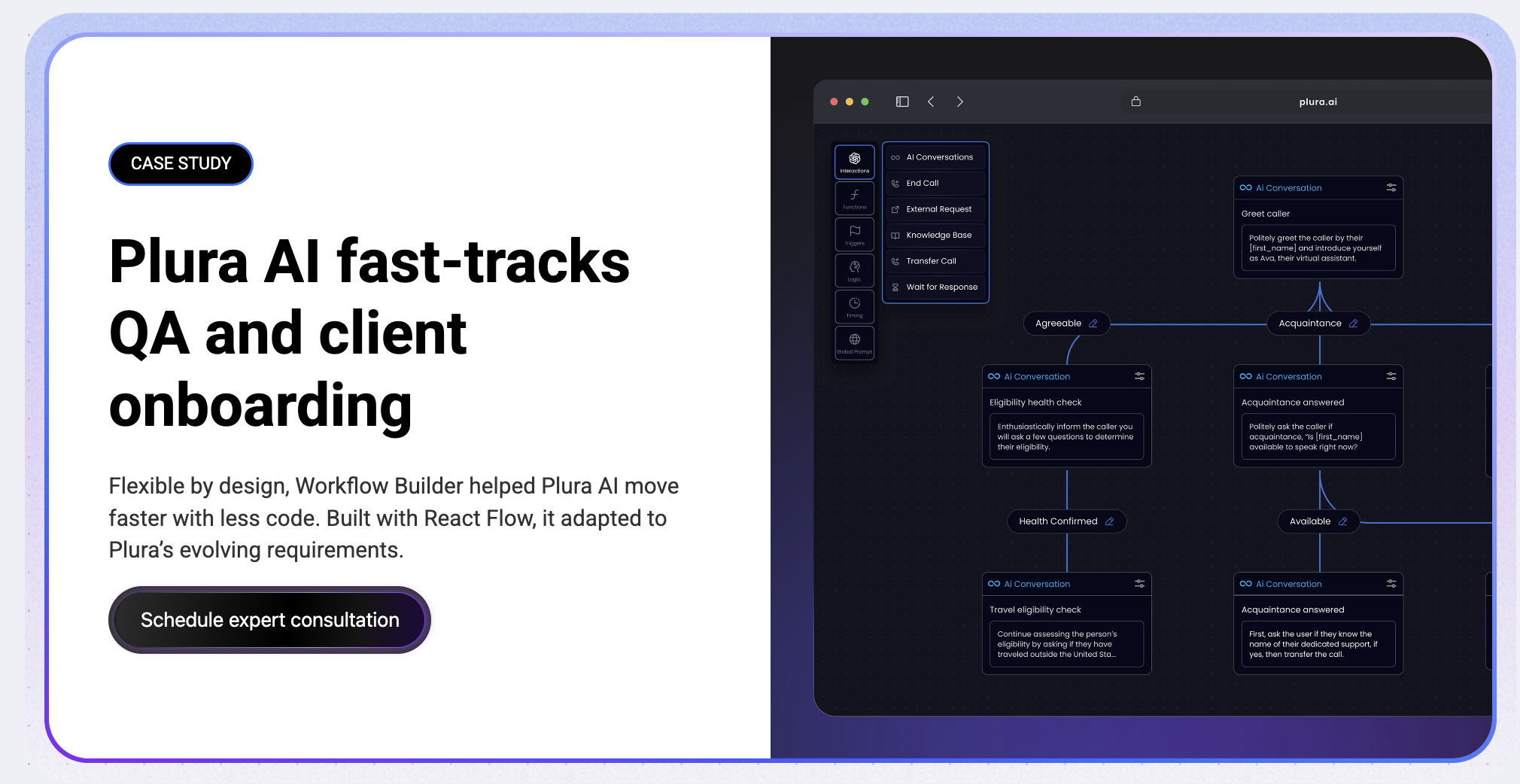
Plura AI's situation was similar in shape but different in detail: disjointed planning and execution, rigid off-the-shelf systems, and both technical and non-technical users needing a workable interface into the same processes. The delivered project included an interactive, drag-and-drop board with dynamic property forms, customizable nodes, version control and rollback, and API connectivity. Those capabilities describe the project work, not a default SDK feature set; Workflow Builder supplied the extensible editor foundation and the remaining behavior was implemented for Plura's requirements.
Both cases land on the same distinction that's been the thread running through this whole piece:
- Studio answers "what happened inside my agent, and why."
- A product canvas answers a completely different question: "what should this workflow do, and who besides the original developer gets to decide that."
Why teams keep trying to build this themselves first
What's worth naming directly is that many teams don't start by looking for a third-party visual layer.
They start by trying to extend Studio, or bolt a frontend onto it, and only go looking for something else once that path runs out. That's a completely reasonable instinct; Studio already exists, it's already integrated into your workflow, and reaching for another tool might feel like an unnecessary detour.
Where that instinct usually breaks down is customization and ownership.
Teams that outgrow Studio for a customer-facing use case tend to cite the same 2 frustrations:
- A dependency on LangSmith they didn't choose for their own product
- A ceiling on how much the visual presentation, node types, and terminology can be made to match their actual domain
A workflow node in a generic agent debugger says "tool call." A workflow node in a claims-processing product should probably say "verify eligibility" – and that's not a customization Studio was ever meant to support, because it's not solving for domain-specific product UX, it's solving for graph correctness.
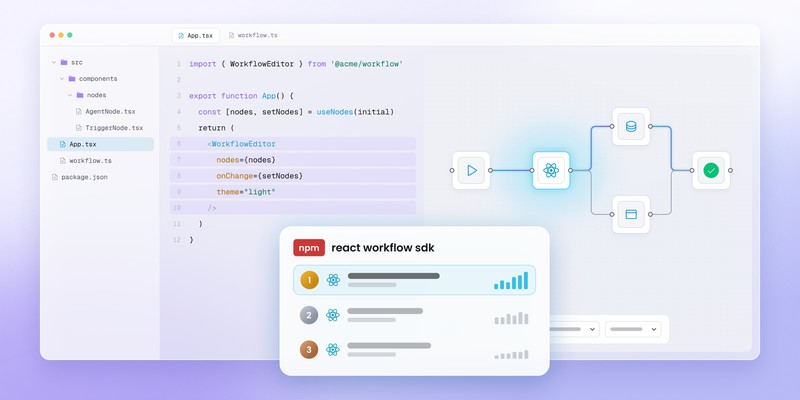
That's also why "just build it ourselves on React Flow" is a common next step, and why it usually costs more than teams expect.
The visual editing surface is the easy 20%; rendering nodes and edges, dragging things around. The hard 80% is exactly what a reference backend and port architecture are meant to absorb: translating a visual definition into actual runtime behavior, handling resume and replay semantics correctly (as the nested-subgraph interrupt behavior above illustrates), and doing all of it without quietly reinventing the same checkpoint-cost and serialization problems LangGraph itself has had to solve.
Where to go from here
If your team is building on LangGraph because you need explicit state, checkpointing, and native human-in-the-loop support, that's a sound architectural call, and the community evidence above suggests it holds up well once things get complicated.
What's left is a scoped integration decision. We're glad to walk through what the engagement looks like for your specific backend, graph structure, and resume requirements.
- Is LangGraph Studio the same as LangSmith Studio?
Yes, LangChain renamed LangGraph Studio to LangSmith Studio in late 2025, alongside renaming LangGraph Platform to LangSmith Deployment. Most people still search for and refer to it as LangGraph Studio, which is why we use that name throughout, but current LangChain documentation uses the new naming.
- Can LangGraph Studio be embedded in my own product?
Not as a white-label product canvas. LangChain documents Studio as a specialized IDE for visualizing, testing, and debugging agents, not as an embeddable workflow-editor SDK for a third-party SaaS product. If you need a canvas your own customers can use inside your product, that's a separate visual authoring layer built on top of the same underlying graph, not a configuration of Studio itself.
- Do I need Docker to use LangGraph Studio?
Not necessarily. langgraph dev runs a lightweight local server without Docker. langgraph up gives you a more production-like local environment, but requires Docker and stands up additional services like Postgres and Redis alongside the agent server.
- Does Workflow Builder ship a ready-made LangGraph adapter?
Not today – Workflow Builder ships a working reference adapter only for Temporal. LangGraph is supported through the same public port architecture, but the LangGraph-specific mapping – translating the exported JSON graph into a StateGraph, its checkpointer, and its HITL primitives – is implemented per project or delivered as an integration engagement. Starting and canceling are covered by the shared interface today; resume semantics are part of the project-specific mapping.
An entrepreneur and tech enthusiast, with over 14 years of experience building innovative diagramming solutions and tools across industries. Our interfaces help technical and non-technical users make informed business decisions.