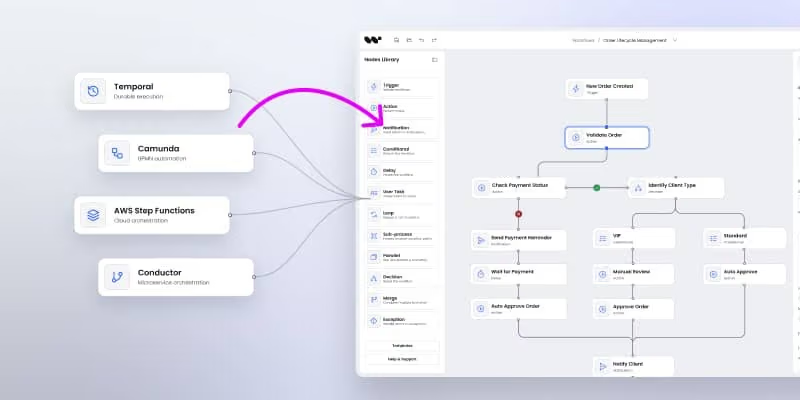
Visual authoring for the Temporal workflow engine
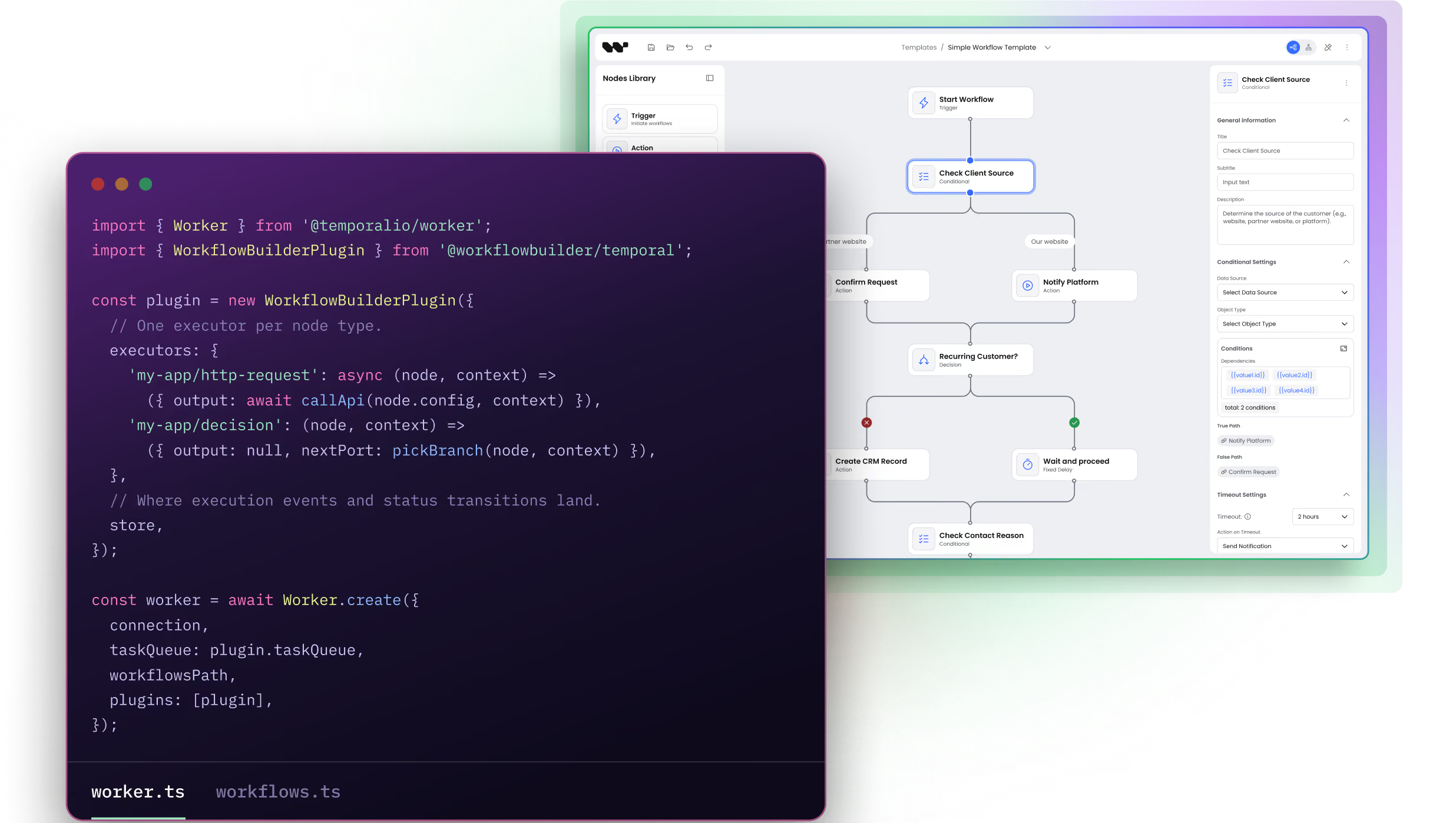
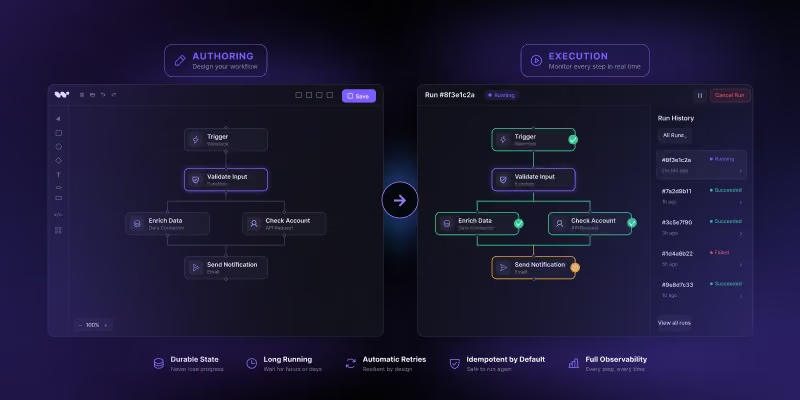
Application users design processes as diagrams in a visual editor. A packaged interpreter runs each saved diagram on the Temporal workflow engine, with no code generated or deployed per diagram.


What Workflow Builder is
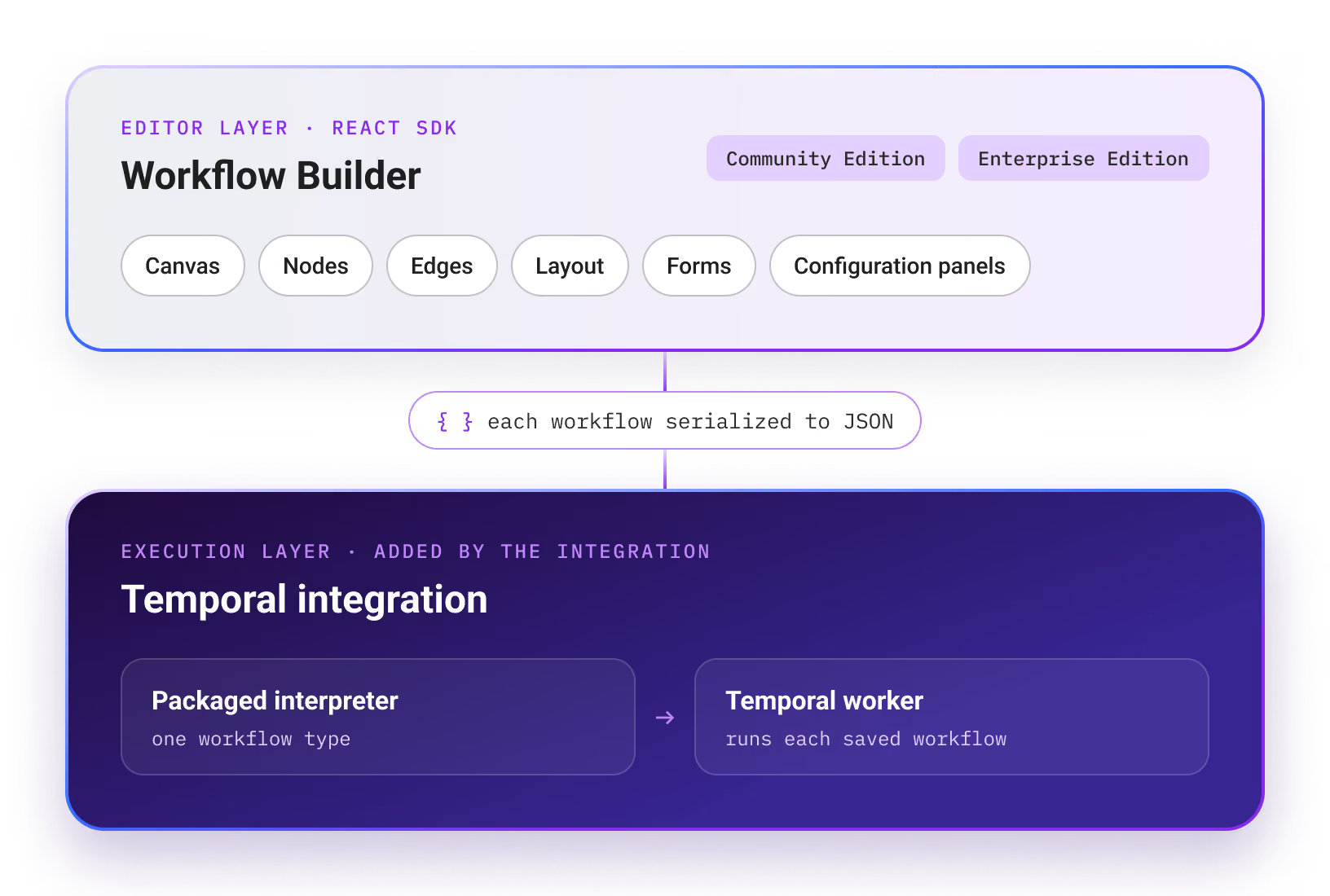
Workflow Builder is a React SDK for embedding visual workflow editors into an application. It provides the editor UI – canvas, nodes, edges, layout, forms, and configuration panels – and serializes each workflow to JSON. It is available as an open-source Community Edition and an Enterprise Edition.
On its own, the SDK covers the editor layer, and the application decides how a workflow runs. The Temporal integration adds the execution side: a packaged interpreter that runs saved workflows on a Temporal worker.
What the Workflow Builder integration with Temporal provides
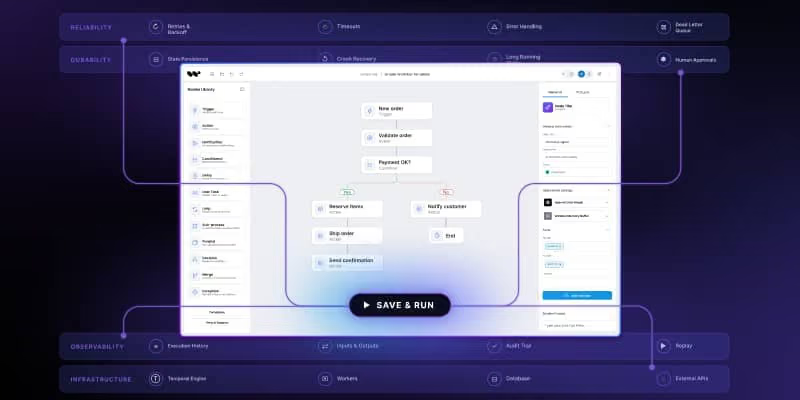
Temporal runs workflows reliably, and its UI lets engineering teams inspect executions. It does not give application users a place to design a process or follow it inside the product. This integration closes that gap: Workflow Builder provides the editor and the orchestrator that turns a diagram into something Temporal can execute.

Application developers
Configure the Temporal client and worker, and write the code behind each node type.

Application users
Design processes in the visual editor from the node types developers provide.
Saving a new diagram triggers no code generation and no worker deployment. The graph is data, not code – one deployed workflow type interprets every diagram. This is the same pattern Temporal documents in its own DSL interpreter sample on GitHub, where two YAML files describe two different processes executed by identical workflow code.
What needs a worker deployment and what does not:
Diagram changes – no deployment
An application user creates or edits a diagram with node types that already exist. The saved diagram is data, so the deployed interpreter runs it without new code.
New node types – code change and worker deployment
A process needs a step that no existing node type provides, or an existing node type needs a new capability. Developers write the code behind the node and deploy the updated worker.
Integration requirements

Temporal TypeScript SDK
The integration uses the Temporal TypeScript SDK on the worker and in the backend.

React 18 or 19
The editor is a React component embedded in the application frontend.

Temporal worker
The interpreter runs as a plugin registered on a Temporal worker.
Temporal can run self-hosted or in Temporal Cloud. In the Workflow Builder reference stack, the connection is configured through environment variables, so switching between the two needs no code change (Documentation: connect a secured or external Temporal). The reference stack requires Node.js 22.12.0 and pnpm 10.17.0, and its full-stack demo also needs Docker.
Installation
Setup covers three parts of the stack.

1. Frontend
Embed the editor as a React component and register the application’s node types.

2. Temporal worker
Re-export the packaged interpreter from the workflow entry module and register the Workflow Builder plugin, which registers the interpreter’s Activities.

3. Backend
Use the Workflow Builder client adapter to start runs on Temporal.

The editor ships on npm as @workflowbuilder/sdk; the worker plugin and the client adapter ship as @workflowbuilder/temporal.


The plugin does not open the Temporal connection; the backend and the worker keep their own client setup. Both must use the same namespace and task queue.
The workflow definition is data
Application users produce a graph: a typed JSON document describing nodes, edges, and the configuration of each step. It is stored wherever the application stores customer data – its database, tenancy, and backup policy.
Nothing in that document is code. It contains no imports, no function references, and no engine-specific constructs, so the processes stay separate from Temporal-specific workflow code. Supporting another engine means building an adapter that preserves the same execution behavior, not redrawing existing processes.

Before a run starts, the backend maps the graph into an execution definition for the interpreter and records it in the connected Temporal deployment.
The interpreter workflow
One workflow type reads the graph and decides what runs next. It contains no business logic of its own – that lives in the executors behind each node, which run as Temporal Activities.
Three parts share the work while a run executes:

Graph runner
Traverses the graph: runs each step, follows the selected branch, and determines what runs next.

Temporal adapter
Runs each step as a Temporal Activity and calls the application’s store to record execution events.
Application code
Supplies the executors behind each node and a store for execution events.
The traversal loop is not application code: the interpreter ships as a plugin registered on the Temporal worker. The engine sits behind an adapter, and Temporal is the engine the integration ships with.
Connecting the editor
The editor is a React component. It can be styled to match the application’s design system through design tokens, renders custom node types, and emits the graph document on save. It does not talk to Temporal – it talks to the backend, which persists the graph and starts runs.
Starting a run
One diagram can power many runs. To start one, the backend passes the execution definition and input data to Temporal through the Workflow Builder client adapter, with a unique execution ID. The call returns once Temporal accepts the start request, not when the process finishes.
Two identifiers connect a run in the application with its Temporal execution:

Workflow definition ID
Identifies the process definition in the application.

Execution ID
Identifies one run. The Temporal Workflow Execution is named after it, so the same run can be followed in the application and in Temporal’s UI.
Observe and verify a run
The execution ID links the run in the application to its Temporal Workflow Execution. Workflow Builder’s reference backend exposes each execution’s status and a live stream of its events.

Check the application’s status and output, not only Temporal’s. A graph that ends as incomplete in Workflow Builder can still show as Completed in Temporal.
Pausing for a human decision
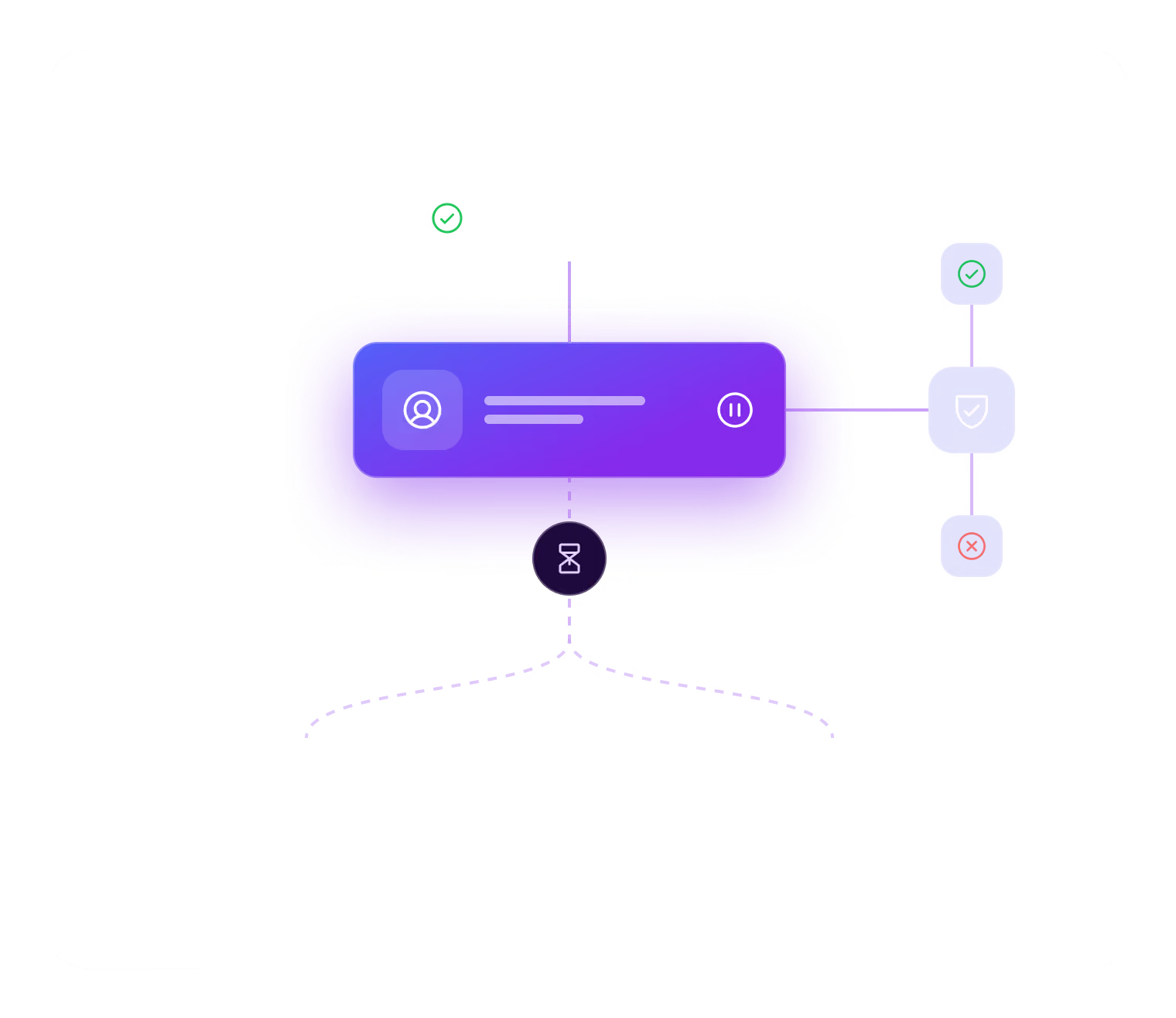
A step that needs a person is a step where the workflow stops and waits. Temporal handles the waiting: the workflow suspends on a condition and resumes when the condition is met and a worker is available. The pending decision survives worker restarts, even when the wait lasts through a weekend.
Temporal records the decision, not the person behind it. The reference backend exposes a pluggable AuthPort through which the application controls who may submit a decision, and records each decision as made by a human; the application keeps the reviewer’s identity in its own audit trail.
The step waits until a decision arrives or the run is canceled. Approval always requires an explicit decision.

Limitation: a pending decision also holds back the next batch of steps, even on otherwise independent branches.
What you can build on top
The integration provides the editor, the interpreter, and the adapter for Temporal. The review queue, approver identity, audit record, and definition versioning are split between Workflow Builder’s reference backend and the application. Human-in-the-loop support provides the integration points for a review queue, reviewer authentication, and an audit record; definition versioning applies to every run.
What Workflow Builder provides and what the application implements in each area:
AuthPort gates who may decide; the decision is recorded as made by a human.Each run keeps the diagram version it started with; edits apply only to runs started later. Moving running executions to newer worker code requires that code to stay compatible with the recorded history (Temporal documentation: Worker Versioning).
On Temporal Cloud, Workflow History Export moves complete histories into object storage. That is the right shape for reconstructing a case, not for a compliance officer browsing approvals.

History retention
Temporal’s history retention applies after an execution closes, not while it waits for a decision. Retention for the Temporal namespace is configured separately from the retention of application audit records. Retention settings do not limit how long a step may wait for a decision (Temporal documentation: retention period).

Validation
The Temporal plugin has execution and replay tests. They run a graph through the plugin, count the scheduled activities, and replay both a freshly generated history and a previously recorded one, including a run parked on a human decision. A continuous integration job runs the plugin tests on pull requests (Workflow Builder repository on GitHub).
Full-stack demo
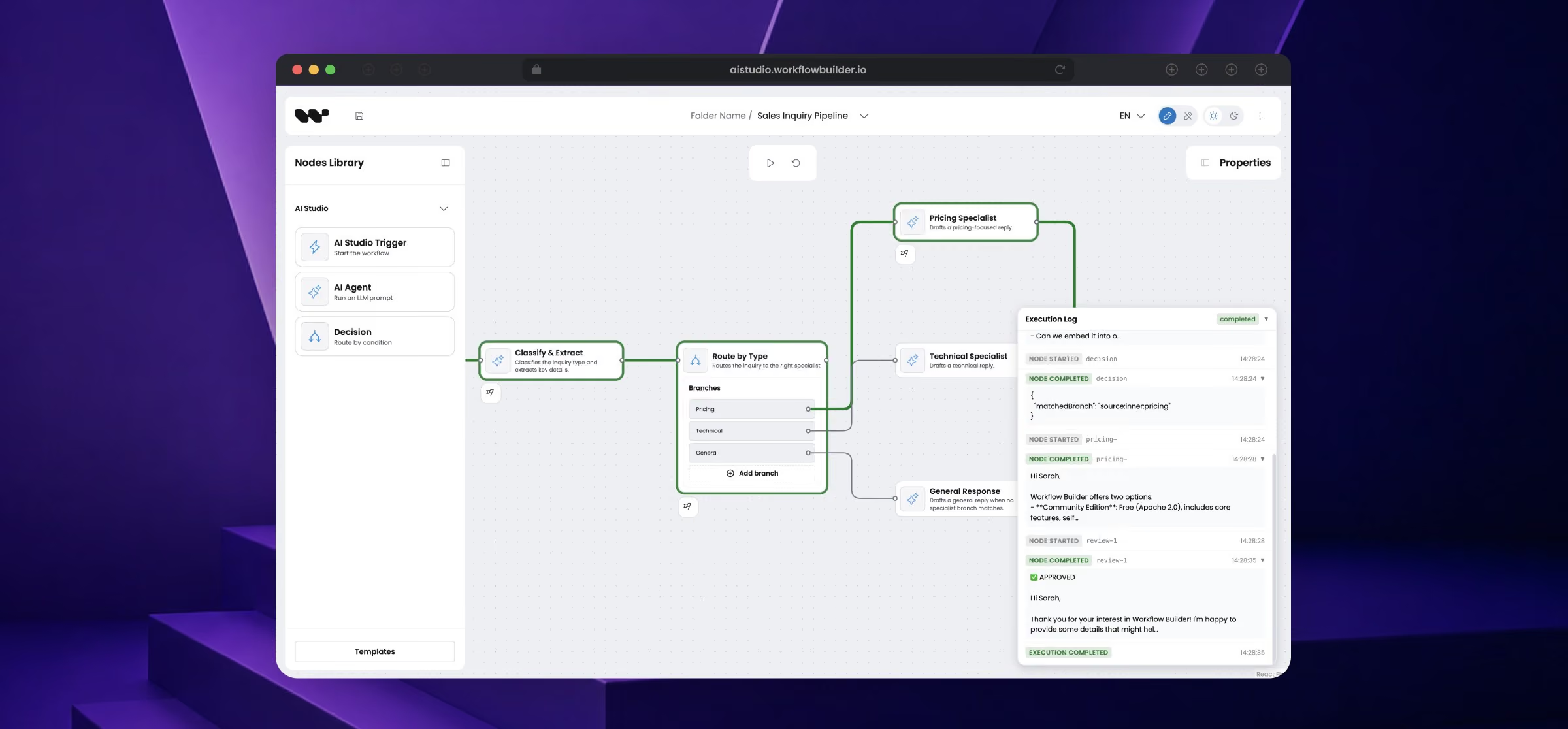
The full-stack demo in the Workflow Builder repository runs the editor, a backend, a Temporal worker, and Postgres, and shows each run in Temporal’s UI. The frontend is the AI Studio reference product; its Refund Review template includes a step that waits for a human decision.
Next steps

Workflow Builder documentation
Setup guides, persistence options, and custom nodes.
Guide: embed the editor in React
Run the editor inside an existing React application.

Guide: add a custom node
Define the node types application users can place on the canvas.

Source code on GitHub
The Workflow Builder repository, including the Temporal plugin. Apache 2.0 license.

GitHub Discussions
Questions, ideas, and feedback for the Workflow Builder maintainers.

Discord community
Real-time questions on the Workflow Builder Discord server.
FAQ
Workflow Builder and Temporal
- Can a Temporal workflow change without redeploying the worker?
Yes, if the change uses node types the worker already supports. A Workflow Builder diagram is data, so saving it triggers no code generation or Temporal worker deployment.
- How does Workflow Builder run a diagram on the Temporal workflow engine?
Workflow Builder’s backend maps the diagram to an execution definition, and a packaged interpreter workflow runs each step as a Temporal Activity.
- Which Temporal SDK does Workflow Builder use?
Workflow Builder uses the Temporal TypeScript SDK. Its interpreter ships as a plugin registered on a Temporal worker.
- Is Workflow Builder locked to Temporal?
No. Workflow Builder uses Temporal through an adapter, and the process definition stays separate from Temporal-specific workflow code.
- Can a Temporal workflow wait for a human approval in Workflow Builder?
Yes. Workflow Builder parks a process at a step until a person decides: Temporal keeps the run suspended, without polling or a timer, across worker restarts, and resumes it when the decision arrives as a Workflow Update. The application controls who may decide.

Related articles
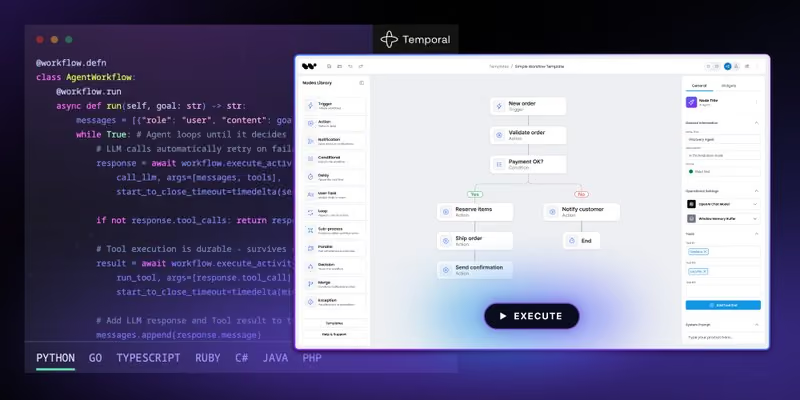
Temporal workflow engine: why it became our default
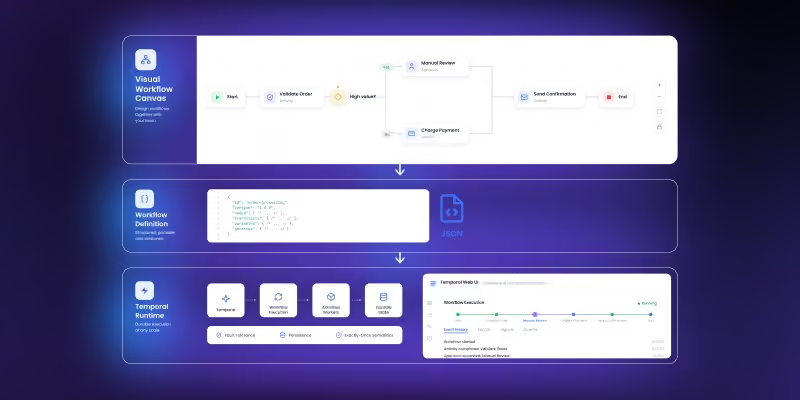
Temporal UI: why durable execution still needs a visual authoring layer
Temporal human-in-the-loop: what the engine gives you, what you build
How to add workflow execution to a visual workflow editor
Workflow canvas vs workflow engine: why workflow UI alone is not enough